Set up a clean browser session for Facebook Reels connections is a Repostit support guide for keeping your Facebook Reels connection clear and reliable.
This guide is for Repostit users working with TikTok, YouTube Shorts, Facebook Reels, and Instagram Reels, which are the platforms currently covered by the public Repostit help center.
Visual checklist #
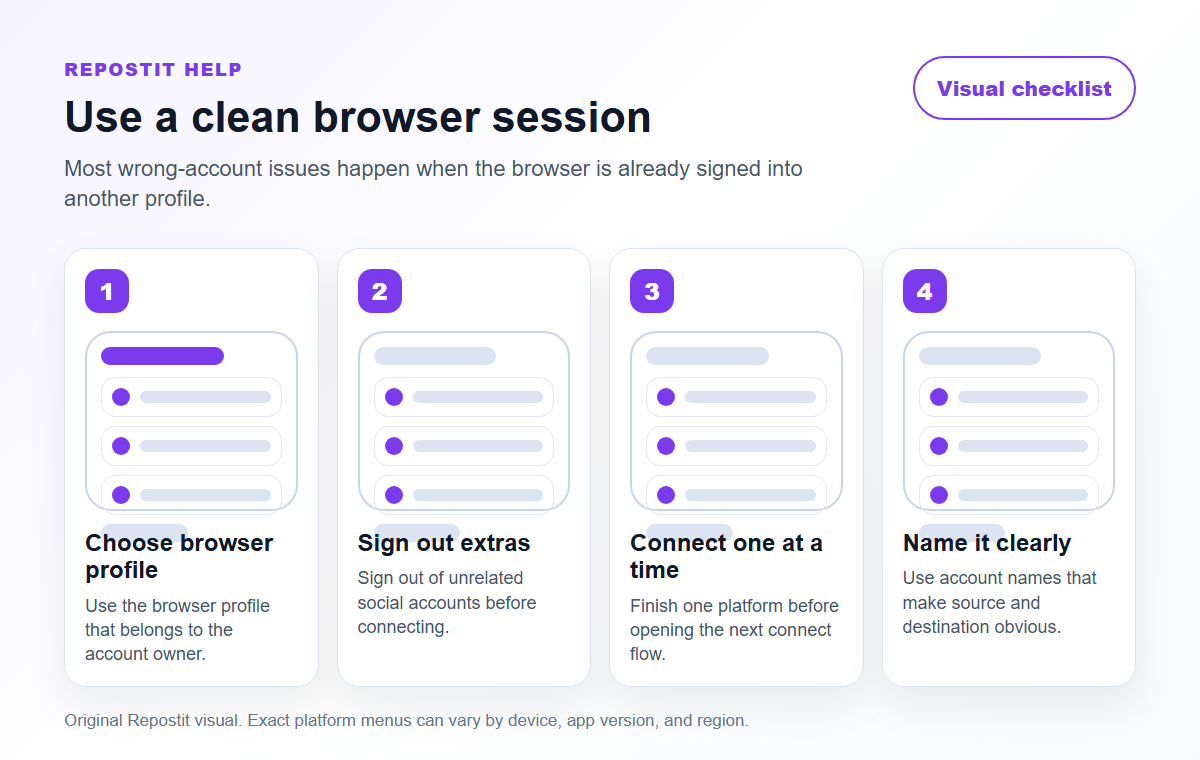
Use a clean browser session #
- Sign in to the correct Facebook Page or account before starting the Repostit connection.
- Close old authorization windows.
- Allow pop-ups and redirects for Repostit.
- Try a private window if the wrong account keeps opening.
Why this matters #
Most Facebook Reels connection issues come from browser sessions, account permissions, or platform authorization windows. Fixing those basics first usually saves more time than recreating every workflow.
Recommended next step #
- Check the connected account inside Repostit.
- Open Facebook Reels directly in the same browser and confirm the account is correct.
- Reconnect only if the account is missing, expired, or opening the wrong profile.
- Run a small test workflow after any connection change.
Platform-specific checks #
Facebook Reels checks #
- Facebook publishing often depends on Page access, so confirm your profile can manage the Page.
- When Meta asks for permissions, choose the Page that should receive the Reels workflow.
- Check the published Reel from Facebook itself after the first test, not only from the Repostit activity view.
Browser setup #
- Allow pop-ups and redirects for Repostit before starting a connection.
- Use a browser profile signed in to the correct social account.
- If the wrong profile opens, sign out of the social platform and reconnect.
Quality bar before you rely on this #
Before you treat this as a live Repostit workflow, publish one low-risk test and inspect the result on Facebook Reels. A workflow is ready only when the correct source account, destination account, video format, and permission path all match what you expected.
If this is for a client or brand account, write down the source, destination, approval owner, and reason for the workflow. That small note prevents confusion later if someone asks why a post appeared on a specific channel, Page, or profile.


