This Repostit guide explains connect instagram to repostit in a way that is specific to the Repostit app.
This guide applies to the Repostit platforms currently supported in the app: TikTok, YouTube, Facebook, and Instagram.
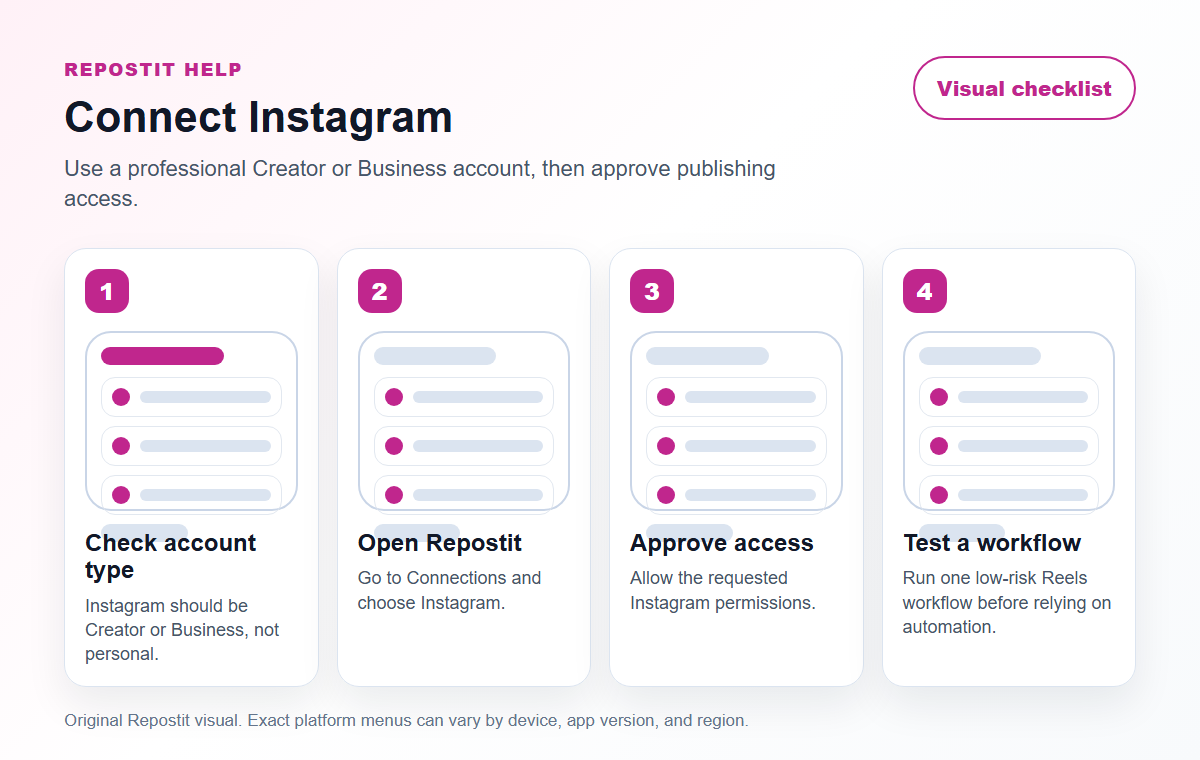
Visual checklist #
Before you start #
- Make sure you can sign in to the social account you want to connect.
- Use the same browser session when completing the authorization window.
- Check that pop-ups and redirects are allowed for
https://app.repostit.io. - Only connect accounts you own or are authorized to manage.
Connect Instagram #
- Open Repostit and sign in.
- Go to Connections.
- Choose Instagram.
- Complete the official authorization window from Instagram.
- Allow the requested permissions so Repostit can publish your approved content.
- Return to Repostit and confirm the connection appears as active.
If the authorization window does not open, allow pop-ups for https://app.repostit.io and try again.
What you need before connecting #
- Access to the Instagram account in the same browser.
- Permission to manage or publish for that account.
- Pop-ups and redirects allowed for
https://app.repostit.io.
For Instagram, make sure you are connecting the account that owns the Reels you want to manage. If Instagram opens the wrong profile, sign out of Instagram in your browser, then start the Repostit connection again.
Troubleshooting #
- If the connection window does not open, allow pop-ups and redirects for Repostit.
- If the wrong account opens, sign out of the social platform in your browser and reconnect.
- If a post fails, check whether the destination account allows the media type and duration.
- If you still need help, email support@repostit.io.
Platform-specific checks #
Instagram Reels checks #
- Instagram authorization should be approved from the account that owns the Reels workflow.
- Check crop-safe areas because captions, overlays, and profile UI can cover parts of a Reel.
- If Instagram opens the wrong profile, sign out in the browser and reconnect from Repostit.
Practical check #
- Keep the first version simple enough that you can verify it quickly.
- Write down the source account, destination account, and reason for the workflow.
- Review the first result on the destination platform before increasing posting volume.
Quality bar before you rely on this #
Before you treat this as a live Repostit workflow, publish one low-risk test and inspect the result on Instagram Reels. A workflow is ready only when the correct source account, destination account, video format, and permission path all match what you expected.
If this is for a client or brand account, write down the source, destination, approval owner, and reason for the workflow. That small note prevents confusion later if someone asks why a post appeared on a specific channel, Page, or profile.


