Repostit
Auto Post to Social Media: How to Automate Posting (2026)
· 3 min read
To auto post to social media means your posts publish themselves: either at a time you scheduled, or automatically whenever you post something new on your main account. Set up once, it saves hours a week and keeps every profile active. This guide explains the three types of automatic posting, how to set each one up, and which auto posting tools fit which job.
3 ways to automate social media posting
| Type | How it works | Best for |
|---|---|---|
| Scheduled posting | You write posts ahead of time and pick when each goes live | Planned campaigns, launches, a weekly content calendar |
| Automatic reposting | Every new post on one account (say TikTok) is republished to your other accounts | Creators who post short videos on one main app |
| Feed-based auto posting | New blog posts, products or RSS items are shared automatically | Blogs, news sites and online stores |
How to set up automatic social media posting
1. Automatic reposting (hands-free)
With Repostit, you keep posting on the app you already use and the rest happens on its own:
- Connect your accounts with each app’s official sign-in.
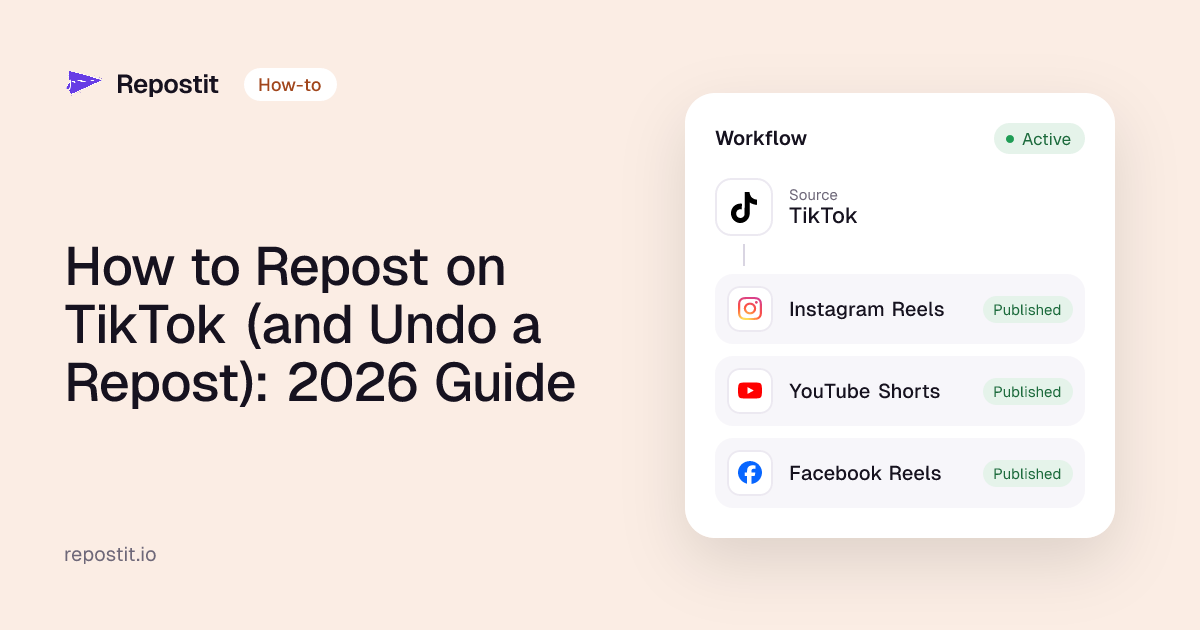
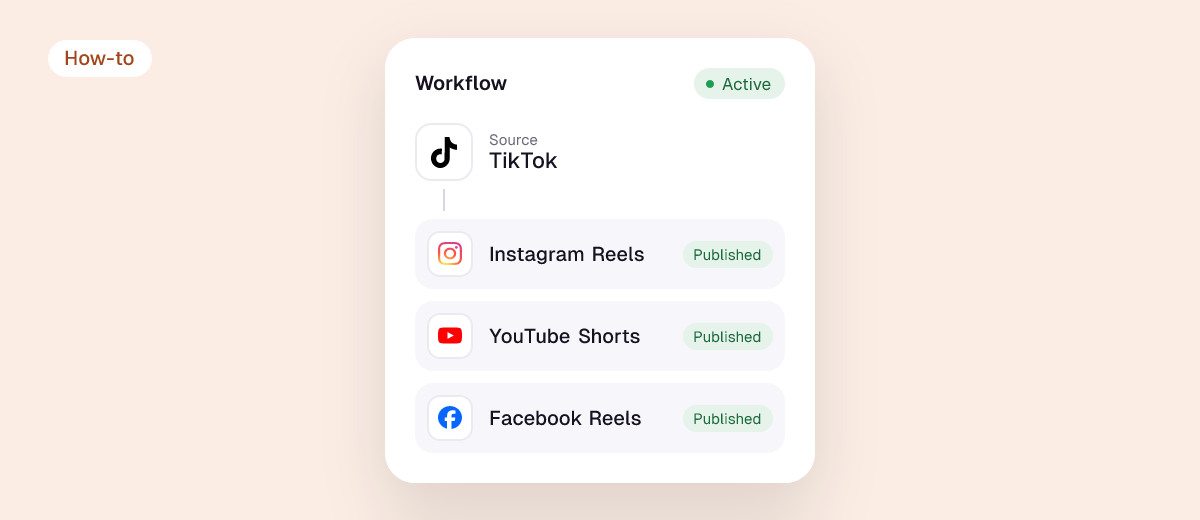
- Create a workflow: choose the source (for example TikTok) and the destinations (Instagram Reels, YouTube Shorts, Facebook Reels, Pinterest, X, Threads, LinkedIn).
- Choose Future to repost new videos, or Existing to repost your back catalog.
- Keep it on Manual for the first post to check it, then switch to Auto.
Every repost is resized for the app it lands on and posted without the original app’s watermark, with your caption and hashtags.
2. Scheduled posting
- Write a post once and add every channel it should go to.
- Preview each version and adjust captions where needed.
- Pick a date and time and let the scheduler publish it.
Repostit’s Post planner does this for Instagram, Facebook, LinkedIn, X, Threads, Pinterest, TikTok and YouTube. Platform guides: schedule TikTok posts, schedule Instagram Reels, schedule Facebook posts.
3. Feed-based auto posting
If you run a blog or a store, connect its RSS feed to a scheduler with RSS automation (Publer and Buffer offer this) or use a WordPress plugin that shares each new post. Write a custom message for important posts instead of letting every one go out with the same template.
Best auto posting tools
| Tool | Auto posting type | Paid from |
|---|---|---|
| Repostit | Automatic reposting + scheduling | $5/month |
| Repurpose.io | Automatic reposting | $35/month |
| Buffer | Scheduling | $5 per channel/month (yearly) |
| Publer | Scheduling + RSS | $4 per account/month (yearly) |
| Zapier, IFTTT, Make | Custom automations between apps | Free tiers, then paid |
Prices from each pricing page, November 2026. Full comparison: best cross-posting tools. Building it yourself with Zapier or IFTTT? See Zapier and IFTTT for reposting videos.
Auto posting without hurting your reach
- Post clean copies. No TikTok logo on Reels or Shorts; Instagram has said it won’t recommend Reels with other apps’ watermarks.
- Fit each app. Check sizes and lengths with the video size checker and captions with the caption length checker.
- Don’t automate replies. Automate publishing, but answer comments yourself.
- Stay within each app’s limits. See how many videos you can post per day.
- Use official connections. Tools that post through each app’s official API keep your accounts safe; avoid anything that asks for your password.
FAQ
Can I auto post to all social media at once?
Yes. Add every channel to one post in a scheduler, or set up automatic reposting from your main account. See how to post to all social media at once.
Is there a free way to auto post on social media?
Each app’s own scheduler is free (TikTok Studio, Meta Business Suite, YouTube Studio), and Buffer and Publer have limited free plans. Repostit has a 14-day free trial.
Is automatic posting allowed?
Yes, when it goes through each platform’s official publishing API, which is how Repostit and the major schedulers post. Bots that log in with your password can break platform rules.
What’s the difference between auto posting and cross-posting?
Cross-posting is sharing the same content on several platforms; auto posting is publishing without doing it by hand. Most tools do both. More in our cross-posting guide.