Repostit
YouTube Shorts Maker: How to Make Shorts from YouTube Videos (Free)
· 3 min read
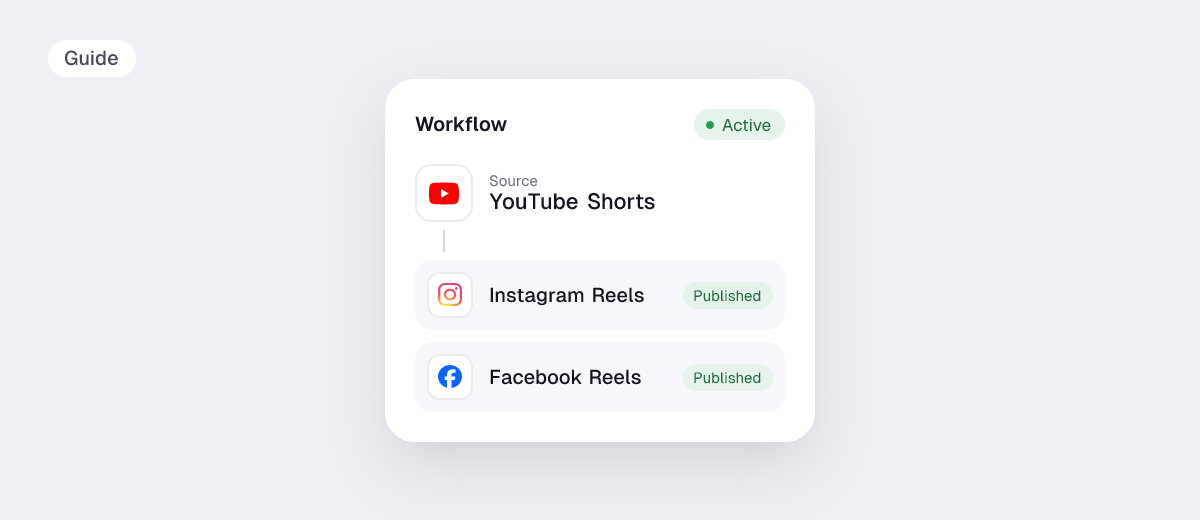
A YouTube Shorts maker turns your long YouTube videos into vertical clips under 3 minutes, so one video becomes a week of Shorts, TikToks and Reels. You can do it by hand in YouTube’s own editor, or let an AI clip generator find the best moments for you. Here are both, plus how to get the Shorts posted.
3 ways to make Shorts from YouTube videos
| Method | Price | Effort | Best for |
|---|---|---|---|
| YouTube app: create a Short from your video | Free | You pick each moment by hand | One or two Shorts from a single video |
| A video editor (CapCut, Premiere, etc.) | Free to paid | Full manual editing | Heavily edited Shorts with effects |
| AI clip maker like Repostit Clips | Free for 10 videos or 100 minutes | Paste a link, pick from scored clips | Turning every long video into many Shorts |
Make Shorts with YouTube’s own tools (free)
- Open the YouTube app and go to one of your own long videos.
- Tap the option to create a Short from it (often labelled Edit into a Short or found under the Remix/create menu).
- Select the segment you want, then add text, music or a voiceover.
- Write a title and publish. The Short links back to the original video.
It’s free and fast for one clip, but you choose every moment yourself and it only publishes to YouTube.
Make Shorts automatically with an AI YouTube clipper
Repostit Clips works from a YouTube link:
- Paste a YouTube link: a podcast, interview, webinar or livestream.
- Clips finds the strongest moments, cuts them into vertical 1080×1920 clips and gives each a score. You can also set your own start and end in the manual editor.
- Schedule the best ones to YouTube Shorts, TikTok, Instagram Reels and any other connected app from the Clips calendar.
Every account gets 10 videos or 100 minutes free, without a watermark. Paid plans start at $8.25 a month (yearly) for 300 minutes. Compare options in the best AI clip makers and OpusClip alternatives.
YouTube Shorts specs
- Length: up to 3 minutes. A Short over 1 minute with an active copyright claim is blocked.
- Format: vertical or square; 1080×1920 (9:16) is the standard.
- Title: up to 100 characters. Check it with the caption length checker.
Check any file against every app’s limits with the free video size checker.
Tips for Shorts that get watched
- Start mid-sentence on the hook. Cut the warm-up; the first second decides if people stay.
- One idea per Short. A single tip, story or answer beats a summary.
- Burn in captions. Many people watch with the sound off.
- Post the same Shorts on TikTok and Reels. Clean, watermark-free copies reach new audiences. See YouTube Shorts to TikTok and Reels.
- Post consistently. A few Shorts a week from each long video keeps your channel active between uploads.
FAQ
What is the best free YouTube Shorts maker?
YouTube’s own editor is free for single clips. For turning whole videos into many Shorts, Repostit Clips is free for 10 videos or 100 minutes, with no watermark.
Can I turn someone else’s YouTube video into Shorts?
Only with the owner’s permission. Clip your own videos, or videos you have the rights to, to avoid copyright claims.
Can AI make YouTube Shorts from a long video?
Yes. AI clip makers find the most engaging moments, reframe them vertically and score them, so you only review and post.
How do I post Shorts to TikTok and Instagram too?
Schedule each clip to every connected app from Repostit’s calendar, or set up a workflow that reposts every new Short automatically.