Repostit
How to Auto Post to X (Twitter): Schedule and Automate Posts (2026)
· 2 min read
You can auto post to X (Twitter) by scheduling posts ahead of time or by having new videos from your other accounts posted to X automatically. Here’s how each works, what X allows, and which tools to use.
Option 1: Schedule posts on X (free)
- On x.com on a computer, write your post.
- Click the schedule (calendar) icon under the post box.
- Pick the date and time and confirm.
Scheduled posts are listed under Unsent posts. It’s free but covers X only, one post at a time.
Option 2: Auto post to X with Repostit
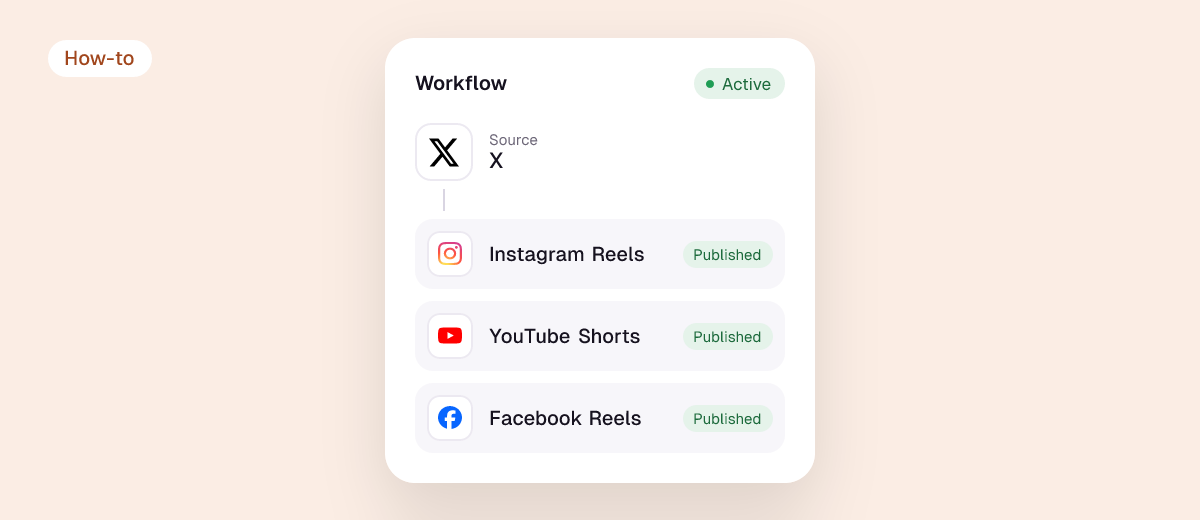
- Automatically: every new TikTok, Reel or Short you post is reposted to X as a native video, without the other app’s watermark. See how to post TikToks on X.
- Scheduled: write one post in the Post planner, add X plus Instagram, Facebook, LinkedIn, Threads, Pinterest, TikTok or YouTube, preview each and schedule it.
Plans start at $5 a month with a 14-day free trial, no credit card.
What X allows
- Text: 280 characters on a free account (Premium accounts can post up to 25,000). Check with the caption length checker.
- Video: up to 2 minutes 20 seconds on a free account, 512 MB, in 16:9, 1:1 or 9:16. Check with the video size checker.
- Automation: posting through X’s official API is allowed; avoid tools that ask for your password or post identical content across many accounts.
Tips for automated posts on X
- Write for X. A long Instagram caption gets cut at 280 characters; put the hook first.
- Use native video, not a link to TikTok or YouTube; native videos play in the feed.
- Reply yourself. Automate posting, not conversations.
- Cross-post from X to Facebook? See how to connect X to Facebook.
FAQ
Can I auto post to Twitter for free?
Yes, X’s own scheduler on desktop is free. Tools that also post to other apps usually charge; Repostit has a 14-day free trial.
Can I automatically post my TikToks to X?
Yes. Create a TikTok to X workflow in Repostit and every new TikTok is posted to X as a native video.
Is auto posting allowed on X?
Posting through X’s official API is allowed. Spammy automation, like duplicate posts across many accounts, breaks X’s rules.
More: how to auto post to social media and best cross-posting tools.