Repostit
How to Repost Instagram Reels to YouTube Shorts (Manually or Automatically)
· 2 min read
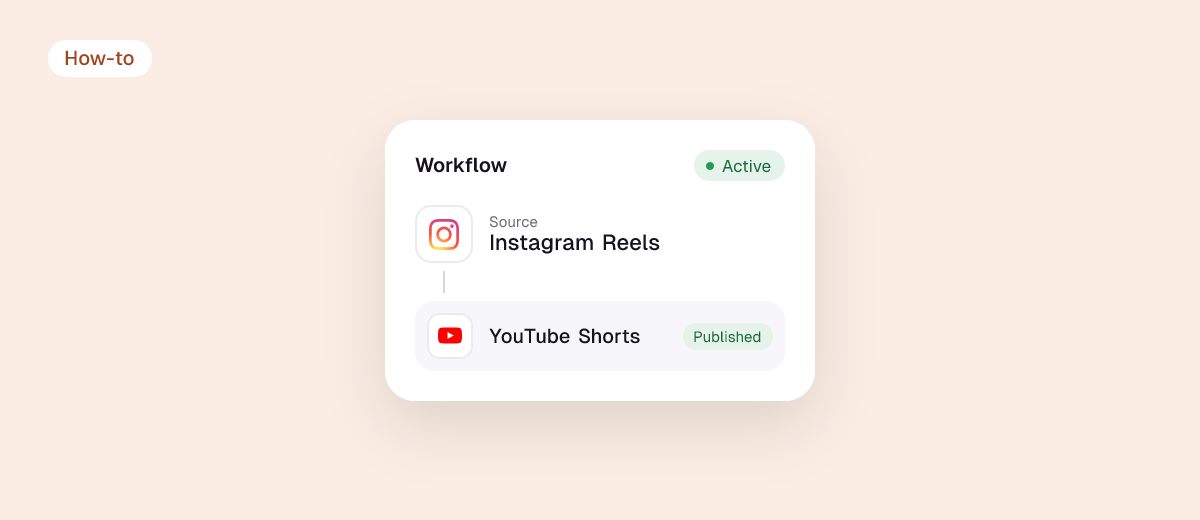
Your Instagram Reels are already vertical, short and edited, which makes them ready-made YouTube Shorts. Posting them on YouTube too puts the same video in front of a second audience that searches and subscribes. Here’s how to do it by hand, and how to repost every Reel to YouTube Shorts automatically.
Can you post Instagram Reels on YouTube Shorts?
Yes, as long as it’s your own content. Two things to get right:
- Length: Shorts can be up to 3 minutes. Most Reels fit; longer ones upload as regular videos.
- A clean file: use your original video, not a screen recording or a download with Instagram’s interface on it.
How to repost Instagram Reels to YouTube Shorts manually
- Keep the original video file you edited (or save your Reel to your phone before adding Instagram-only stickers).
- In the YouTube app, tap + → Upload a video and pick the file.
- Write a title (up to 100 characters), add a description and hashtags, and publish.
Free, but it takes a few minutes per Reel and it’s easy to fall behind.
How to repost Instagram Reels to YouTube Shorts automatically
With Repostit, every new Reel is posted to YouTube Shorts for you:
- Connect Instagram and YouTube with their official sign-ins.
- Create a workflow with Instagram as the source and YouTube Shorts as the destination. Add TikTok, Facebook Reels or Pinterest in the same workflow if you like.
- Choose Future, Existing or both to send new Reels, your back catalog, or both.
- Check the first one on Manual, then switch to Auto.
Each Short keeps your caption and hashtags, is sized for YouTube and goes out without the Instagram interface. Plans start at $5 a month, with a 14-day free trial and no credit card.
Tips for Reels on YouTube Shorts
- Write a YouTube title. YouTube is a search engine: put the topic people would search for in the title.
- Replace Instagram-only audio. Music from Instagram’s library may not be licensed on YouTube. Original audio or YouTube’s own library is safest; see reposting without copyright problems.
- Keep it under 1 minute if it has licensed music, since Shorts over a minute with a copyright claim are blocked.
- Check the file with the free video size checker.
Other routes
- Instagram Reels to TikTok
- TikTok to YouTube Shorts
- YouTube Shorts to TikTok and Reels
- Instagram to Facebook
FAQ
Is it OK to post the same video on Reels and Shorts?
Yes. Posting your own video on several apps is normal; what to avoid is another app’s watermark. More in does cross-posting hurt reach?
Can I upload Instagram Reels to YouTube as Shorts from my computer?
Yes. Upload a vertical video up to 3 minutes in YouTube Studio and it’s treated as a Short.
Can I move all my old Reels to YouTube Shorts?
Yes. Choose Existing in a Repostit workflow to send your back catalog, spread out over time.