Repostit
How to Repost on TikTok (and Undo a Repost): 2026 Guide
· 3 min read
TikTok has a Repost button that shares someone else’s video with your followers, without making a copy. This guide shows how to repost on TikTok, how to undo a repost, how to see your reposts, and what to do when you want to share your own TikToks again or on other apps.
How to repost on TikTok
- Open the TikTok app and find the video you want to repost.
- Tap the Share arrow on the right side of the video.
- Tap Repost (the yellow icon with two arrows).
The video now appears in your followers’ For You feeds as something you reposted, and in the Reposts tab on your profile. Some versions of the app let you add a short comment when you repost.
How to undo a repost on TikTok
- Go back to the video you reposted (find it in the Reposts tab on your profile).
- Tap the Share arrow.
- Tap Remove repost.
The video disappears from your Reposts tab.
How to see your reposts
Open your profile and tap the Reposts tab (the icon with two arrows) next to your videos. To control who can see your reposts, open Settings and privacy → Privacy and look for the reposts setting.
Why can’t I repost on TikTok?
- Update the app. Repost is part of the Share menu in current versions.
- It’s your own video. The Repost button doesn’t appear on your own videos.
- The creator limited sharing, or the video is private, friends-only or age-restricted.
- Your account is new or restricted. Some features roll out gradually.
How to repost your own TikTok
Since you can’t use the Repost button on your own videos, you have three options:
- Stitch or Duet your old video to add new context.
- Post it again from your original file, ideally with a new hook or caption. Avoid doing this often with identical videos.
- Repost it on other apps. Usually the better move: the same TikTok reaches a new audience as an Instagram Reel, YouTube Short or Facebook Reel.
How to repost TikToks to Instagram, YouTube and Facebook
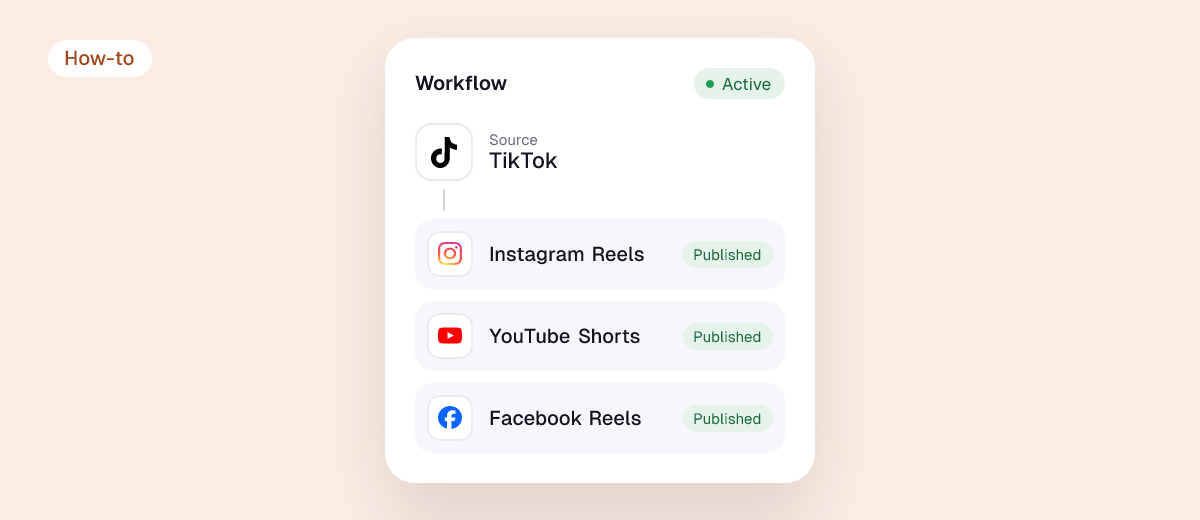
TikTok’s Repost button only works inside TikTok. To share your TikToks on other apps without the watermark, use your original file or a tool like Repostit, which reposts every new TikTok automatically to:
- Instagram Reels
- YouTube Shorts
- Facebook Reels
- Pinterest, plus X, Threads and LinkedIn
It can also send your back catalog: see how to repost old TikTok videos. Why the watermark matters: removing the TikTok watermark before reposting.
Should you repost on TikTok?
Reposting is a quick way to share content your audience will like and to support other creators, but your profile grows from original videos. Keep reposts occasional and relevant. Never download and re-upload someone else’s video as your own; that’s what the Repost button is for.
FAQ
What does repost mean on TikTok?
Sharing another creator’s video with your followers. The video stays on the creator’s account; your followers see that you reposted it.
Can people see what I repost on TikTok?
Yes, reposts show to your followers and in your Reposts tab, unless you limit who can see them in your privacy settings.
Can I repost a TikTok on Instagram?
Yes, but post a clean copy: Instagram doesn’t recommend Reels with another app’s watermark. Repostit posts your own TikToks to Instagram without it.