Repostit
How to Post Your TikToks on Threads (Manually or Automatically)
· 2 min read
Threads isn’t only text anymore: videos play in the feed, vertical 9:16 is the preferred format, and you can post up to 5 minutes. That makes it an easy extra home for your TikToks, with an audience that overlaps heavily with Instagram but behaves differently. Here’s how to get your TikToks onto Threads properly.
Quick answer
- By hand: upload a watermark-free copy of your TikTok as a new Threads post with a short, conversational caption.
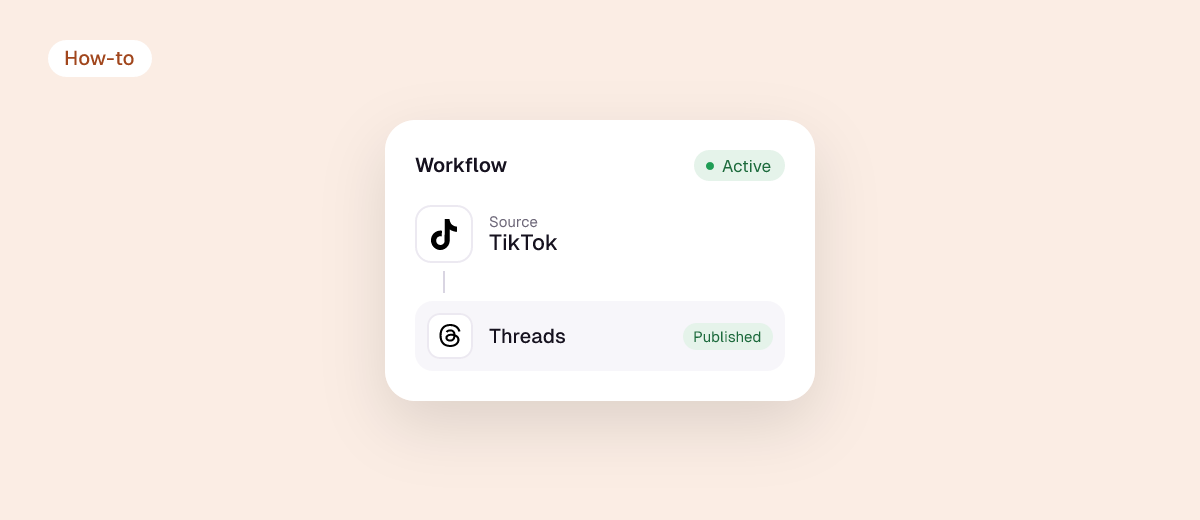
- Automatically: connect TikTok and Threads to Repostit; each new TikTok is posted on Threads as a native video without the TikTok logo.
Threads video requirements
| Spec | Threads |
|---|---|
| Max length | 5 minutes |
| Aspect ratio | 9:16 preferred; also 3:4, 1:1, 16:9 |
| Max file size | 1 GB |
| Frame rate | 23–60 fps |
| Format | MP4 or MOV |
| Text | 500 characters |
Every TikTok fits these limits as it is.
Method 1: post a TikTok to Threads by hand
- Get a clean copy without the TikTok watermark: your original edit, or see how to remove the TikTok watermark. Meta has said it limits content showing other apps’ logos.
- In Threads, tap New thread (the + or pencil icon), then the media icon, and choose the video.
- Write for Threads: a sentence that starts a conversation works better than a hashtag list. Threads supports one topic tag per post.
- Post. Reply to comments early; Threads rewards conversation.
Method 2: post every TikTok to Threads automatically
- Start a free Repostit trial (14 days, no card).
- Connect TikTok as the source and Threads as a destination with the official sign-ins. Add Instagram Reels, YouTube Shorts, Facebook, X, LinkedIn or Pinterest in the same workflow if you want.
- Run the first video on Manual, check the Threads post, then switch to Auto.

What works on Threads
- Talking-head and opinion videos fit the conversational feed well.
- Ask a question in the caption to pull replies.
- Keep it native: no TikTok watermark, no “link in bio”.
- Threads and Instagram share an account, so your Instagram followers can find you there quickly. Post the Reel version to Instagram and the conversation version to Threads.
FAQ
Can I share a TikTok to Threads from the TikTok app?
Not as a native video. You can paste the link, but it won’t play in the Threads feed like an uploaded video.
Does Instagram automatically post to Threads?
Meta has tested a “Share to Threads” option for some Instagram posts. If you don’t see it, post to Threads directly or use a tool. See how to link your social accounts.
How long can a Threads video be?
Up to 5 minutes.
Will reposting TikToks hurt my reach on Threads?
Not if it’s your own video without another app’s watermark. See does cross-posting hurt reach?