Repostit
How to Repost TikTok Videos on LinkedIn (and When It’s Worth It)
· 3 min read
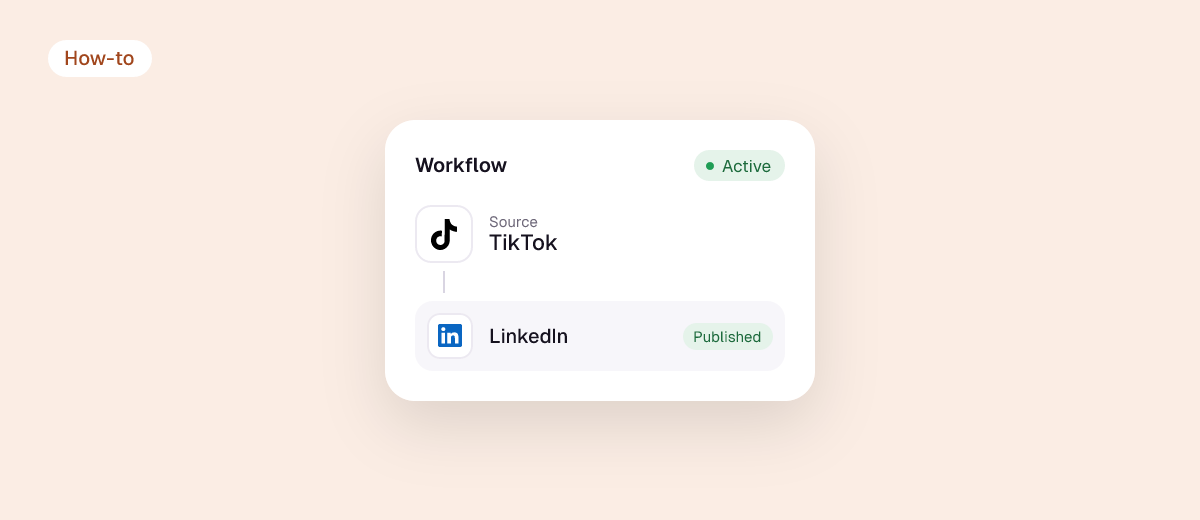
LinkedIn has been pushing video hard, including a vertical video feed in its mobile app. If you make TikToks about your work, industry, product or expertise, they’re often a better fit for LinkedIn than you’d expect, and the audience there is professionals who rarely open TikTok. Here’s which TikToks to send, the specs, and how to do it without extra work.
Which TikToks work on LinkedIn
| Works well | Usually doesn’t |
|---|---|
| Tips, how-tos and explainers from your field | Dance trends and lip-syncs |
| Behind-the-scenes of your business or process | Videos that only make sense with a trending sound |
| Product demos and customer stories | Inside jokes for your TikTok audience |
| Opinions and lessons learned, talking to camera | Very short loops with no message |
A good rule: if you’d be happy for a client or employer to see it, it’s a LinkedIn video.
LinkedIn video specs
| Spec | LinkedIn (organic posts) |
|---|---|
| Length | 3 seconds to 15 minutes |
| Max file size | 5 GB |
| Aspect ratio | 9:16, 4:5, 1:1 and 16:9 all supported |
| Format | MP4 (H.264) or MOV |
| Text | Up to 3,000 characters; about the first 200 show before “see more” |
Your TikToks fit as they are. Shorter videos (under a minute) tend to get the most engagement.
Method 1: post a TikTok on LinkedIn by hand
- Use a watermark-free copy: your original edit, or see how to remove the TikTok watermark. A TikTok logo on LinkedIn looks like recycled content.
- On LinkedIn, click Start a post → the video icon, and upload.
- Rewrite the caption for LinkedIn: lead with the takeaway, add two or three lines of context, and use at most three hashtags.
- Add captions to the video. Most LinkedIn video is watched without sound.
- Post during working hours for your audience’s time zone.
Method 2: send TikToks to LinkedIn automatically
- Start a Repostit trial (14 days, no card).
- Connect TikTok as the source and LinkedIn as a destination using the official sign-ins.
- Run it on Manual: Repostit collects your new TikToks and you pick the ones that suit LinkedIn. This is usually better than Auto here, since not every TikTok belongs on LinkedIn.
- Keep your other routes (Reels, Shorts, Facebook) on Auto in separate workflows.

Tips for TikToks on LinkedIn
- Hook with the outcome: “How we cut our returns by 30%” beats “Day in the life”.
- Check the audio: trending TikTok sounds aren’t licensed for LinkedIn. Use original audio. See reposting without copyright problems.
- Reply to every comment in the first hour. Conversation drives distribution on LinkedIn.
- Don’t put links in the post if reach matters; add them in a comment.
FAQ
Can I share a TikTok to LinkedIn from TikTok?
You can share the link, but it won’t play as a native LinkedIn video. Upload the file or use a reposting tool for full reach.
Does LinkedIn support vertical video?
Yes. 9:16 is supported, and LinkedIn’s mobile app has a vertical video feed.
Should I post every TikTok to LinkedIn?
No. Choose the ones about your work, expertise or business. Manual mode in Repostit makes that a quick daily pick.
Can I post to LinkedIn and X together?
Yes, add both as destinations. See also how to post TikToks on X.