Repostit
Best AI Clip Makers in 2026: 5 Tools Compared (Free and Paid)
· 4 min read
An AI clip maker takes a long video (a podcast, an interview, a stream) and cuts it into short vertical clips for TikTok, Instagram Reels and YouTube Shorts. They all find highlights; they differ in price per minute, watermarks on the free plan, editing depth and whether they also post the clips for you. Here are the five worth comparing, with prices checked on each tool’s own pricing page in November 2026.
Best AI clip makers at a glance
| Tool | Free plan | Entry price | Posts clips for you | Best for |
|---|---|---|---|---|
| Repostit Clips | 10 videos or 100 minutes, no watermark | $8.25/mo (yearly) for 300 minutes | Yes, scheduled to any connected app | Clipping YouTube videos and getting them posted everywhere for less |
| OpusClip | 60 credits a month, watermarked, clips expire after 3 days | $15/mo for 150 credits | Yes, on paid plans | The most complete editor: animated captions in 20+ languages |
| Vizard | 60 credits a month (1 credit = 1 minute) | $14.50/mo (yearly) on Creator | Check vizard.ai | Editing and team workspaces |
| Klap | Check klap.app | $14.50/mo (yearly) for 100 clips | Check klap.app | Paying per clip instead of per minute |
| Ssemble | Check ssemble.com | From $6/mo | Check ssemble.com | The lowest entry price |
Prices from repostit.io, opus.pro, vizard.ai, klap.app and ssemble.com, November 2026.
How to choose an AI clip maker
- Price per minute, not per month. A podcaster with four one-hour episodes a month needs about 240 minutes. Compare what each plan gives you for that.
- Watermark on the free plan. Test clips with a watermark can’t go out as they are.
- How the clips get posted. Making clips is half the job. A tool that schedules them to TikTok, Reels and Shorts saves the other half.
- Editing depth. If you need animated captions, B-roll and brand templates inside the clipper, pay for the bigger editors.
1. Repostit Clips
Repostit Clips takes a YouTube link, finds the strongest moments, cuts them into vertical 1080 × 1920 clips and gives each a score, so you post the best ones first. Clipping can be automatic or manual. Send a clip to the calendar, pick a day and an app, and Repostit publishes it, sized for each app with your caption and hashtags.
Pricing: 10 videos or 100 minutes free, with no watermark. Then Basic $8.25 a month for 300 minutes, Pro $16.58 for 700 minutes, Premium $41.58 for 1,500 minutes (yearly prices).
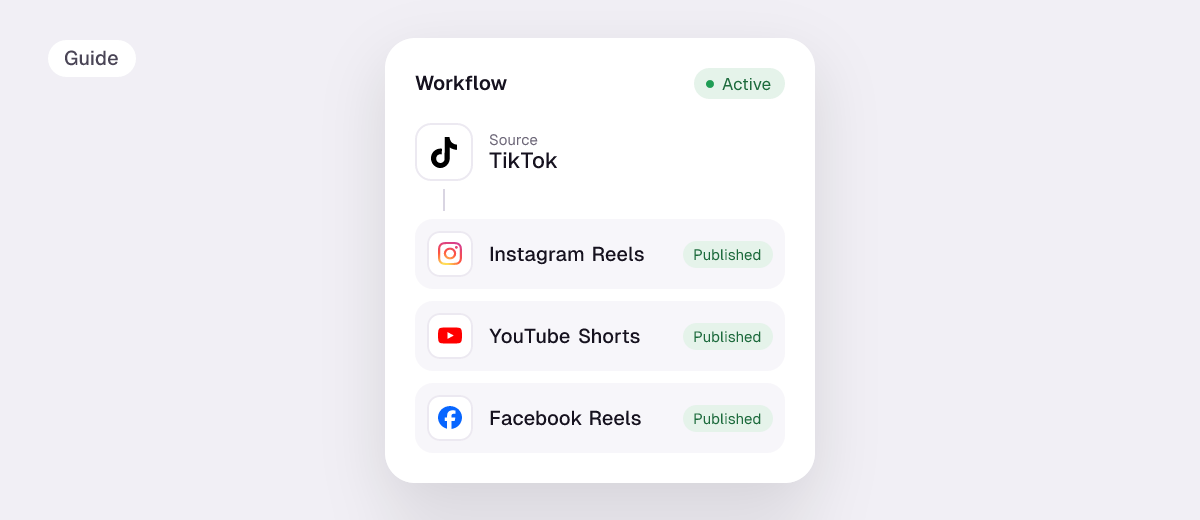
Good to know: it works from YouTube links, so upload local recordings to YouTube first (unlisted is fine). The same account can also repost every new TikTok to Instagram Reels, YouTube Shorts and Facebook automatically.
2. OpusClip
The best-known AI clipper, with a virality score, animated captions in 20+ languages, filler and silence removal and auto-posting to YouTube Shorts, TikTok and Reels on paid plans. The free plan gives 60 credits a month but adds a watermark, and its clips can’t be exported after 3 days. Starter is $15 a month for 150 credits; Pro is $14.50 a month billed yearly for 3,600 credits a year. Comparing the two directly? See OpusClip alternatives.
3. Vizard
Vizard’s free plan includes 60 credits a month, where one credit is one minute of video. Creator removes the watermark for $14.50 a month billed yearly, and Business adds a shared workspace and brand kit for $19.50 a month billed yearly.
4. Klap
Klap charges by clips: 100 clips a month for $14.50 a month billed yearly, 300 for $39.50 and 1,000 for $94.50. Simple if you post a fixed number of clips.
5. Ssemble
Ssemble has the lowest advertised entry price, with plans from $6 a month. Check its pricing page for the minutes each plan includes before you compare.
How to turn a long video into short clips
- Upload the full video to YouTube (public or unlisted) and copy the link.
- Paste it into Repostit Clips and let it pick the highlights, or set your own start and end.
- Sort by score and keep the strongest five to ten clips.
- Send them to the calendar and spread them across TikTok, Reels and Shorts over the week.
Podcasters: see Repostit for podcasters for a full weekly setup.
FAQ
What is the best free AI clip maker?
Repostit Clips gives every account 10 videos or 100 minutes free with no watermark. OpusClip and Vizard both offer 60 credits a month, and OpusClip’s free clips are watermarked.
Which AI clip maker is the cheapest per minute?
Of the plans that list minutes, Repostit Clips Basic gives 300 minutes a month for $8.25 (billed yearly). OpusClip Pro and Vizard Creator are $14.50 a month billed yearly.
Can an AI clip maker post to TikTok, Reels and Shorts for me?
Some can. Repostit schedules clips to any connected app, and OpusClip paid plans can auto-post to YouTube Shorts, TikTok and Reels.
What videos work best for AI clipping?
Long, talk-heavy videos: podcasts, interviews, webinars, livestreams and tutorials. The AI looks for complete, self-contained moments.
Do AI clip makers add a watermark?
OpusClip’s free plan does. Repostit Clips doesn’t, on any plan.