 Repostit
How to Schedule Facebook Posts and Reels (2026)
· 3 min read
You can schedule Facebook posts and Reels for free in Meta Business Suite, up to 75 days ahead, if you post as a Facebook Page or a profile in professional mode. Ordinary personal profiles can’t schedule posts, and no third-party tool can schedule them either: tools that claim to only send you a reminder. To post the same video to Facebook, Instagram, TikTok and YouTube at once, use a cross-posting tool.
Steps were checked against Meta Business Suite and current guides in November 2026. Meta moves menus around, so names can differ slightly.
Who can schedule Facebook posts

If you post as yourself and want to schedule, turn on professional mode on your profile, or create a free Facebook Page for your brand.
How to schedule a Facebook post in Meta Business Suite
- Open Meta Business Suite on a computer, or the Meta Business Suite app.
- Click Create post and pick your Facebook Page. Tick Instagram too if you want the post on both.
- Write the text and add photos, a video or a link.
- Under Scheduling options, turn on Set date and time and choose when it goes out.
- Click Schedule.
The post now sits in the Planner calendar and under Content in the Scheduled tab. From there you can reschedule, edit, publish now or delete it. Change the time instead of deleting and re-creating, so you don’t end up with two copies.
How to schedule a Facebook Reel
- In Meta Business Suite, click Create reel.
- Choose Facebook, Instagram, or both, and upload a vertical video.
- Add the caption and cover.
- Open the publishing options, choose Schedule, pick the date and time, and confirm.
Facebook Reels must be 3 to 90 seconds long to be published as Reels through Meta’s tools. For posting limits per day, see how many videos you can post per day.
Schedule once for Facebook and every other app
Meta Business Suite covers Facebook and Instagram only. If your videos also go to TikTok, YouTube Shorts, X, Threads, LinkedIn or Pinterest, Repostit’s post planner schedules one post to all of them:
- Click New Post, pick your Facebook Page and write the post.
- Click + Cross-Post to add the other apps, and adjust each version if you want.
- Check Preview, set the date and time, and Schedule.
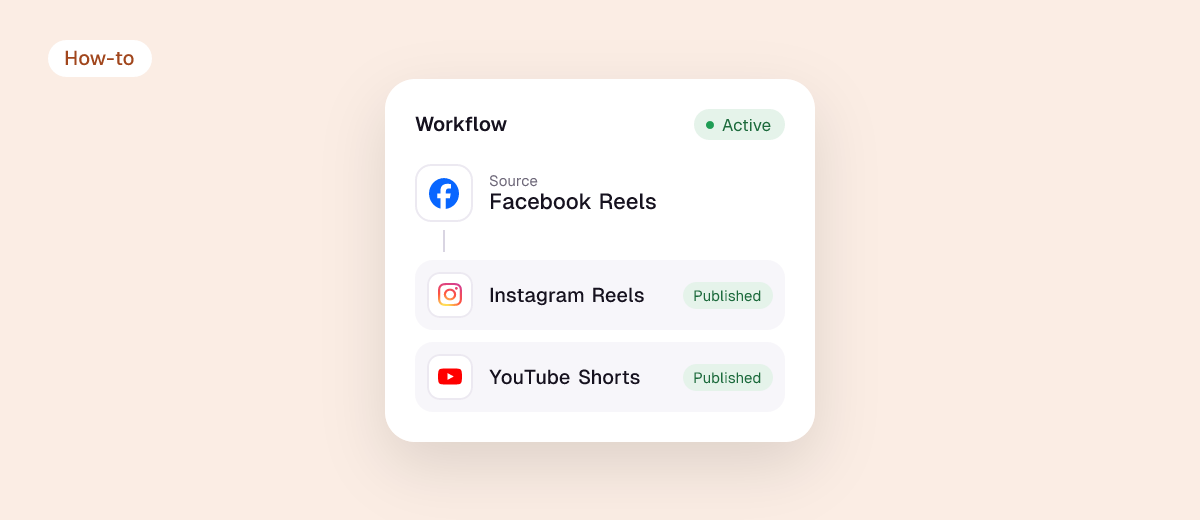
Or skip scheduling entirely: connect your TikTok or Instagram as the source, and Repostit reposts every new video to your Facebook Page automatically, without the TikTok watermark. See TikTok to Facebook. Repostit starts at $5 a month with a 14-day free trial, no card needed. Start free.
Common problems and fixes
- No scheduling option: you’re posting as a personal profile. Switch to the Page, or turn on professional mode.
- Can’t schedule in a Group: group scheduling isn’t consistently available in Meta Business Suite. Post to your Page instead and share it to the group.
- Post went out at the wrong time: check the time zone in Business Suite settings.
- Video posted as a normal video, not a Reel: make it vertical and between 3 and 90 seconds, and use Create reel rather than Create post.
FAQ
Can you schedule posts on a Facebook personal profile?
No. Scheduling works for Pages and for profiles in professional mode. Tools that say otherwise only remind you to post.
How far in advance can you schedule a Facebook post?
Up to 75 days ahead, and at least about 10 minutes from now.
Is scheduling Facebook posts free?
Yes, in Meta Business Suite. Paid tools add more apps, calendars for teams, or automatic cross-posting.
Can I schedule a Facebook post and an Instagram post together?
Yes. In Meta Business Suite, select both your Page and your Instagram account when you create the post.
Can I schedule the same video to Facebook and TikTok?
Not with Meta’s tools. Use a cross-posting tool like Repostit to schedule or repost one video to Facebook, TikTok, Instagram and YouTube.