Repostit
Social Media Scheduler: Best Tools and Free Options (2026)
· 3 min read
A social media scheduler lets you plan posts ahead and have them go live on their own, on several apps from one place. Every big app now has a basic built-in scheduler, so the real question is whether you need one tool for all of them. This guide covers what each app can do for free, what scheduling tools add, and how to choose.
Disclosure: we make Repostit, one of the tools below. Prices are from each company’s pricing page, checked in November 2026.
Can you schedule posts for free in each app?
| App | Built-in scheduler | Notes |
|---|---|---|
| TikTok | Yes, TikTok Studio on desktop | Up to 10 days ahead; not in the mobile app. Guide |
| Yes, in the app (professional accounts) | Up to 75 days ahead; also Meta Business Suite. Guide | |
| Yes, Meta Business Suite | Pages and professional mode only. Guide | |
| YouTube Shorts | Yes, YouTube Studio and app | Set visibility to Schedule. Guide |
| Yes, clock icon in the composer | Profiles and Pages. Guide | |
| X (Twitter) | Yes, on x.com | Reported as not in the mobile apps. Guide |
| Threads | Yes, since January 2025 | Guide |
| Yes, business accounts | Guide |
So for one app, the free scheduler is usually enough. A scheduling tool earns its price when you post the same content to several apps, want one calendar, or want reposting to happen automatically.
Best social media schedulers compared
| Tool | Best for | Free option | Paid from |
|---|---|---|---|
| Repostit | Creators posting short video; auto-reposting from TikTok/Instagram plus a scheduler | 14-day free trial | $5/month |
| Buffer | Simple scheduling on many networks | Free plan: 3 channels | $5 per channel/month (yearly) |
| Publer | Lots of features for the price | Free plan: 3 accounts (not X) | $4 per account/month (yearly) |
| Metricool | Scheduling plus analytics | Free plan: 1 brand, 20 posts/month | €16/month |
| Later | Visual Instagram planning | Trial | See Later alternatives |
| Hootsuite, Agorapulse, Sendible | Teams and agencies with inboxes and reports | Trials | From about $30–$99+/month |
More detail: best cross-posting tools, Agorapulse alternatives, Hootsuite alternatives.
Scheduling vs automatic reposting
Most schedulers work one way: you upload each post into the tool and pick a time. That’s ideal for planned campaigns, images and text posts.
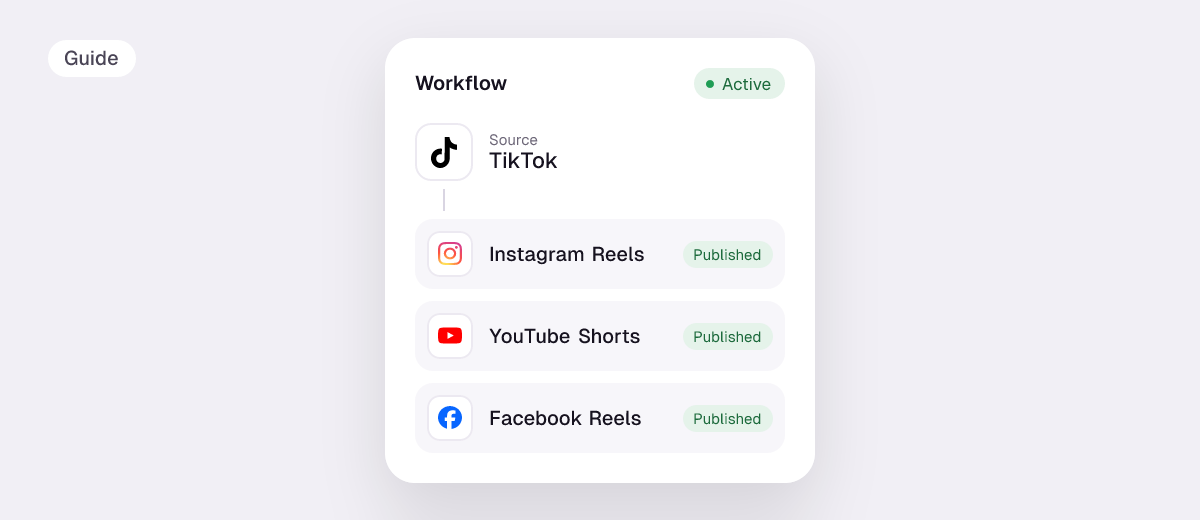
If you make short videos on TikTok or Instagram first, there’s a faster way: automatic reposting. Repostit watches your account and reposts every new video to Instagram Reels, YouTube Shorts, Facebook Reels, Pinterest, X, Threads and LinkedIn, without the TikTok watermark. You keep posting where you already do; the rest happens on its own. For planned posts, its Post planner schedules one post to every app with a side-by-side preview.
How to choose a social media scheduler
- Count your apps. One app: use its free scheduler. Three or more: a tool saves real time.
- Check how you’re billed. Per channel (Buffer), per account (Publer), per user (Agorapulse) or flat (Repostit). Price your actual setup.
- Video first? Make sure it posts native, watermark-free video to Reels, Shorts and TikTok.
- Team needs. Approvals, a shared inbox and client reports are where the expensive suites justify their price.
- Timing. Schedule for when your audience is active; see the best time to post on Instagram and on TikTok.
FAQ
What is the best free social media scheduler?
Buffer (3 channels), Publer (3 accounts) and Metricool (1 brand, 20 posts a month) have free plans. Each app’s own scheduler is free too.
What is the cheapest social media scheduler?
Repostit starts at $5 a month for scheduling and automatic reposting; Buffer and Publer charge from about $4–5 per channel or account.
Can one tool post to Instagram, TikTok, YouTube and LinkedIn at once?
Yes. Schedulers like Repostit, Buffer and Publer post one piece of content to all of them.
Do scheduled posts get less reach?
There’s no published evidence from the apps that scheduled posts are penalised. What matters far more is the content, the right format for each app and posting when your audience is active.