Repostit
How to Schedule YouTube Shorts (Desktop & App, 2026)
· 2 min read
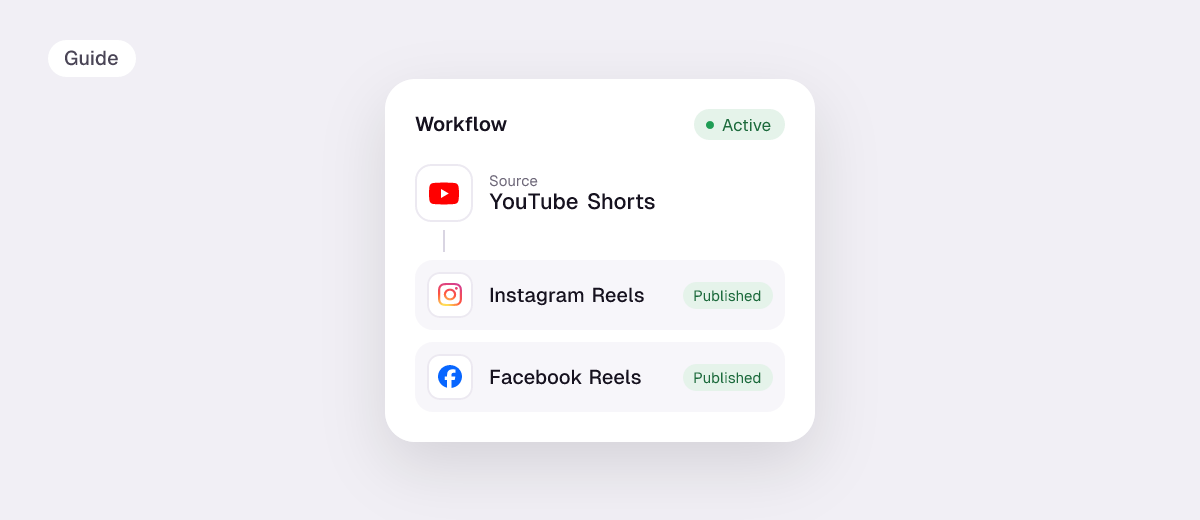
You can schedule YouTube Shorts for free in YouTube Studio or the YouTube app by setting the visibility to Schedule. A scheduler such as Repostit is useful when the same vertical video also goes to TikTok, Instagram Reels and Facebook, or when you’d rather your Shorts were posted from your TikToks automatically.
How to schedule a YouTube Short on a computer
- Open YouTube Studio and click Create → Upload videos.
- Upload a vertical or square video (YouTube treats vertical or square videos up to 3 minutes as Shorts).
- Add the title, description and audience settings.
- On the Visibility step, choose Schedule and pick the date and time.
- Click Schedule.
How to schedule a Short in the YouTube app
- Tap + and choose Upload a video (or create a Short).
- Add the details, then open Visibility and choose Schedule.
- Set the date and time and tap Upload.
Schedule Shorts together with TikTok and Reels
YouTube’s scheduler only covers YouTube. With Repostit’s Post planner you create one post, add YouTube Shorts, TikTok, Instagram Reels and Facebook Reels, preview each and schedule them together.
Or skip scheduling: if you post on TikTok first, a workflow sends every new TikTok to YouTube Shorts without the watermark. See TikTok to YouTube Shorts and Instagram Reels to YouTube Shorts.
| YouTube Studio | Repostit | |
|---|---|---|
| Price | Free | From $5 a month, 14-day free trial |
| Schedule Shorts | Yes | Yes |
| Same video to TikTok, Reels, Facebook | No | Yes |
| Auto-post every new TikTok as a Short | No | Yes |
Tips for scheduled Shorts
- Upload 1080×1920; check your file with the video size checker.
- Write a real title. Shorts titles are searchable on YouTube.
- Don’t upload TikToks with the watermark; post the original file or use a tool that does.
- Avoid copyrighted music you don’t have rights to: see what happens with copyrighted music on Shorts.
FAQ
Can you schedule YouTube Shorts?
Yes, in YouTube Studio on a computer and in the YouTube app, by choosing Schedule under Visibility.
Is there a YouTube Shorts scheduler that also posts to TikTok?
Yes. Repostit schedules one video to YouTube Shorts, TikTok, Instagram Reels and Facebook Reels together.
Can I bulk-schedule YouTube Shorts?
YouTube schedules one upload at a time. With Repostit, you can plan many posts on a calendar, or send your TikTok back catalog to Shorts with a workflow.