Repostit
How to Post Instagram Reels to Pinterest Automatically
· 2 min read
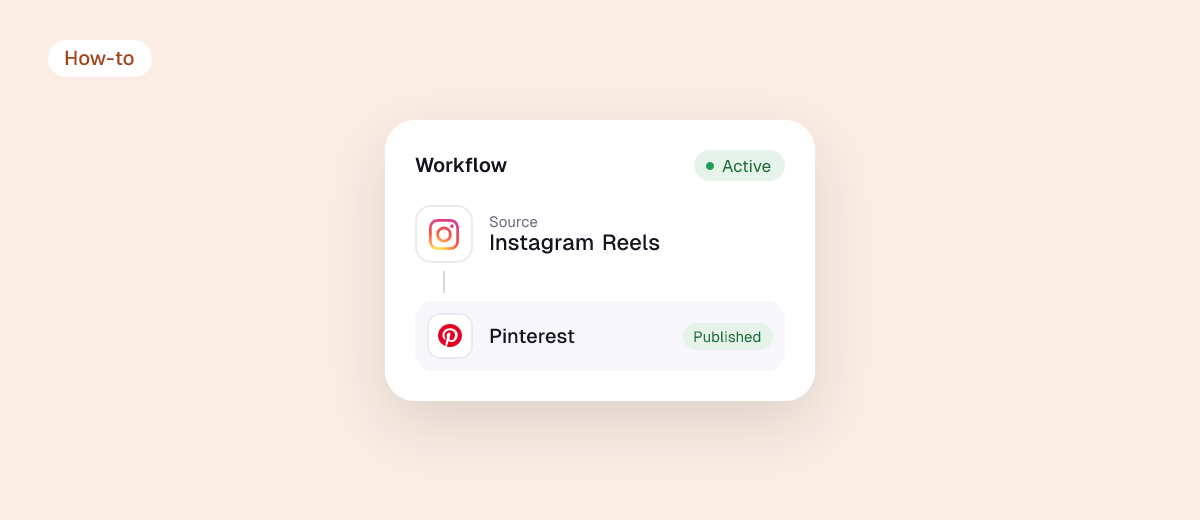
Pinterest is a search engine for ideas, so your Instagram Reels can keep getting found there for months. Instagram doesn’t post to Pinterest by itself; you can pin each Reel by hand or have a tool post every new Reel as a video Pin.
Can you share Instagram posts to Pinterest?
Not automatically from Instagram’s settings. Pinning an Instagram link from a browser saves a link Pin, not a playable video. To get a video Pin that plays on Pinterest, the video itself must be uploaded to Pinterest.
3 ways to get Instagram onto Pinterest
| Method | Result on Pinterest | Effort |
|---|---|---|
| Save the Instagram link as a Pin | Link Pin (image preview) | Each post |
| Upload your original video to Pinterest | Video Pin | Each post |
| Auto-post with Repostit | Video Pin, from your account | Set up once |
Auto-post Instagram Reels to Pinterest
- Connect Instagram (Business or Creator account) and connect Pinterest, then pick a board.
- Create a workflow: Instagram as the source, Pinterest as the destination.
- Check the first Pin on Manual, then switch to Auto. You can also send older Reels.
Make Reels work on Pinterest
- Searchable titles: Pinterest users search (“easy meal prep ideas”). Start your caption with what the video shows.
- Right board: use a board named after the topic, not “Instagram”.
- Link it: add your site or shop link to Pins where you can.
- Video length: Pinterest video Pins can be up to 15 minutes, so every Reel fits.
Also see TikTok to Pinterest, how to schedule Pins and Instagram to X.
FAQ
Can I auto-post from Instagram to Pinterest?
Yes, with a tool such as Repostit, which posts each new Reel to a board you choose as a video Pin.
Will the Pin link back to Instagram?
Uploaded video Pins play on Pinterest. You choose the link; your website usually gets you more than an Instagram link does.
Do I need a Pinterest business account?
Not to post, but a free business account gives you analytics and scheduling.