Repostit
Pinterest Scheduler: How to Schedule Pins (2026)
· 2 min read
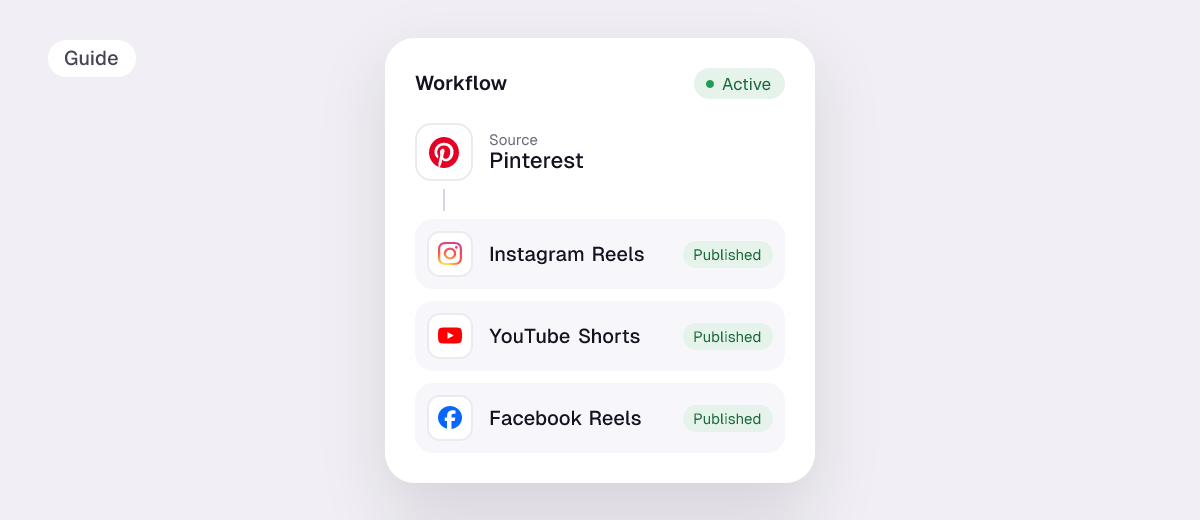
A Pinterest scheduler publishes your Pins at set times, so you can create a batch in one sitting and keep your boards active every day. Pinterest has a built-in scheduler for business accounts. A tool helps when you want to plan further ahead, or when your Pins are the same videos and images you already post to TikTok and Instagram.
Can you schedule Pins on Pinterest?
Yes. On a Pinterest business account you can choose Publish at a later date when you create a Pin, on desktop or in the app. Several scheduling tools report that the built-in option only reaches about 30 days ahead and limits how many Pins you can have waiting; Pinterest’s own help page doesn’t state limits, so check what you see in your account.
| Pinterest’s built-in scheduler | A scheduler like Repostit | |
|---|---|---|
| Price | Free (business account) | From $5 a month, 14-day free trial |
| Video Pins | Yes | Yes |
| Same post to Instagram, TikTok, YouTube, Facebook | No | Yes |
| Automatic Pins from every new TikTok or Reel | No | Yes, with workflows |
| Pick the board | Yes | Yes, per workflow or post |
How to schedule a Pin on Pinterest (free)
- Switch to a business account (free) if you haven’t.
- Click Create → Create Pin and upload the image or video.
- Add a title, description, link and board.
- Choose Publish at a later date and pick the date and time.
- Click Schedule. Scheduled Pins show on your profile, where you can delete them before they go live.
How to schedule Pins with Repostit
- Connect Pinterest and choose the board.
- Create a post in the Post planner, add the video or images and caption.
- Add any other apps with Cross-Post, preview each version, then schedule.
Or skip scheduling: a workflow turns every new TikTok, Instagram Reel or Facebook video into a video Pin automatically. See TikTok to Pinterest, Instagram to Pinterest and Facebook to Pinterest.
Tips for scheduling Pins
- Pin regularly rather than 30 Pins at once: a steady daily flow keeps boards fresh.
- Write searchable titles. Pinterest is a search engine; “15-minute pasta recipe” beats “dinner tonight 🍝”.
- Add a link to your site or shop on every Pin you can.
- Vertical video (9:16 or 2:3) fills the grid best.
FAQ
Is there a free Pinterest scheduler?
Yes, Pinterest’s own scheduler is free for business accounts.
How far ahead can I schedule Pins?
Third-party guides report about 30 days with Pinterest’s own scheduler. Tools like Repostit let you pick any future date.
Can I schedule video Pins?
Yes, both natively and with Repostit, which posts videos as video Pins.
Can I post my TikToks to Pinterest automatically?
Yes. A Repostit workflow posts every new TikTok to the board you pick, without the TikTok watermark. See TikTok to Pinterest.