Repostit
Instagram Scheduler: How to Schedule Instagram Posts (2026)
· 2 min read
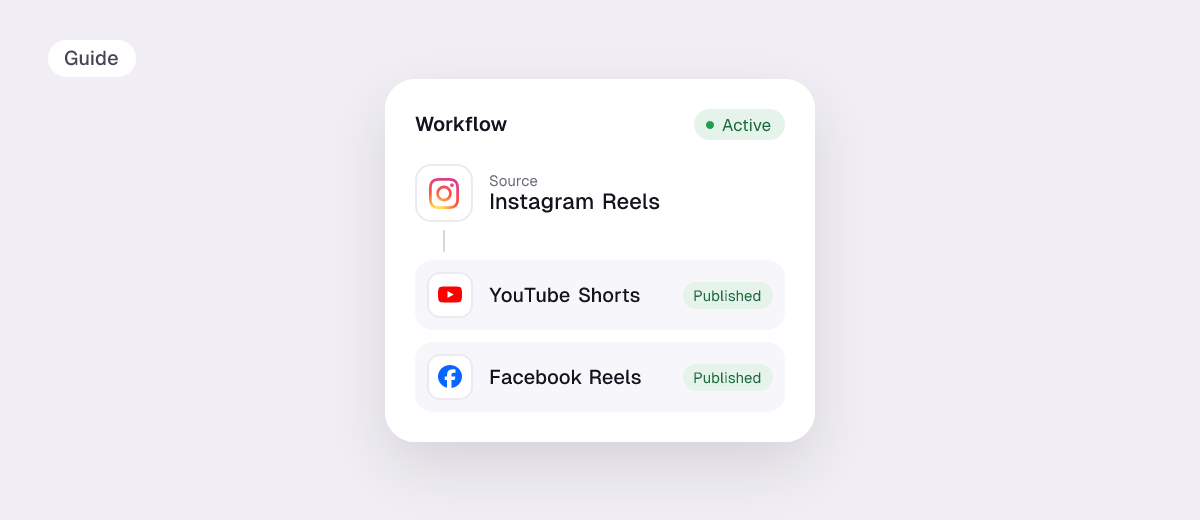
An Instagram scheduler lets you plan posts, Reels and carousels ahead so they go live at the right time without you opening the app. You can do it free inside Instagram, on a computer with Meta Business Suite, or with a scheduling tool that also posts the same content to TikTok, YouTube and your other apps.
Steps checked against Instagram and Meta’s tools in November 2026. Disclosure: we make Repostit.
Three ways to schedule Instagram posts
| Instagram app | Meta Business Suite | A scheduler like Repostit | |
|---|---|---|---|
| Price | Free | Free | From $5/month, 14-day free trial |
| Account needed | Professional (Creator or Business) | Professional, linked to a Facebook Page | Professional |
| Posts, Reels, carousels | Yes | Yes | Yes |
| From a computer | No | Yes | Yes |
| Also posts to TikTok, YouTube, LinkedIn, X | No | Facebook only | Yes |
1. Schedule a post in the Instagram app
- Switch to a professional account if you haven’t (Settings and activity → Account type and tools).
- Tap +, choose Post or Reel, and edit as usual.
- On the final screen, tap More options and turn on Schedule this post (or reel).
- Pick the date and time (up to 75 days ahead) and confirm.
- Find it later under your profile menu → Scheduled content.
Full Reels walkthrough: how to schedule Reels on Instagram.
2. Schedule from a computer with Meta Business Suite
- Open Meta Business Suite and connect your Instagram to a Facebook Page.
- Click Create post or Create reel, choose Instagram (and Facebook if you want).
- Add media and caption, choose Schedule, set the time and confirm.
3. Schedule once for Instagram and every other app
If the same Reel also goes to TikTok, YouTube Shorts, LinkedIn or X, Repostit’s Post planner schedules it to all of them in one go:
- Connect Instagram and your other apps.
- Create a post, add the video and caption, then Cross-Post to the other apps.
- Check the side-by-side preview, pick a time and schedule.
Prefer posting live in the Instagram app? A workflow reposts every new Reel to your other apps automatically. See Reels to YouTube Shorts and Reels to TikTok.
Instagram scheduling tips
- Timing: large studies point to weekday late mornings to afternoons; see the best time to post on Instagram, then confirm with your own Insights.
- Captions: up to 2,200 characters and 5 hashtags; check with the caption length checker.
- Video: 1080×1920 vertical; check with the video size checker.
- Music: some licensed songs aren’t available to Business accounts.
Comparing tools? See social media schedulers and Later alternatives.
FAQ
Can you schedule Instagram posts for free?
Yes, in the Instagram app and in Meta Business Suite, on professional accounts.
How far ahead can you schedule on Instagram?
Up to 75 days in the Instagram app.
Can I schedule Instagram posts with a personal account?
No. Switch to a free Creator or Business account first.
What’s the best Instagram scheduler?
For Instagram alone, the built-in scheduler. For Instagram plus TikTok, YouTube and others, a cross-posting scheduler such as Repostit, Buffer or Later.