Repostit
How to Schedule Tweets on X (2026)
· 2 min read
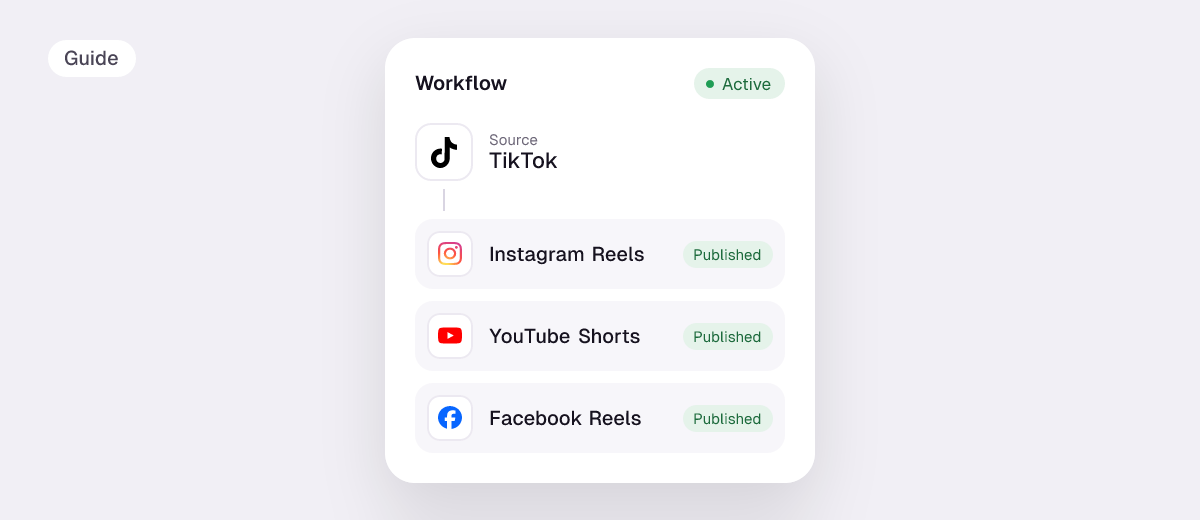
To schedule tweets (posts on X), you can use X’s own composer or a scheduling tool. X’s scheduler is fine for text posts on X alone. A scheduler such as Repostit is useful when the same video goes to X and to Instagram, TikTok, YouTube, LinkedIn and Threads.
Can you schedule tweets on X?
Yes. X’s help center describes a calendar icon at the bottom of the compose box: pick a date and time and confirm. Scheduled posts sit under Unsent posts. Several guides report the option isn’t available in the X mobile apps, so use x.com in a browser (it works in a phone browser too).
| X’s built-in scheduler | A scheduler like Repostit | |
|---|---|---|
| Price | Free | From $5 a month, 14-day free trial |
| Where | x.com in a browser | Any browser, phone or computer |
| Same video to Reels, Shorts, TikTok, LinkedIn, Threads | No | Yes |
| Automatic posts from every new TikTok or Reel | No | Yes, with workflows |
How to schedule a tweet on x.com (free)
- Go to x.com in a browser and click Post.
- Write the post and add any media.
- Click the calendar (schedule) icon under the text box.
- Pick the date and time, then Confirm and Schedule.
- Find, edit or delete it later under Drafts → Unsent posts → Scheduled.
How to schedule X posts with Repostit
- Connect X and your other apps.
- In the Post planner, create a post with your video and caption.
- Add the other apps with Cross-Post and shorten the X version if needed.
- Preview, pick the date and time, and schedule.
Want every TikTok on X without scheduling at all? See repost TikTok to X or Instagram to X.
Things that trip people up on X
- 280 characters on a standard account. A long Instagram caption won’t fit; check it with the caption length checker.
- Video length: standard accounts are limited to about 2 minutes 20 seconds per video; longer videos need X Premium.
- Threads (multi-post chains) are best scheduled in X itself or a text-focused tool; Repostit is built for posts with media.
FAQ
Can you schedule tweets for free?
Yes, in X’s own composer on x.com.
Can you schedule tweets in the X app?
Guides report the X apps don’t have the schedule option; open x.com in your phone’s browser instead, or use a scheduler like Repostit.
What’s the best Twitter scheduler?
For X only, the built-in scheduler. For X plus Instagram, TikTok, YouTube and LinkedIn, a cross-posting scheduler such as Repostit, Buffer or Publer. See the best cross-posting tools.