Repostit
How to Auto Post on Instagram: Schedule and Auto-Publish Reels (2026)
· 3 min read
You can auto post on Instagram in two ways: schedule posts and Reels to publish at a set time, or have new videos from your other accounts posted to Instagram automatically. Both work with an Instagram professional account (Business or Creator) and need no workarounds or passwords shared with bots.
Option 1: Schedule posts in the Instagram app (free)
Instagram professional accounts can schedule posts and Reels directly in the app, up to 75 days ahead:
- Create your post or Reel as usual and go to the last screen.
- Tap More options (or Advanced settings) and turn on Schedule this post.
- Pick the date and time, tap Done, then Schedule.
It’s free, but you schedule one post at a time from your phone, and it only covers Instagram (and Facebook if you share there). Step-by-step with screenshots: how to schedule Reels on Instagram.
Option 2: Meta Business Suite (free, desktop)
Business Suite lets you plan Instagram and Facebook posts from a computer, see them on a calendar and publish to both at once. It’s free, but it doesn’t cover TikTok, YouTube or other apps.
Option 3: Auto post to Instagram with Repostit
Repostit publishes to Instagram through its official API, in two ways:
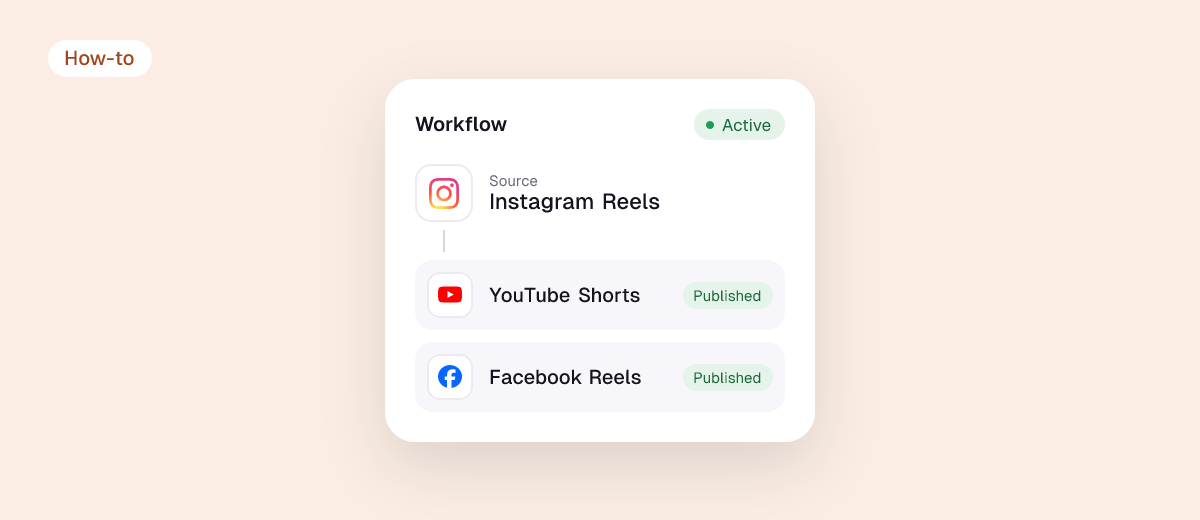
- Automatically: every new TikTok, YouTube Short or Facebook Reel you post is reposted to Instagram as a Reel, without the other app’s watermark and with your caption. See TikTok to Instagram Reels.
- Scheduled: write a post once in the Post planner, add Instagram and any other apps, preview each, and schedule it. Photos, carousels and Reels are supported.
Plans start at $5 a month with a 14-day free trial, no credit card.
What you need to auto post on Instagram
- An Instagram professional account. Switch for free in Settings → Account type and tools.
- The right format. Reels: vertical 9:16, 1080×1920, 3 seconds to 15 minutes. Check with the video size checker.
- A caption that fits. Up to 2,200 characters and a maximum of 5 hashtags. Check with the caption length checker.
- No other app’s watermark. Instagram has said it won’t recommend Reels that carry one.
Instagram auto posting tools compared
| Tool | What it automates | Price |
|---|---|---|
| Instagram app | Scheduling, one post at a time | Free |
| Meta Business Suite | Scheduling for Instagram and Facebook | Free |
| Repostit | Automatic reposting from TikTok, YouTube or Facebook + scheduling to every app | From $5/month |
| Buffer, Publer, Later | Scheduling across several networks | Free plans, then paid |
More options: best cross-posting tools and how to auto post to social media.
FAQ
Can Instagram post automatically?
Yes. Professional accounts can schedule posts in the app, and tools connected through Instagram’s official API can publish posts and Reels for you.
Can I auto post to Instagram with a personal account?
Scheduling and API publishing need a professional (Business or Creator) account. Switching is free and you can switch back.
How do I automatically post my TikToks on Instagram?
Connect both accounts to Repostit and create a TikTok to Instagram workflow. Every new TikTok is posted as a Reel without the watermark.
How do I automatically post from Instagram to Facebook?
Turn on sharing in Instagram’s Accounts Center. Details and fixes in how to cross-post between Facebook and Instagram.