 Repostit Team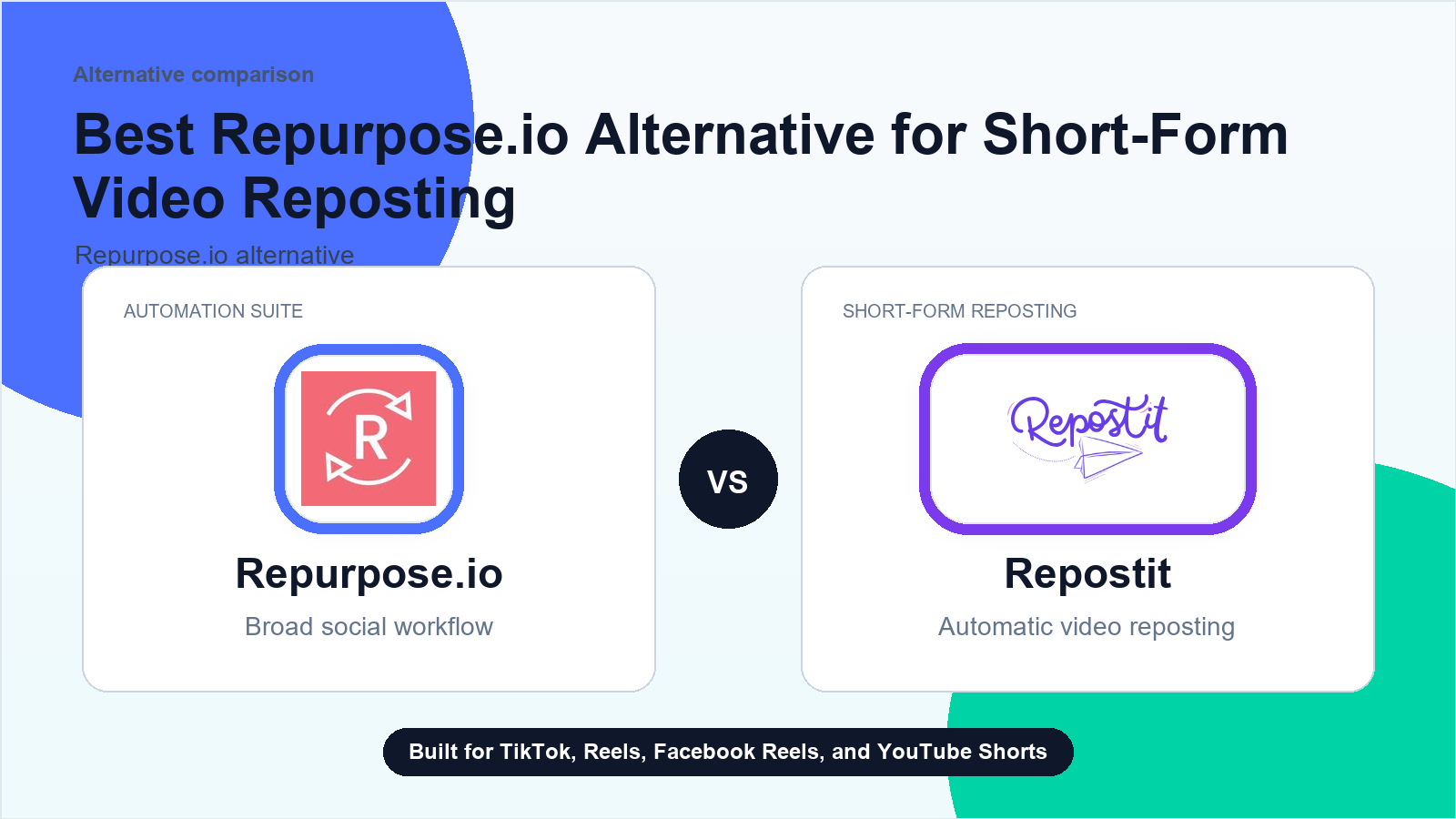
Start with the workflow, not the frustration
Caption rewriting is not the same job as moving a finished video. A workflow can save upload work while captions still need platform-native review, especially when the source caption contains links, hashtags, mentions, comment-trigger language, or a call to action that only makes sense on one platform. Before switching tools, identify whether the problem is AI copy generation, workflow settings, manual review, or the distribution route itself.
This page is written for buyer-intent research, not for venting about a competitor. The practical question is simple: which part of the short-form distribution workflow must keep working every week, and which parts are optional? If the essential job is moving finished short videos to TikTok, Instagram Reels, Facebook Reels, and YouTube Shorts, a focused Repostit test can be cleaner than rebuilding a broad content stack.
First checks before you switch
- Confirm whether the caption feature works in manual publishing, auto-publishing, or both for the exact source and destination route you need.
- Write down the source caption and the desired destination captions for TikTok, Instagram Reels, Facebook Reels, and YouTube Shorts.
- Check whether the caption has platform-specific calls to action, links, hashtags, mentions, comment-trigger wording, or channel-specific language.
- Separate AI caption rewriting from upload automation; a replacement distribution tool may not solve copy quality.
- Keep manual review on for first posts when captions change by platform or when the same clip needs different hooks.
- If using native music, overlays, comment replies, or interactive captions, verify whether the destination supports that through the tool or only through native posting.
- Test one source video into two destinations and compare final published captions, destination URLs, and cleanup time.
- Compare tools by caption visibility, edit timing, route reliability, destination URLs, and cleanup time, not only whether auto-publish exists.
Write down the result of each check. If the issue is a disconnected destination, switching tools will not fix the account permission. If the issue is that the workflow has become too broad or hard to trust, then a smaller source-to-destination workflow is worth testing.
Where Repostit fits
Repostit is worth testing only when captions are already approved or need light route-level review and the real bottleneck is repeated short-form video distribution. If the hard requirement is AI copywriting, platform-native caption rewriting, or comment-trigger automation, validate that separately before treating Repostit as the replacement.
Repostit is not positioned as a full replacement for every repurposing job. It is strongest when the clip already exists and the team needs reliable distribution without repeating the upload loop. The best comparison page for that decision is the Repurpose.io alternative guide.
Keep broad tools for broad jobs
Podcast clips, livestream workflows, approval systems, analytics suites, and broad content operations may still belong in a larger platform.
Use Repostit for repeated uploads
If the repeated work is sending finished shorts to the right destinations, start with one Repostit rule and verify the first posts.
Measure before migrating
Do not switch everything at once. Track posts moved, failures, manual minutes saved, and whether each destination created extra reach.
If the CTA belongs in a comment
Caption control, link placement, and comment automation are different jobs. Use the add-links-to-reposts checklist when the buyer needs caption links, UTM links, link-in-bio handoff, clickable-link checks, or destination-native link policy handled before publishing. Use the first-comment automation checklist when the buyer needs same-comment defaults, manual first comments, comment permissions, or comment visibility handled after the video is live. Use the TikTok Shop link comment checklist when the first comment carries product links, affiliate CTAs, pinned commerce comments, or disclosure text.
If the missing layer is TikTok carousel music
TikTok carousel music, photo-post audio, native sound selection, and music-rights review can require a native TikTok creative step separate from image scheduling, captions, covers, or finished-video distribution. Use the photo and carousel repurposing checklist when the buyer is asking about photo-to-photo routing, Instagram Carousels, TikTok Slideshows, or Facebook image posts first. Use the LinkedIn static-post checklist when the static-content route is specifically Company Page, business-account, document, carousel, link-preview, or static image publishing on LinkedIn. Use the TikTok carousel music checklist when the buyer needs music added to a carousel before deciding whether Repostit fits a separate finished-video route. Use the Sora source checklist when the asset starts as a Sora draft or generated export rather than a normal video post.
If the caption issue is line breaks or spacing
Caption rewriting, caption templates, platform-native customization, emoji style, description removal, description rotation, multilingual metadata, hashtag cleanup, AI disclosure, and caption formatting are related, but not identical. Use the platform-native customization checklist when the pain is broader per-platform packaging, including hooks, covers, keywords, hashtags, and native fields. Use the caption-template checklist when the pain is manually changing the same reusable copy on every video. Use the caption emoji and style checklist when the pain is AI copy tone, emoji control, or brand voice. Use the remove-description checklist when the buyer wants source description text suppressed or left blank. Use the auto-rotate description text checklist when the buyer needs 1 to 3 approved description variants instead of the same added text on every post. Use the Arabic title and description checklist when the issue is multilingual title/description generation, translation, right-to-left copy, or language-specific metadata. Use the AI-use disclosure checklist when the issue is an AI label, synthetic-content disclosure, or platform-native disclosure toggle. Use the burned-in captions and subtitle checklist when the visible words must be rendered into the video itself. Use the Drive/Dropbox filename-caption checklist when the caption starts from a cloud filename or matching text file. Use the TikTok caption line-break checklist when the pain is preserved spacing, paragraph breaks, visible TikTok caption layout, or API formatting rather than AI copy generation. Use the hashtag and TikTok title cleanup checklist when the issue is irrelevant hashtags, source-only words, tagged-user blanks, or noisy title text copied into a repost.
If edited copy does not appear in the content list
Caption rules and dashboard visibility are adjacent but separate. Use the content-list update checklist when the buyer edits scheduled titles or descriptions but the list view still shows stale copy before publishing.
A safe one-week test
- Choose one source account that publishes consistently.
- Choose one destination where reposting creates real value.
- Connect the accounts and create the narrowest useful Repostit workflow.
- Review every repost for the first week instead of turning on every possible rule.
- Compare manual upload time with the automated workflow and decide whether to add another destination.
For broader background on the category, use the automatic video reposting tool guide and the Reels and Shorts crossposting guide. If the source channel is YouTube Shorts, the most relevant workflow is YouTube Shorts to TikTok and Instagram Reels.
What not to do
- Do not buy a new platform before documenting the workflows you actually use.
- Do not assume every failed post is caused by the same layer of the stack.
- Do not automate videos that you do not own or have rights to use.
- Do not copy platform-specific captions blindly across every destination.
- Do not treat crossposting as a growth guarantee; each platform still needs review and measurement.
Decision rule
Keep the existing platform if it is still earning its place through broad repurposing, reporting, approvals, or multi-format workflows. Add or switch to Repostit when the daily pain is narrower: the team already has finished short videos, but manual distribution keeps slipping. That is the workflow Repostit is built to own.
The goal is not to post everywhere blindly. The goal is to make the repeatable distribution layer dependable enough that creators can spend more time improving the clip, hook, and offer. Start with one workflow, inspect the first results, then expand only when the evidence says the automation is doing useful work.
Related guides
FAQ
What should I check first for this caption rewrite, AI caption, or auto-publish caption-control concern?
Start with account connections, destination permissions, source filters, platform rules, video format, and a single fresh test post. Do not change every workflow before isolating the cause.
Is Repostit a replacement for every Repurpose.io workflow?
No. Repostit is focused on short-form reposting. Keep a broader repurposing platform when you need podcast, livestream, approval, analytics, or wide content-operations features.
When is Repostit worth testing?
Repostit is worth testing only when captions are already approved or need light route-level review and the real bottleneck is repeated short-form video distribution. If the hard requirement is AI copywriting, platform-native caption rewriting, or comment-trigger automation, validate that separately before treating Repostit as the replacement.
How should I run the first test?
Use one source account, one destination, and a week of review. Track whether the post moved, whether the caption and asset looked right, and whether the destination created extra reach.
Should I cancel a current tool before testing Repostit?
No. Run a narrow Repostit test first, document active workflows, and switch only after the repeated short-form upload layer is working reliably.
Try the narrow workflow first
If short-form reposting is the bottleneck, test Repostit with one source, one destination, and a week of review before changing the rest of your stack.