 Repostit Team
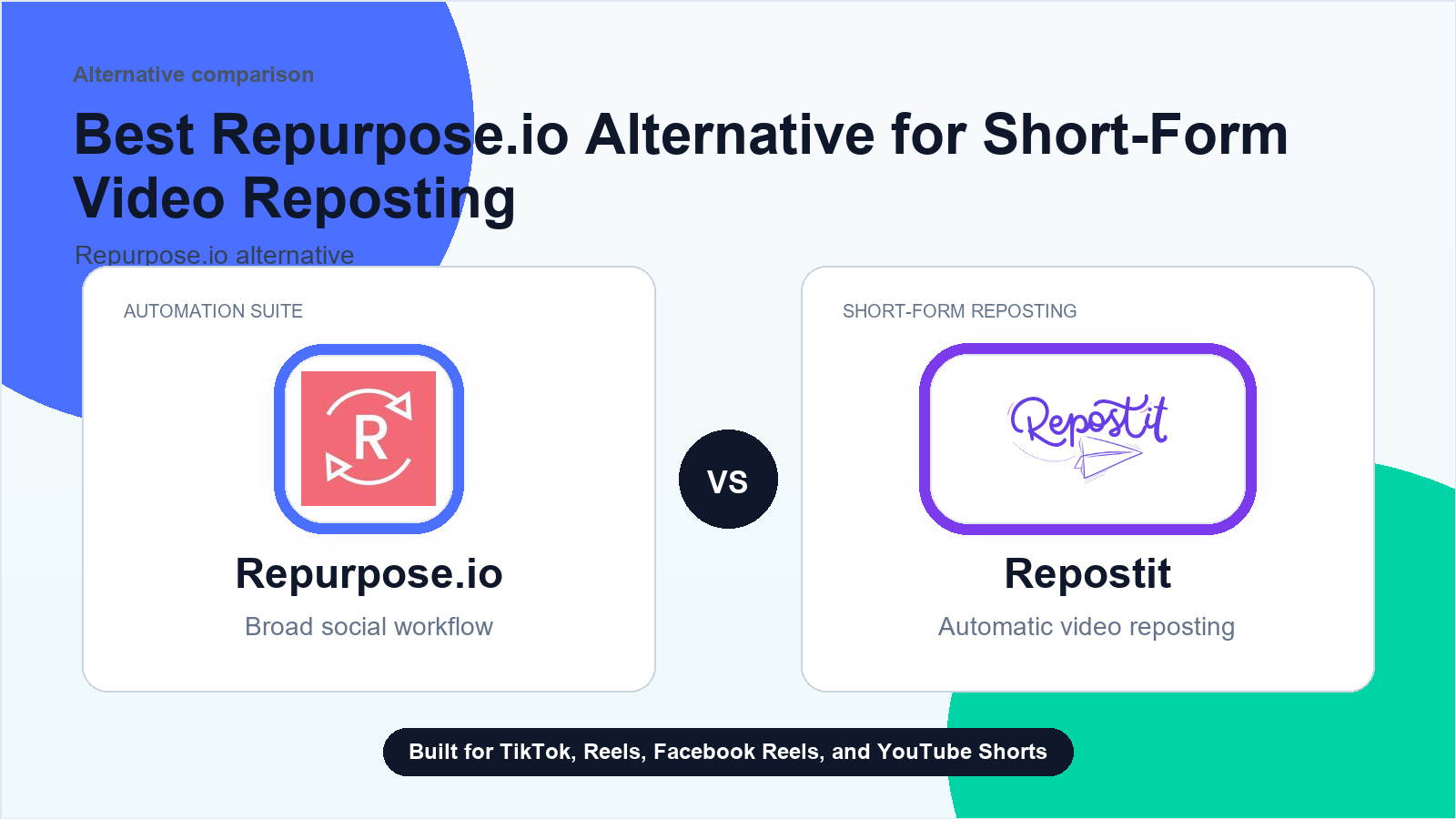
Cheaper Repurpose.io Alternative: Repostit vs Repurpose.io (2026)
Short answer: Repostit is the cheaper Repurpose.io alternative when your job is automatic distribution of finished short-form videos across TikTok, Instagram Reels, YouTube Shorts, and Facebook Reels. Repostit starts at $5 month to month, or $14 month to month for unlimited automated video posts. Repurpose.io starts at $35 per month, but it supports more content types, destinations, and accounts on its entry plan.
That is the useful distinction. Repostit is cheaper because it is narrower. Repurpose.io is broader, so the right choice depends on whether you need a focused short-form distribution workflow or a larger repurposing system.
Prices and product details were checked on the vendors’ public pages on September 7, 2026. Prices are shown in the currency displayed by each vendor and can change.
Search results mix three different jobs under “Repurpose.io alternative”: scheduling social posts, turning long videos into clips, and distributing a finished short-form video to several platforms. Across live Google checks on September 7, 2026, AI Overview variants named Buffer, ShortSync and OpusClip; the latest capture at 15:34 showed Buffer and ShortSync, with ShortSync and Filip Konecny appearing as cited source pages. A visible PostOnce result included a snippet naming Minvo at $6.99 per month. These are search-result observations, not an independent audit of each vendor’s current plan. This page focuses on the third job—automatic distribution after the clip is finished—so the lower price is not presented as a replacement for every repurposing workflow.
What is the cheaper Repurpose.io alternative?
For one creator or brand publishing finished short-form videos, Repostit is the lower-cost automatic option in this comparison:
| Option | Month to month | Account allowance | Published-video allowance |
|---|---|---|---|
| Repostit Basic | $5/month | 1 account per social platform | 10 video posts |
| Repostit Starter | $14/month | 1 account per social platform | Unlimited automated video posts |
| Repurpose.io Starter | $35/month | Up to 3 accounts per social network | 5,000 published videos per month |
At the public month-to-month prices, Repostit Basic costs $30 less per month than Repurpose.io Starter, an 85.7% reduction. Repostit Starter costs $21 less per month, or 60% less, while offering unlimited automated video posts for one account per supported platform.
Those percentages describe price, not identical products. Repurpose.io Starter permits three accounts per social network and covers a wider set of platforms and content formats. Repostit Starter is designed for one-account-per-platform short-form distribution across TikTok, Instagram, Facebook, and YouTube.
ShortSync is another low-cost distribution option, but its public plans are structured differently. Its homepage lists a free tier with five uploads per month, all-platform publishing, bulk uploading, scheduling, analytics that sync monthly, and API/MCP access; its Creator tier is €14.99 per month with unlimited uploads and analytics. That makes ShortSync a useful comparison for creators who want broad distribution, while Repostit is the simpler price-first choice for the four short-form destinations above. See ShortSync’s public plans for the current limits before comparing currencies.
Buffer is cheaper when the job is social scheduling rather than automatic distribution of finished videos. Its official pricing page lists a free plan with up to three connected channels and 10 scheduled posts per channel, while Essentials starts at $5 per month per channel with unlimited scheduled posts and advanced analytics. That makes Buffer a credible low-cost scheduler, but it is not a like-for-like replacement for Repostit’s finished-video workflow. See Buffer’s current pricing before comparing channel limits.
See the live Repostit pricing page and Repurpose.io pricing page before buying, because either vendor may change a plan after this review.
Price comparison across the closest published tiers
The nearest tiers are still not exact matches, but they show where the price gap comes from.
| Use case | Repostit option | Repurpose.io option | Month-to-month difference | Important limit |
|---|---|---|---|---|
| Occasional short-form posting | Basic: $5 | Starter: $35 | Repostit is $30 less | Basic includes 10 video posts; Repurpose Starter includes 5,000 per month |
| One brand with recurring videos | Starter: $14 | Starter: $35 | Repostit is $21 less | Repostit allows 1 account per platform; Repurpose allows 3 per network |
| Several creator or brand accounts | Influencer: $29 | Pro: $79 | Repostit is $50 less | Repostit allows 5 accounts per platform; Repurpose allows 10 per network |
| Agency account coverage | Agency: $149 | Agency: $179 | Repostit is $30 less | Repostit lists 30 accounts per platform; Repurpose lists 25 per network, but supports a broader workflow |
Annual billing is intentionally omitted because the Repurpose.io annual view was not stable in the read-only source check. Confirm current annual options on each official pricing page before purchasing.
The cleanest price comparison for a solo creator is Repostit Starter versus Repurpose.io Starter. Both automate publishing, but Repostit focuses on the four major short-form video destinations and allows one account on each. Repurpose.io costs more and provides more account capacity, content formats, and destination coverage.
Repostit vs Repurpose.io: what are you actually buying?
| Question | Repostit | Repurpose.io |
|---|---|---|
| Core job | Automatically redistribute finished short-form videos | Repurpose and distribute videos, audio, livestreams, images, and Stories |
| Main supported social workflow | TikTok, Instagram Reels, YouTube Shorts, and Facebook Reels | A broader group that includes YouTube, TikTok, Instagram, Facebook, Snapchat, Pinterest, LinkedIn, X, Amazon, Bluesky, Twitch, Google Drive, and Dropbox |
| Entry paid price | $5 month to month | $35 month to month |
| Best fit | A creator, small business, or agency whose clip already exists | A creator or team that needs more content types, sources, and destinations |
| Main tradeoff | Lower price with narrower platform and format coverage | Higher price with broader workflow coverage |
Quick choice among the alternatives Google surfaces
| Tool | Best for | Current entry point checked | Use it when |
|---|---|---|---|
| Repostit | Distributing finished short-form videos | $5/month | The clip is ready and the bottleneck is reliable multi-platform publishing |
| Buffer | Scheduling social posts | Free; Essentials from $5/month per channel | You need a lightweight publishing calendar rather than a video-reposting workflow |
| ShortSync | Uploading finished videos to multiple platforms | Free tier; Creator €14.99/month | You want direct-upload distribution with bulk uploads and scheduling |
| OpusClip | Creating clips from long-form video | Free tier; Starter $15/month | You still need AI clipping, captions or reframing before distribution |
| Repurpose.io | Broader media repurposing | Starter $35/month | You need more media types, destinations or account coverage than a focused distributor provides |
Prices and limits can change; use the linked first-party pricing pages before purchasing. The categories matter as much as the price: Buffer and ShortSync address scheduling/distribution, OpusClip addresses clip creation, and Repostit addresses distribution after the clip exists.
Repurpose.io’s supported-platform guide documents source and destination roles by media type. Repostit’s own workflow is more focused: connect the source account, define the destinations, and let eligible short-form videos move through the rule. Repostit also lists retroactive posting, resizing, watermark removal, templates, and backups on its product page.
Choose Repostit when the clip already exists
Repostit makes the most sense when production is finished and distribution is the bottleneck. A typical workflow looks like this:
- Publish a finished video on the source account.
- Let Repostit detect the eligible video.
- Route it to the connected TikTok, Instagram, YouTube, or Facebook destinations defined in the workflow.
- Review the first posts for the correct account, crop, caption context, and destination.
- Keep the rule only if the published results are correct and the process removes repeated uploads.
This is a different job from finding highlights in a long podcast, generating new clips with AI, or running a full editorial approval calendar. If you still need to make the clip, compare clipping and editing tools first. If you need inbox management, client approvals, and campaign reporting, compare social media suites.
If your job is already clear, the automatic video reposting guide explains the focused workflow in more detail.
Keep Repurpose.io when breadth matters more than the lowest price
Repurpose.io is the better fit when the extra scope is useful rather than excess. Its public product and support pages describe workflows for videos, audio, livestreams, images, Stories, cloud storage, and a longer list of social destinations.
Keep Repurpose.io if you need any of the following:
- Snapchat, Pinterest, LinkedIn, X, Amazon, Bluesky, Twitch, or another destination outside Repostit’s focused set.
- Image, Story, livestream, podcast, or audio repurposing.
- More than one account per network on the entry plan.
- A source-and-destination combination that Repostit does not support.
- Existing workflows that already publish reliably and justify the difference in price.
A cheaper tool is not cheaper if it forces a team to rebuild missing steps manually. Compare the complete route you use, not just the first number on the pricing page.
When Repostit is cheaper in practice
Repostit has the clearest cost advantage in three situations.
One creator, four short-form platforms
If one creator needs one TikTok account, one Instagram account, one YouTube channel, and one Facebook destination, Repostit Starter covers the published one-account-per-platform allowance at $14 month to month. Repurpose.io Starter is $35 and includes room for three accounts per network plus broader content support.
The Repostit plan is $21 less per month. The Repurpose.io plan may still be worth the difference if the creator uses its additional destinations or formats.
Low-volume posting
Repostit Basic is $5 month to month and includes 10 video posts. It is the lowest published paid entry price in this two-product comparison. It fits occasional posting; it is not a substitute for the 5,000 monthly publishes listed on Repurpose.io Starter.
A focused agency workflow
Repostit Agency lists 30 accounts per platform for $149 month to month. Repurpose.io Agency lists 25 accounts per network for $179 month to month. Repostit is $30 less and lists a higher account allowance, while Repurpose.io retains the broader set of formats and destinations.
An agency should test one client route before migrating. Account count alone does not prove that every source, destination, caption rule, and approval step is equivalent.
A seven-day switch test
Do not cancel a working tool because a comparison table looks attractive. Run a narrow test first.
- Document the current route. Write down the source account, destination accounts, content type, posting frequency, and any manual edits.
- Choose one owned video. Use a finished clip you have the right to republish.
- Create one Repostit workflow. Start with one source and one destination, not the whole account map.
- Verify the public result. Check the correct account, video, crop, caption context, watermark handling, and publish time.
- Repeat with a small batch. Review every result during the first week.
- Compare total cost and missing steps. Include the subscription, account limits, and any manual work that remains.
- Expand or stop. Add another destination only after the first route is dependable.
Use the complete one-week reposting-tool test plan if you want a scorecard for reliability and manual exceptions.
Decision guide
Choose Repostit Basic if you post occasionally, need only the supported short-form destinations, and 10 video posts cover the test or ongoing volume.
Choose Repostit Starter if one brand needs recurring automatic short-form distribution and unlimited automated video posts matter more than having three accounts on each network.
Choose Repurpose.io Starter if its wider platform list, media types, or three-account allowance removes work that Repostit would leave manual.
Choose a clipping tool instead if the main job is turning long-form recordings into new short clips. Distribution software cannot replace the creative and editorial decision about what to cut.
Montage is a clear example of that different category: its public homepage describes AI-scored moments from long-form recordings, sentence-level editing, reframing, and MP4/XML/FCPXML/JSON export. It lists a free $0 plan with 90 minutes of lifetime processing and a $19/month Starter plan. That can be a better fit when the clip still has to be created; Repostit becomes relevant after the finished clip is ready to distribute. See Montage’s public plans for current limits.
OpusClip is another cheaper option when the missing step is AI clip creation. Its official pricing page lists a free plan with 60 credits per month, watermarking and a three-day export window, while Starter is $15 per month with 150 credits per month and auto-posting to YouTube Shorts, TikTok and Instagram Reels. It can create and publish clips from long-form video; Repostit is the more focused choice when the finished clip already exists and needs dependable distribution. See OpusClip’s current pricing for the current credit and export limits.
Choose a social media suite instead if approvals, calendars, analytics, social inboxes, and client collaboration are the real requirements.
Frequently asked questions
Is Repostit cheaper than Repurpose.io?
Yes, at the public prices checked on September 3, 2026. Repostit starts at $5 month to month, while Repurpose.io starts at $35 month to month. Repostit Starter is $14 month to month for unlimited automated video posts and one account per supported platform. The products are not identical: Repurpose.io supports more accounts, destinations, and content types on its entry tier.
What is the cheapest Repurpose.io alternative for automatic short-form distribution?
Within this direct comparison, Repostit Basic is the cheapest paid option at $5 month to month. It includes one account per social platform and 10 video posts. Repostit Starter costs $14 month to month and includes unlimited automated video posts for one account per supported platform.
Does Repostit replace every Repurpose.io workflow?
No. Repostit is a focused automatic short-form video distribution tool. Repurpose.io is broader and supports more social destinations and media types, including images, Stories, audio, and livestream workflows. Keep Repurpose.io when those capabilities are part of the job.
Can I test Repostit before switching?
Yes. Repostit advertises a 14-day free trial with no credit card required. Test one source-to-destination route and verify the public posts before changing the rest of the stack.
Which Repostit plan is closest to Repurpose.io Starter?
For a one-brand short-form workflow, Repostit Starter is the most relevant comparison because it includes unlimited automated video posts. It costs $14 month to month versus $35 for Repurpose.io Starter, but Repostit allows one account per platform while Repurpose.io allows three per network and supports a broader set of workflows.
How this comparison was produced
Repostit publishes this page and is one of the products compared. That commercial relationship is why the scope and tradeoffs are stated directly.
The Repostit Team checked both vendors’ public pricing pages on September 7, 2026, reviewed the product and supported-platform descriptions, and calculated the monthly differences from the listed prices. We did not open every paid Repurpose.io tier or claim that the workflows are identical. No competitor paid for placement. Readers should confirm live pricing and supported routes before purchasing.
The page will be reviewed when either vendor changes pricing, account limits, supported platforms, or media types.
Start with one route
If your finished short-form video is already being uploaded repeatedly, test the narrow workflow that causes the most manual work. Keep broader tools where their extra coverage earns its cost.
Start a 14-day Repostit trial or review the current Repostit plans before connecting an account.