 Repostit Team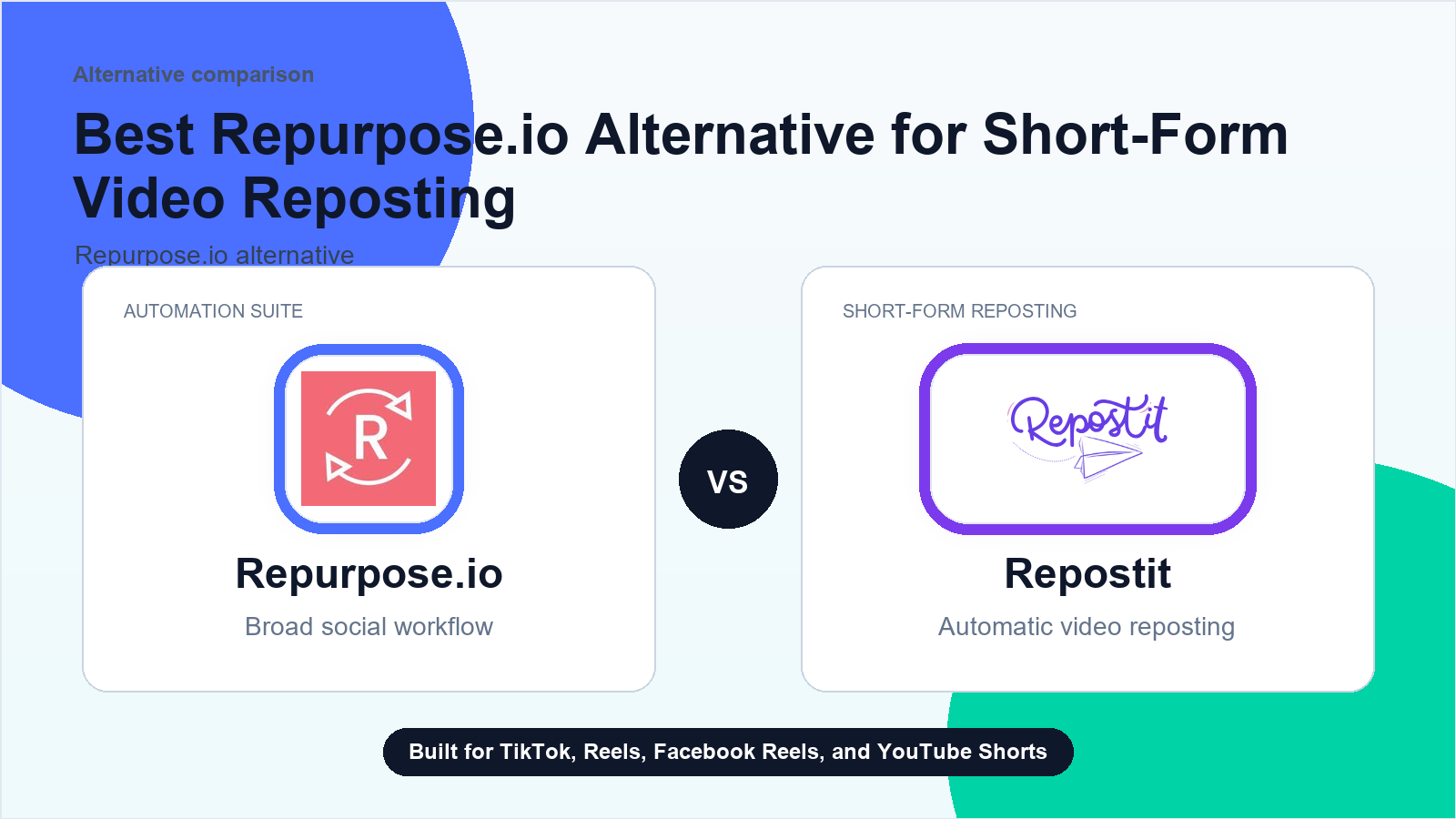
Start with the workflow, not the frustration
A YouTube-to-Spotify request is not the same as short-form crossposting. It usually touches episode hosting, RSS feed ownership, Spotify video-podcast requirements, Apple Podcasts metadata, audio/video files, show notes, transcripts, artwork, rights, and destination review. Before comparing tools, decide whether the missing job is podcast distribution, source-file preparation, or simply moving finished short clips to social destinations after the episode is already packaged.
This page is written for buyer-intent research, not for venting about a competitor. The practical question is simple: which part of the short-form distribution workflow must keep working every week, and which parts are optional? If the essential job is moving finished short videos to TikTok, Instagram Reels, Facebook Reels, and YouTube Shorts, a focused Repostit test can be cleaner than rebuilding a broad content stack.
First checks before you switch
- Write down whether the source is a YouTube long-form video, YouTube Short, exported MP4, audio file, or finished podcast episode.
- Confirm whether Spotify for Publishers expects a hosted podcast feed, a video episode upload, specific account access, or a separate podcast-host workflow.
- Separate Spotify video podcast needs from Apple Podcasts, RSS, YouTube Shorts, TikTok, Instagram Reels, and other social destinations.
- Check whether a podcast host such as Captivate, an RSS feed manager, or another hosting layer owns the episode file and feed metadata.
- Decide whether the workflow must extract audio, create transcripts, pass through Descript, write show notes, or only distribute an already-finished file.
- Prepare episode title, description, show notes, artwork, explicit label, category, rights, music permissions, and any platform-specific metadata before judging the publishing route.
- Run one owned episode through the podcast workflow and save the Spotify URL, feed URL, Apple Podcasts status, file type, processing state, and review notes.
- If the same episode also creates social clips, test those finished clips separately so podcast publishing problems do not get mixed with short-form distribution work.
Write down the result of each check. If the issue is a disconnected destination, switching tools will not fix the account permission. If the issue is that the workflow has become too broad or hard to trust, then a smaller source-to-destination workflow is worth testing.
Where Repostit fits
Repostit is worth testing only when the podcast workflow also creates finished short-form clips that need supported distribution to TikTok, Instagram Reels, Facebook Reels, or YouTube Shorts. It is not a Spotify publisher, podcast host, RSS feed manager, video podcast distributor, audio extractor, transcript tool, Descript integration, or workaround for Spotify, Apple Podcasts, YouTube, music, or rights rules.
Repostit is not positioned as a full replacement for every repurposing job. It is strongest when the clip already exists and the team needs reliable distribution without repeating the upload loop. The best comparison page for that decision is the Repurpose.io alternative guide.
Keep broad tools for broad jobs
Podcast clips, livestream workflows, approval systems, analytics suites, and broad content operations may still belong in a larger platform.
Use Repostit for repeated uploads
If the repeated work is sending finished shorts to the right destinations, start with one Repostit rule and verify the first posts.
Measure before migrating
Do not switch everything at once. Track posts moved, failures, manual minutes saved, and whether each destination created extra reach.
Use the broader destination-fit checklist too
If the same workflow also needs LinkedIn, X, Threads, Bluesky, Reddit, Vimeo, Google Business Profile, LTK, or other unsupported destinations, compare that list with the unsupported destinations checklist. If YouTube itself is the source problem, compare the route with the YouTube source checklist before treating a podcast workflow as a social reposting replacement. If the audio source is SoundCloud and the feed appears empty, use the SoundCloud feed-empty checklist before judging the social distribution layer.
If Descript owns the transcript or media
Podcast publishing, audiograms, meeting recordings, and Descript handoff can be connected, but they are not the same job. Use the audiogram and style-template checklist when waveform video, branded layout, caption placement, or audio-to-video rendering owns the visual step. Use the Zoom and Webex recording checklist when cloud recordings, meeting transcripts, or Webex captions own the source step. Use the Descript transcription and media checklist when the workflow depends on transcript edits, caption exports, source media, or edited clips before any social publishing route starts.
A safe one-week test
- Choose one source account that publishes consistently.
- Choose one destination where reposting creates real value.
- Connect the accounts and create the narrowest useful Repostit workflow.
- Review every repost for the first week instead of turning on every possible rule.
- Compare manual upload time with the automated workflow and decide whether to add another destination.
For broader background on the category, use the automatic video reposting tool guide and the Reels and Shorts crossposting guide. If the source channel is YouTube Shorts, the most relevant workflow is YouTube Shorts to TikTok and Instagram Reels.
What not to do
- Do not buy a new platform before documenting the workflows you actually use.
- Do not assume every failed post is caused by the same layer of the stack.
- Do not automate videos that you do not own or have rights to use.
- Do not copy platform-specific captions blindly across every destination.
- Do not treat crossposting as a growth guarantee; each platform still needs review and measurement.
Decision rule
Keep the existing platform if it is still earning its place through broad repurposing, reporting, approvals, or multi-format workflows. Add or switch to Repostit when the daily pain is narrower: the team already has finished short videos, but manual distribution keeps slipping. That is the workflow Repostit is built to own.
The goal is not to post everywhere blindly. The goal is to make the repeatable distribution layer dependable enough that creators can spend more time improving the clip, hook, and offer. Start with one workflow, inspect the first results, then expand only when the evidence says the automation is doing useful work.
Related guides
FAQ
What should I check first for this YouTube to Spotify video podcast, podcast-feed, or podcast-host distribution concern?
Start with account connections, destination permissions, source filters, platform rules, video format, and a single fresh test post. Do not change every workflow before isolating the cause.
Is Repostit a replacement for every Repurpose.io workflow?
No. Repostit is focused on short-form reposting. Keep a broader repurposing platform when you need podcast, livestream, approval, analytics, or wide content-operations features.
When is Repostit worth testing?
Repostit is worth testing only when the podcast workflow also creates finished short-form clips that need supported distribution to TikTok, Instagram Reels, Facebook Reels, or YouTube Shorts. It is not a Spotify publisher, podcast host, RSS feed manager, video podcast distributor, audio extractor, transcript tool, Descript integration, or workaround for Spotify, Apple Podcasts, YouTube, music, or rights rules.
How should I run the first test?
Use one source account, one destination, and a week of review. Track whether the post moved, whether the caption and asset looked right, and whether the destination created extra reach.
Should I cancel a current tool before testing Repostit?
No. Run a narrow Repostit test first, document active workflows, and switch only after the repeated short-form upload layer is working reliably.
Try the narrow workflow first
If short-form reposting is the bottleneck, test Repostit with one source, one destination, and a week of review before changing the rest of your stack.