Repostit
Best Repost Apps for TikTok, Instagram Reels and YouTube Shorts (2026)
· 4 min read
“Repost” means different things depending on what you’re trying to do, and the best app depends on which one you mean:
- Sharing someone else’s post with your followers → use the app’s own Repost button. Free, credited, no download.
- Posting your own video on other apps (TikTok → Reels, Shorts, Facebook) → use a reposting tool that publishes a clean copy automatically.
- Posting your own old video again → reschedule it, ideally improved, with a tool or by hand.
This guide covers the best option for each, including free ones, and what to avoid.
The best repost apps and tools at a glance
| Tool | What it reposts | Automatic | Price |
|---|---|---|---|
| TikTok Repost button | Others’ TikToks to your followers | No | Free |
| Instagram Repost button | Others’ public posts and Reels to your followers | No | Free |
| X Repost | Others’ posts to your followers | No | Free |
| Repostit | Your videos and images to TikTok, Instagram, YouTube, Facebook, X, Threads, LinkedIn, Pinterest | Yes | From $5/month, 14-day free trial |
| Repurpose.io | Your videos, audio and livestreams to many apps | Yes | From $35/month |
| Schedulers (Buffer, Metricool…) | Posts you upload again yourself | Scheduled | Free tiers available |
1. Reposting other people’s content: use the built-in buttons
TikTok Repost
Tap Share on any video, then Repost. It shows to your followers with the original creator credited, and appears in your Reposts tab (and on your profile grid if you turn that on in Privacy → Repost settings). To undo, tap Share again and Remove repost.
Instagram Repost
Instagram added a Repost button for public posts and Reels in 2025. Reposts appear in your followers’ feeds and in a Reposts tab on your profile, credit the original creator automatically, and notify them. Tap the repost icon again to remove it.
X Repost
The classic retweet, now called Repost, with an option to quote it with your own comment.
Why not download and re-upload others’ videos? It removes credit, can trigger copyright claims, and every major app limits reach for unoriginal re-uploads. In October 2026 YouTube was reported to be cutting reach further for Shorts re-uploaded without added value. Use the native button, or ask the creator for permission and credit them clearly.
2. Reposting your own videos to other apps: use a reposting tool
This is where the real growth is. Your TikTok audience and your Instagram, YouTube and Facebook audiences are mostly different people, so a video that did well on one app is new content on the others.
Repostit
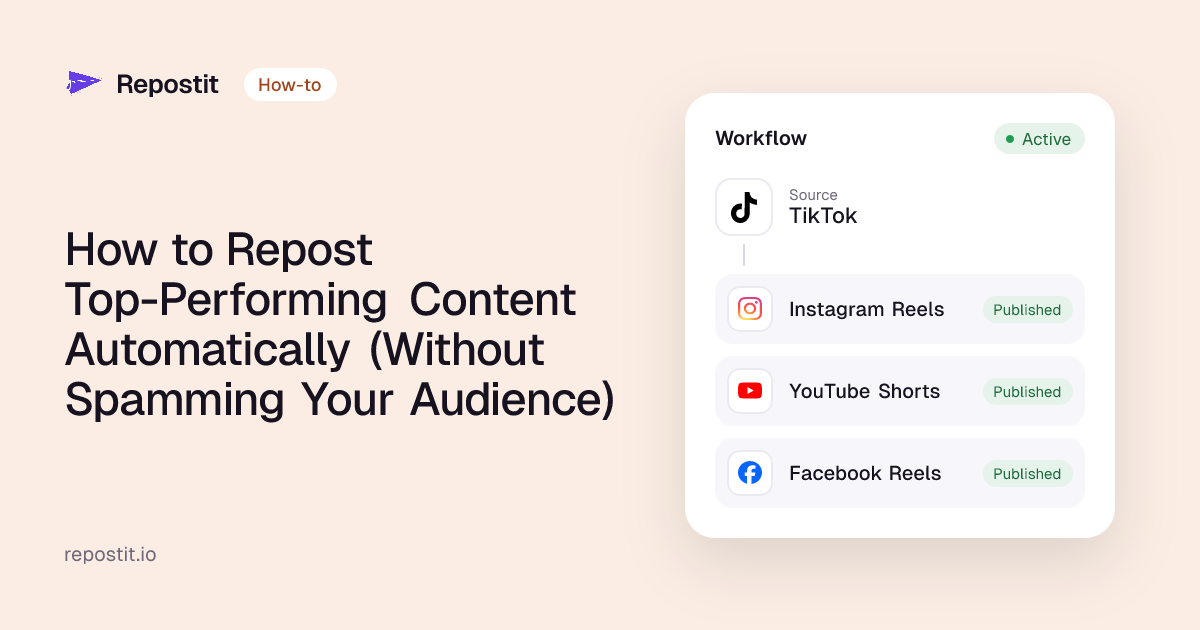
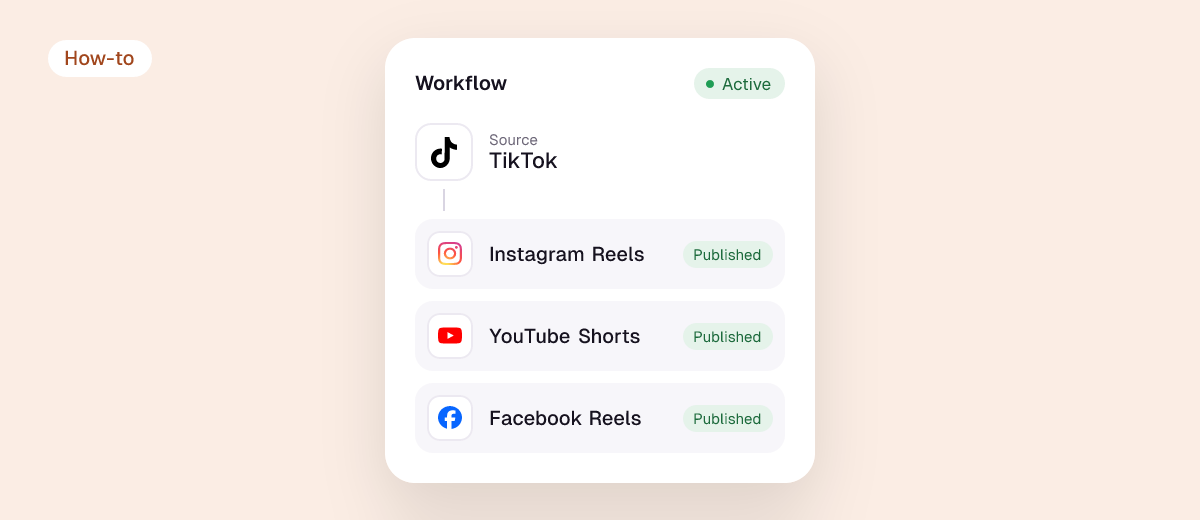
Connect your accounts with each app’s official sign-in, create a workflow such as TikTok → Instagram Reels, YouTube Shorts, Facebook Reels, and every new post is published to the others automatically:
- No watermark. The TikTok logo is removed, so other apps don’t limit the video’s reach.
- Resized and formatted per app, with your caption and hashtags.
- Videos, images and carousels, for new posts and your back catalogue.
- Manual or Auto: approve each repost, or let it run.
- Publishes to TikTok, Instagram, YouTube, Facebook, X, Threads, LinkedIn and Pinterest.
Plans start at $5 a month; unlimited reposting is $10 a month on yearly billing. Free for 14 days, no card.
Repurpose.io
Broader and pricier: also handles audio, livestreams and destinations such as Snapchat and Amazon. From $35 a month. See our Repurpose.io review.
Schedulers
Buffer, Later, Metricool and similar tools post what you upload to them. They don’t fetch your TikToks automatically or remove watermarks, but free plans exist. Comparison: free and cheap alternatives.
3. Reposting your own old videos
- To other apps: run a reposting workflow on your existing videos and send one a day. See how to repost old TikTok videos.
- To the same app: repost only evergreen winners, months apart, with a new hook or caption. See how to repost your top-performing content.
Repost apps and bots to avoid
- Apps that ask for your password. Legitimate tools use the official “Continue with TikTok / Instagram / Google” sign-in.
- “Repost bots” that auto-repost other accounts’ content to grow a page. They break platform rules and copyright, and accounts built this way get demonetised or removed.
- Downloaders that keep the watermark when you repost to another app. Instagram and YouTube show those videos less.
- Browser extensions with broad permissions you don’t need. Check what they can access before installing.

How to choose
| If you want to… | Use |
|---|---|
| Share a video you liked | The app’s Repost button |
| Get your TikToks onto Reels, Shorts and Facebook automatically | Repostit |
| Repost Instagram Reels to TikTok | Instagram → TikTok workflow |
| Repurpose podcasts and livestreams too | Repurpose.io |
| Schedule mixed posts on a budget | A scheduler’s free plan |

FAQ
What is the best app to repost TikToks?
To share someone’s TikTok with your followers, TikTok’s own Repost button. To post your own TikToks on Instagram, YouTube and Facebook without the watermark, a reposting tool like Repostit.
Is there a free repost app?
The built-in Repost buttons on TikTok, Instagram and X are free. For automatic cross-app reposting, tools offer free trials; Repostit’s is 14 days with no card.
Is reposting allowed?
Using an app’s Repost button is always allowed. Re-uploading someone else’s video needs their permission. Reposting your own videos across apps is normal practice.
How do I remove a repost?
On TikTok: Share → Remove repost. On Instagram: tap the repost icon again. On X: tap Repost → Undo repost.
Can I repost without the watermark?
Native repost buttons keep the original as is. To post your own TikTok elsewhere without the logo, see how to remove the TikTok watermark before reposting.