Repostit
reached_
· 4 min read
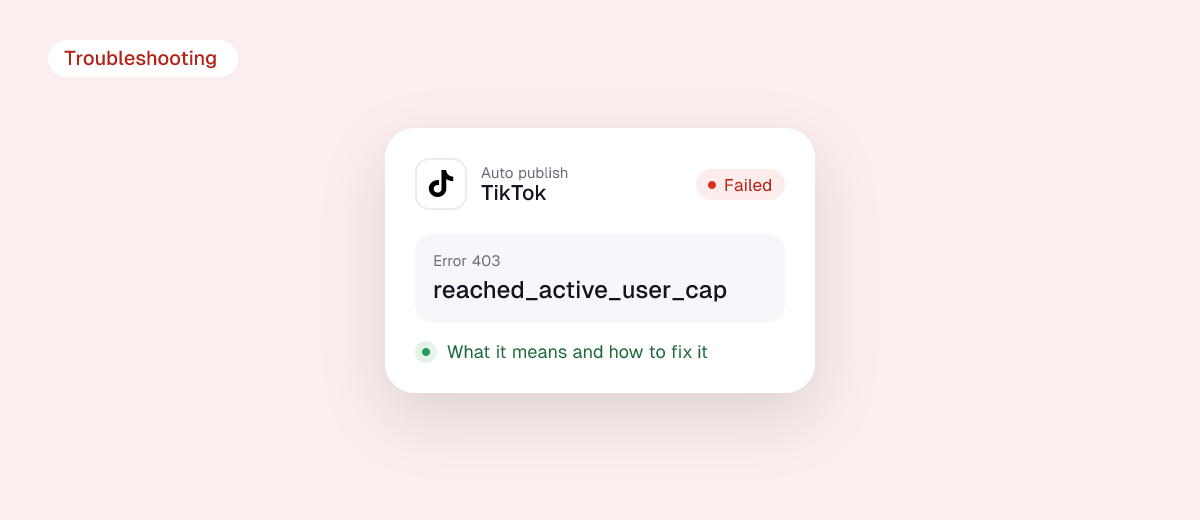
If your scheduler or reposting tool says “Auto publish failed. reached_active_user_cap (403)”, the problem is not your TikTok account or your video. It means the app you are posting through has used up the number of different TikTok users TikTok lets it publish for in a 24-hour period. Your post will go through once that quota resets, or right away if you send it to your TikTok inbox and publish it from the app yourself.
Below: what the cap is, why it hits you even though you did nothing wrong, the fixes that work today, and how developers should handle it.
The short answer
- What it means: the app (scheduler, reposting tool, AI tool) reached TikTok’s daily cap of active creators it can post for.
- Is it my fault? No. It is a limit on the app, shared by all of its users.
- Fastest fix: post the video manually from the TikTok app, or send it to your TikTok inbox and finish it there.
- Otherwise: wait a few hours and retry. The quota is counted over 24 hours.
Why TikTok limits apps, not just accounts
Every app that publishes to TikTok goes through the official Content Posting API, and TikTok sets two kinds of limits on it:
- Limits per creator account, such as the daily posting cap (typically around 15 posts per day per creator, shared across every app that posts for you) and the limit of 5 pending inbox drafts per day.
- Limits per app. TikTok’s content sharing guidelines describe a 24-hour active creator cap for every API client, sized from the usage estimate the app gave TikTok when it applied for its audit. Apps that have not been audited yet are limited to 5 users posting in any 24-hour window.

When an app’s users together go over its active creator cap, TikTok answers the next publish request with reached_active_user_cap, listed in the official Direct Post API reference. That’s why the error tends to appear on busy days, after a tool grows quickly, or with small or new tools whose quota is low.
How to fix it (creators)
1. Post this video by hand
If the video is time-sensitive, download it from your tool and post it in the TikTok app. Posting inside TikTok is never affected by an app’s API quota.

2. Use inbox / draft mode if your tool offers it
Some tools let you send the video to your TikTok inbox instead of publishing it directly. You then get a notification in TikTok and tap to post. Remember that inbox uploads have their own limit of 5 unfinished drafts per 24 hours, and some tools can’t pass the caption through to drafts, so keep the caption ready to paste.
3. Wait and retry
The cap is counted over a rolling 24 hours. Retrying a few hours later or the next day usually works. Don’t hammer the retry button: each attempt is rejected while the app is over quota.
4. If it happens every week, consider the tool
Occasional hits can happen on any tool. If your posts fail with this error regularly, the app’s quota is too small for its user base, and you will keep missing posting times. That is worth raising with the tool’s support or comparing against other tools.
What reached_active_user_cap is not
- Not a shadowban or account penalty. Your reach and account standing are unaffected.
- Not your daily posting limit. That error is
spam_risk_too_many_posts. - Not a broken connection. Reconnecting TikTok in your tool only helps if the error message also mentions an expired token (
access_token_invalid). - Not about the video. Format, length and music problems return different errors.
For developers
- Treat it as an app-level, time-based failure. Back off for hours, not seconds, and queue the job rather than failing it permanently.
- Offer a fallback. Retrying the same job as an inbox upload (
post_mode=MEDIA_UPLOAD) lets the creator finish the post in TikTok. Make it clear to the user whether a post went live or landed in their inbox, and watch the 5-pending-drafts limit. - Count active creators. Track how many distinct
open_ids you have published for in the last 24 hours, and alert before you reach your cap. - Ask for the quota you need. The cap comes from the usage estimate in your audit application. If you have outgrown it, request higher limits from TikTok with real usage numbers.
- Prioritise scheduled posts. When near the cap, let time-sensitive scheduled posts through first and delay bulk backfills of old videos.
How Repostit handles TikTok publishing
Repostit publishes through TikTok’s official API with the official TikTok sign-in. Every workflow can run on Auto or Manual, so if TikTok ever delays a post you can see it in the app and publish it later without rebuilding anything. For other TikTok issues, see Why did my TikTok repost fail?
FAQ
How long does reached_active_user_cap last?
The cap is counted per 24 hours, so it clears as the window rolls over. Many users can post again within a few hours.
Will reconnecting my TikTok account fix it?
Usually not, because the limit is on the app. Reconnect only if your tool also says the connection expired.
Why does it say 403?
403 is the HTTP status for “request refused”. TikTok uses it for several posting limits, which is why the code after it matters.
Can I avoid it completely?
Not on any third-party tool, since every app has a cap. You can make it rare by choosing a tool that is audited and sized for its user base, and by keeping a manual option for urgent posts.