Repostit
unaudited_
· 4 min read
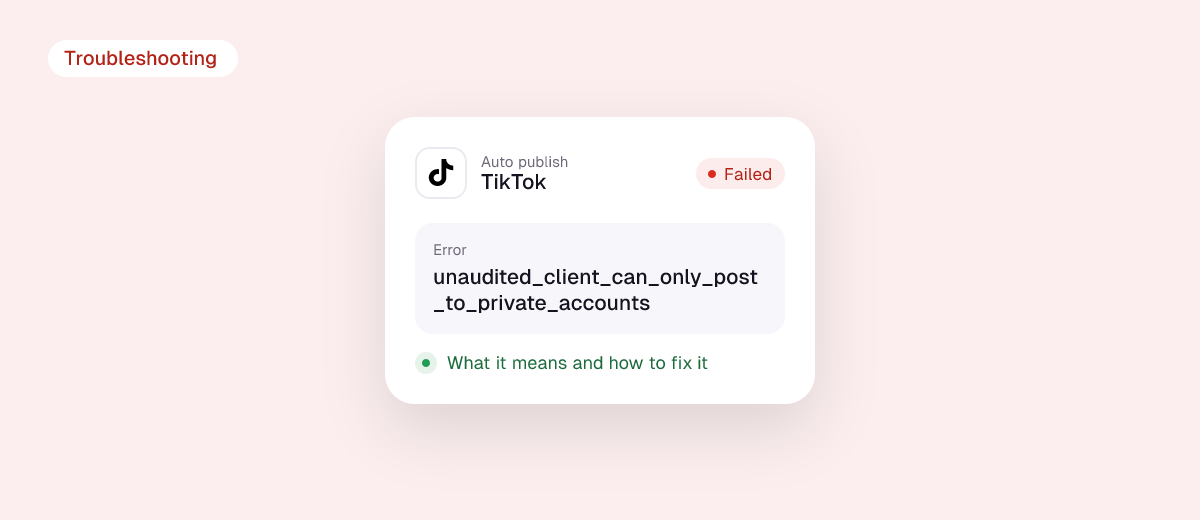
unaudited_client_can_only_post_to_private_accounts means the app trying to post to TikTok has not yet passed TikTok’s audit for public posting. Until it does, TikTok only lets that app post to private accounts, and everything it posts is visible to the account owner only. If your TikTok account is public, the post is blocked before it starts.
If you are a creator, the fix is to use an audited tool. If you are building the app, the fix is to complete TikTok’s audit, and in the meantime test with a private account. This guide covers both.
The short answer
- Cause: the app’s TikTok API client is unaudited.
- Rules for unaudited apps: posts are forced to “Only me” (
SELF_ONLY) visibility, the target account must be private at posting time, and at most 5 users can post through the app in any 24 hours. - Creators: switch to a tool that publishes publicly through an audited TikTok integration.
- Developers: apply for the Content Posting API audit; test with private accounts until approved.
Why TikTok audits apps
TikTok’s content sharing guidelines require every app that publishes for creators to follow a set of rules: show which account will receive the post, let the creator choose privacy and interaction settings, ask for consent before uploading, and never add promotional watermarks. The audit is how TikTok checks this. Until an app passes it, TikTok limits what it can do:
| Unaudited app | Audited app | |
|---|---|---|
| Who can post through it | Up to 5 users in 24 hours | A daily active creator cap set during the audit |
| Account type | Must be private when posting | Public or private |
| Post visibility | Only me (SELF_ONLY) |
Whatever the creator chooses |
| Daily posts per creator | Typically around 15, shared across all apps | |

The error itself is documented in the Direct Post API reference and the photo post reference, and is returned by the init endpoint before any upload starts.
Fix for creators
- Check which tool returned the error. It’s a property of the app, so reconnecting your account or re-uploading the video won’t change it.
- Don’t make your account private to work around it. It technically lets the post through, but the video will be “Only me” and nobody will see it. You would have to set the account back to public and then change each video’s visibility to Everyone by hand.
- Use an audited tool. A tool that has passed TikTok’s audit publishes public posts with the visibility you pick. Ask the tool’s support if you’re not sure.
- Need the video live now? Post it in the TikTok app directly.
Fix for developers
- Test with a private account. While unaudited, set your test TikTok account to private and request
SELF_ONLYprivacy. Remember the 5-users-per-24-hours limit, so keep your test group small. - Build the required UX first. The audit checks the posting screen: creator nickname shown, fresh creator info on load, privacy dropdown with no default, Comment/Duet/Stitch toggles unchecked by default, commercial content disclosure, the music usage consent line, a preview, and a note that processing can take a few minutes.
- Read privacy options from the creator info endpoint. Only send a
privacy_levelthat the creator info query returned, or you’ll getprivacy_level_option_mismatchinstead. - Apply for the audit in the TikTok developer portal with a realistic usage estimate. Your daily active creator cap after approval is based on it; an estimate that’s too low leads to
reached_active_user_caperrors later. - Handle the error in the UI while waiting: explain that public posting isn’t available yet instead of showing a raw 403.

If you are working with the API directly, our guides to posting TikTok videos via the API with Python, the post_info and auto_add_music fields, spam_risk_too_many_pending_share and the TikTok API daily limit cover the rest of the flow.
Skip the audit: use Repostit
If you only need your own videos on TikTok and the other apps, you don’t need to build or audit anything. Repostit uses the official TikTok sign-in and publishing API, posts publicly with your caption and hashtags, removes the watermark when you repost from another app, and also publishes to Instagram, YouTube, Facebook, X, Threads, LinkedIn and Pinterest. There’s a 14-day free trial with no card.
FAQ
Can I make the video public after posting it privately?
Yes. Switch your account to public, then open each video and change who can watch it to Everyone. It’s manual, one video at a time.
How long does TikTok’s audit take?
It varies. Plan for back-and-forth if the reviewer finds UX requirements missing, and submit with the full posting screen already built.
Does this error affect photo posts too?
Yes. The same rule applies to photo and carousel posts made through the API.
Is my TikTok account in trouble?
No. The error is about the app, not your account.