Repostit
AI Social Media Manager: Run Your Social Media from ChatGPT or Claude
· 2 min read
An AI social media manager does the repetitive parts of running social media for you: writing captions, posting to every app, scheduling, and checking what went out. In 2026 you can do much of this by simply asking ChatGPT or Claude, when your social accounts are connected to a tool they can control. Here’s what AI can and can’t do, and how to set it up.
What an AI social media manager can do
- Write and adapt captions and hashtags for each app.
- Repurpose content: turn one video into posts for TikTok, Reels, Shorts and more.
- Schedule and publish posts across your accounts.
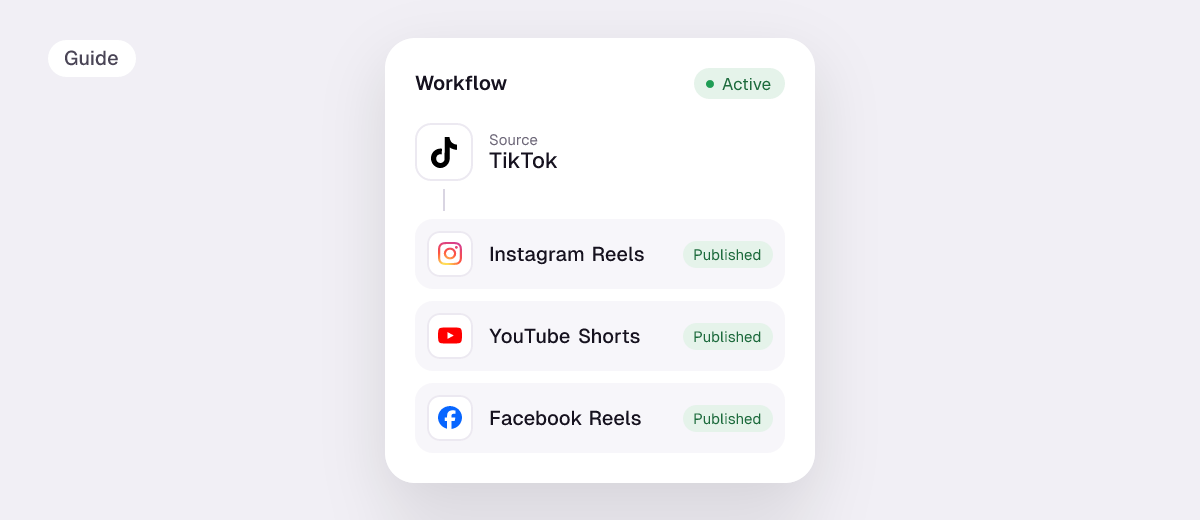
- Automate reposting so every new video goes to your other apps.
- Answer status questions: what’s scheduled, what went out, what failed.
What it can’t replace: your ideas, filming, community replies and judgment on what fits your brand.
Run your social media from ChatGPT or Claude
Repostit works inside ChatGPT and Claude. Once connected, you can manage posting in plain words. Things you can ask:
- “Which of my accounts are connected?”
- “Send every new TikTok to YouTube Shorts from now on.” (creates a workflow)
- “Make a post for this carousel and schedule it for Friday at 9 on Instagram and Facebook.”
- “Publish my latest brief now.”
- “Did yesterday’s post go out on LinkedIn?”
- “Connect my Threads account.”
How to set it up
- Create a Repostit account and connect your social accounts (14-day free trial, no credit card).
- In ChatGPT or Claude, open the place where you add apps or connectors.
- Add Repostit and sign in. Then ask.
AI social media manager tools compared
| Tool | AI features | Posting |
|---|---|---|
| Repostit | Works inside ChatGPT and Claude; AI captions and hashtags | Automatic reposting + scheduling to TikTok, Instagram, YouTube, Facebook, X, Threads, LinkedIn, Pinterest |
| Buffer | AI Assistant for writing and repurposing posts | Scheduling across many networks |
| Postiz | AI agents and an MCP server | Scheduling; open source and self-hostable |
| ChatGPT or Claude alone | Ideas, captions, plans | None without a connected tool |
More options in best cross-posting tools and AI agents for social media automation.
Related guides: Postiz alternatives.
FAQ
Can AI manage my social media?
AI can handle captions, scheduling, cross-posting and status checks when it’s connected to your accounts through a tool. Content ideas, filming and replies still need you.
Can ChatGPT post on social media for me?
Not by itself. With a connected tool like Repostit, ChatGPT can schedule and publish posts and set up automatic reposting.
Is it safe to connect AI to my social accounts?
Use tools that connect through each app’s official sign-in, so your passwords are never shared with the AI.