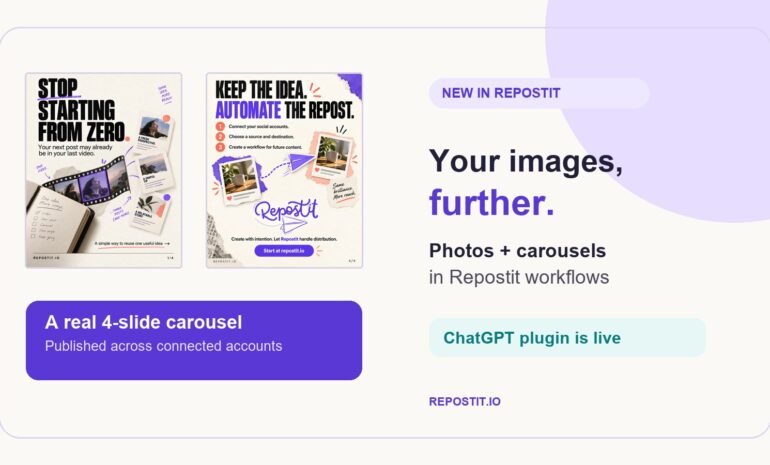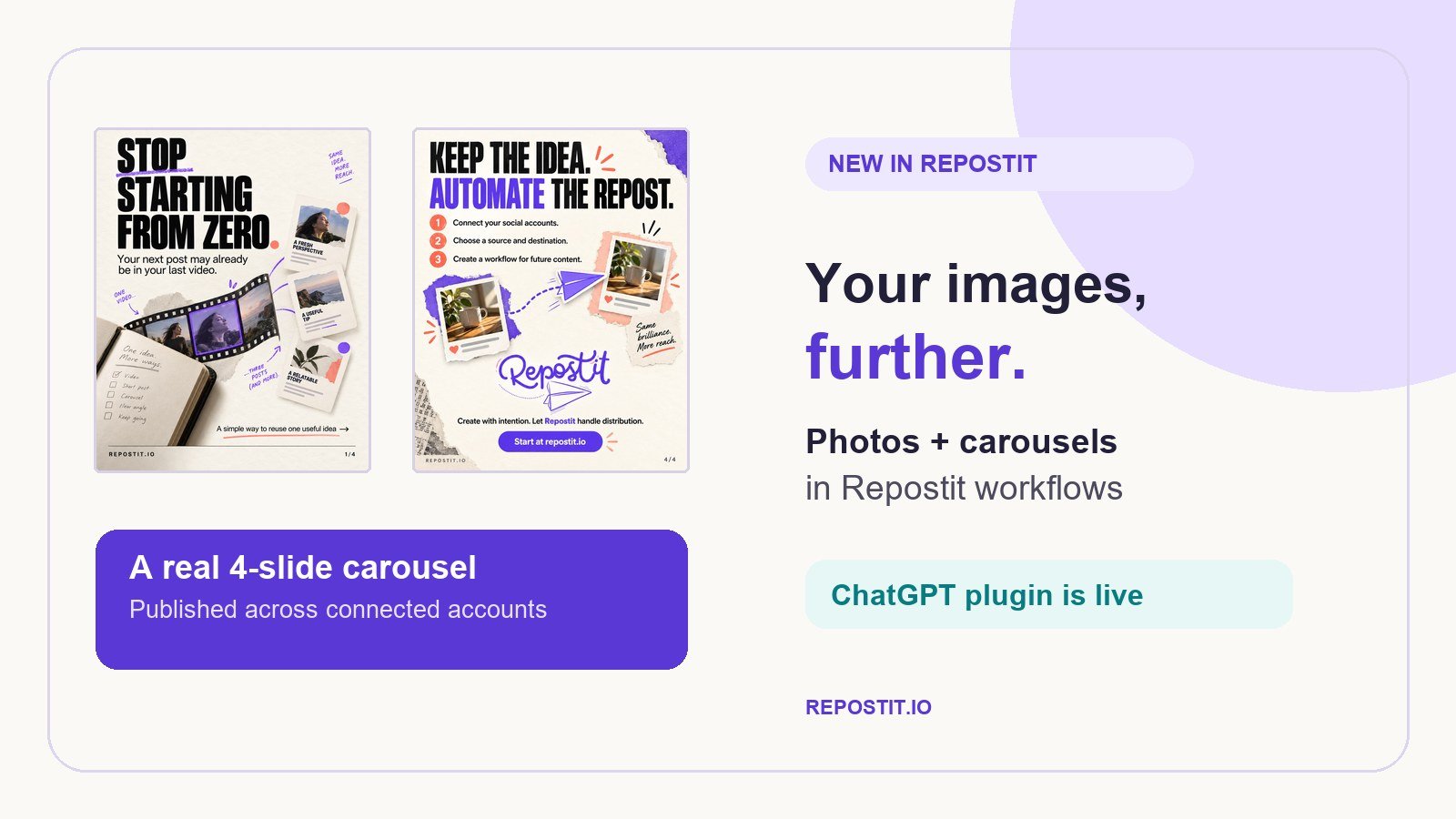
 Repostit Team
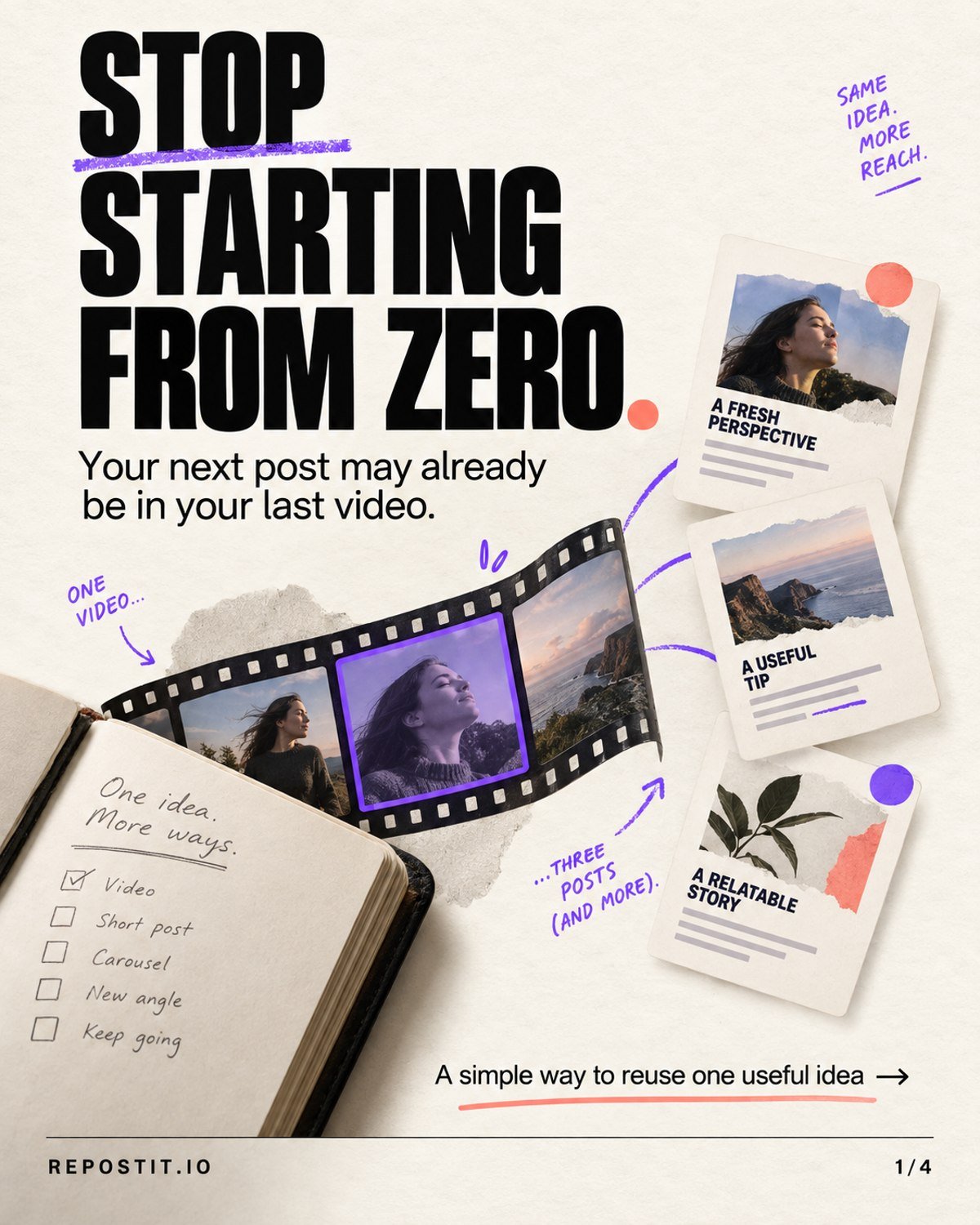
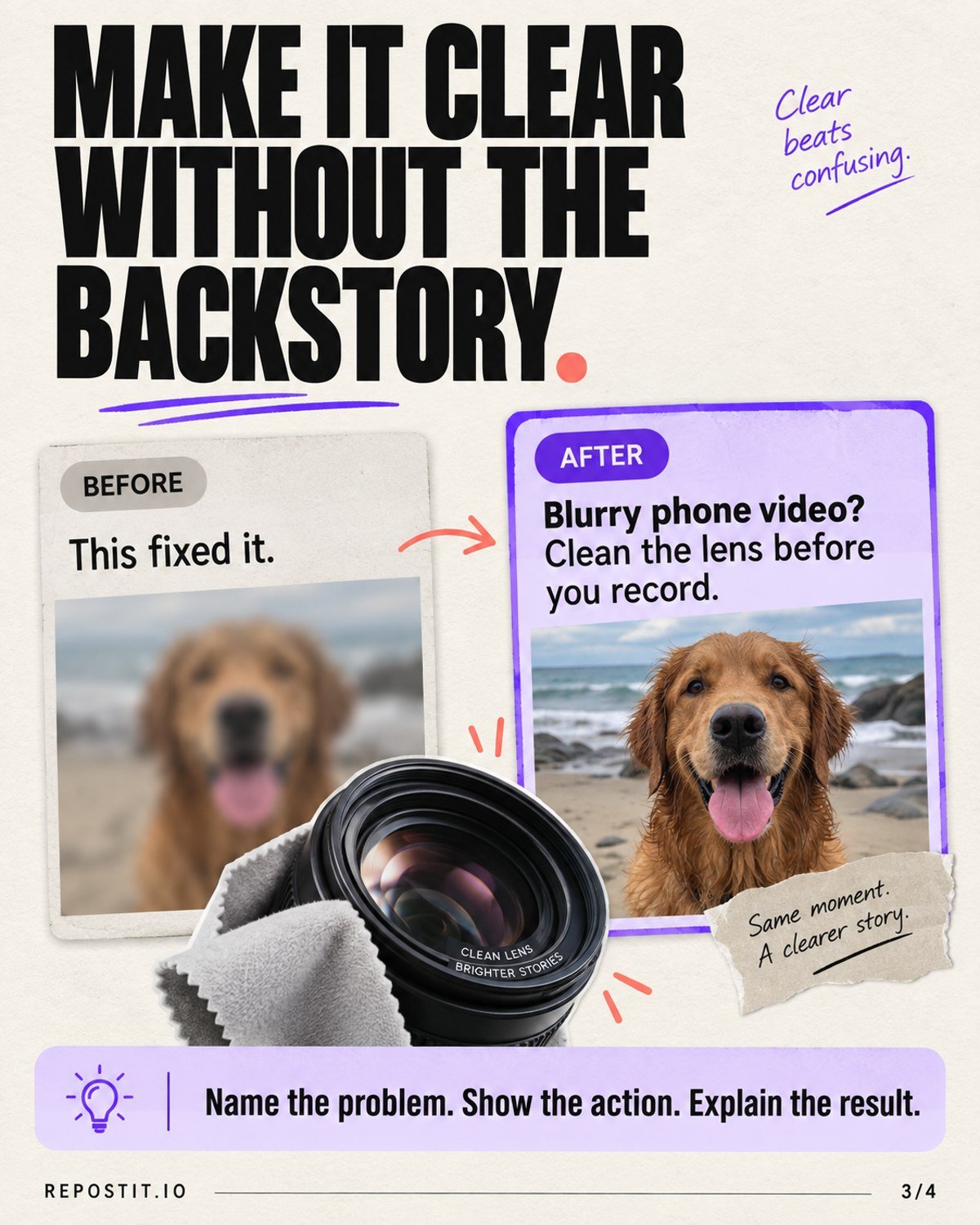
We used Repostit to publish one four-slide carousel across three public social posts on September 24, 2026. You can inspect the actual slides and destination posts below. It is a concrete example of ordered images moving through Repostit; the new image workflow lets you set up repeat distribution for eligible future feed posts.
The carousel, in the wild
The idea was “Stop Starting From Zero”: take one useful moment from a video and turn it into an educational carousel. We created four slides, kept them in sequence, and published the set through a one-time Repostit Brief. Here are the opening slide and the practical tip from slide three.
Where the same carousel went
| Destination | Published post |
|---|---|
| View the carousel | |
| View the post | |
| X | View the post |
These links show a one-time publication, not a claim that every source and destination pair supports every image format. Repostit shows the options available for the accounts you connect.
Make image repurposing repeatable
For future posts, the workflow builder has a distinct image path. One concrete setup shown in Repostit is Instagram → repostitapp → Feed post as the source, with Facebook → Repostit → Photos & albums as the destination. That is where you tell Repostit to pick up eligible new feed posts instead of preparing each one as a separate Brief.
A single photo stays a photo; a supported carousel keeps its slides in order. Before turning on automatic publishing, review the connected accounts, crop, caption and slide sequence, then check the first post on the destination platform. A queued item is not yet a verified public post.
And now, Repostit in ChatGPT
The public Repostit ChatGPT plugin currently describes a video Brief flow. Ask it to list your connected accounts, attach a video, and have it prepare an editable Brief with a caption and selected destinations. You can then review the action, schedule or queue it, and ask for delivery status and post links.
“@Repostit, list my connected social accounts.”
“@Repostit, turn this video into a Brief for the accounts I choose.”
“@Repostit, show me which posts have published links.”
The four-slide example above was prepared as a Repostit Brief; it is not an example of the public ChatGPT plugin’s documented video flow. For photo and carousel automation, start in the Repostit workflow builder.
Try your own first post
Log in to Repostit and choose a source feed post and an eligible image destination. Or install the ChatGPT plugin to prepare a video Brief. Check your first published result before making the workflow automatic.