Repostit
How to Back Up All Your TikTok Videos (Free and Automatic, 2026)
· 3 min read
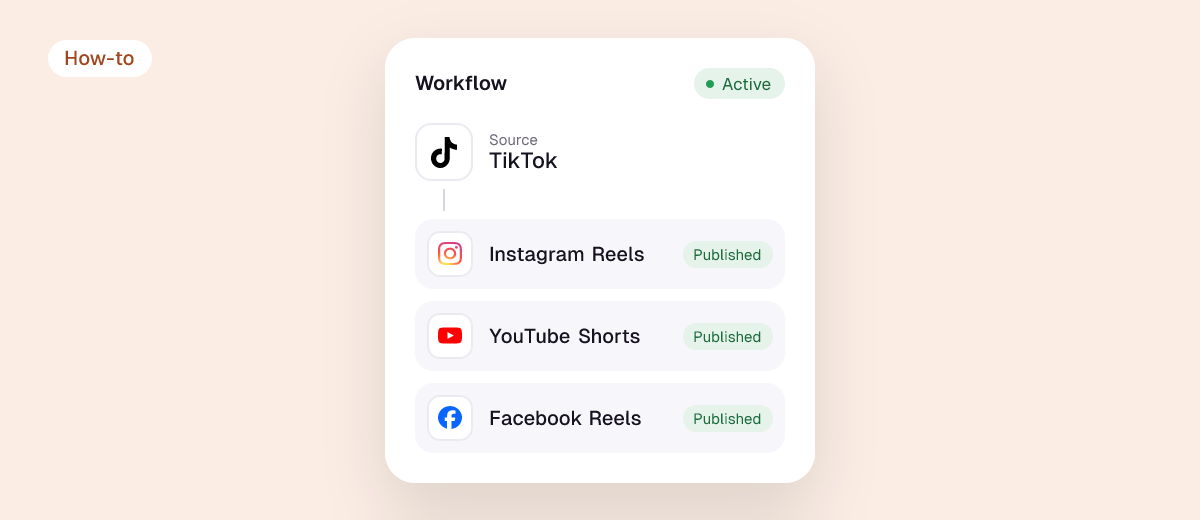
If your TikTok account were banned, hacked or deleted tomorrow, would you still have your videos? This guide shows how to back up all your TikTok videos: the free way with TikTok’s own data download, and the automatic way that copies every existing and future video to your Google Drive or Dropbox.
Why back up your TikToks
- Accounts get banned or hacked, sometimes by mistake, and appeals can take weeks.
- Your phone isn’t a backup. Edited videos often only exist inside TikTok.
- You’ll want to reuse them on Instagram, YouTube or a new account later.
Option 1: Download your data from TikTok (free)
- In the TikTok app, go to Profile → Menu → Settings and privacy → Account → Download your data.
- Choose the data you want and the file format, then Request data.
- When the file is ready (it can take a few days), download it from the same screen.
The download is a record of your account. Depending on the options, your videos may come as links rather than video files, so you may still need to save each one. It’s a snapshot: new videos aren’t included until you request again.
Option 2: Save videos one by one
Open each video, tap Share → Save video. It’s fine for a handful of posts, but saved copies carry the TikTok watermark and it doesn’t scale to hundreds of videos.
Option 3: Back up every TikTok automatically
Repostit Backup copies your TikToks to your own cloud:
- Pick a source: TikTok, Instagram, Facebook or Pinterest.
- Pick a cloud: Google Drive or Dropbox, connected with its own sign-in.
- Start the backup. Existing posts are copied first, then every new one follows automatically.
Files land in your own Google Drive or Dropbox, not on Repostit’s servers, and nothing on TikTok changes. Backup is included in every plan, from $5 a month with a 14-day free trial.
Compare the options
| TikTok data download | Save one by one | Repostit Backup | |
|---|---|---|---|
| Price | Free | Free | From $5/month |
| All existing videos | Yes (may be links) | Manually | Yes, as files |
| New videos | Request again | Manually | Automatic |
| Watermark | Depends on format | Yes | Copies of your posts, no added watermark |
| Where it’s stored | Your device | Your phone | Your Google Drive or Dropbox |
FAQ
Can I recover my old TikToks after deleting them?
Recently deleted videos may be restorable for a short time from TikTok’s Recently deleted section in settings, if your app has it. After that, only a backup brings them back.
Can I transfer my videos from one TikTok account to another?
There’s no built-in transfer. Back up your videos, then upload them to the new account; your followers and likes don’t move.
How do I back up TikTok to iCloud?
Save videos to your phone’s Photos library with iCloud Photos turned on. For automatic backups, use Google Drive or Dropbox with Repostit, which you can also open on an iPhone.
Can I download all TikTok videos from my profile at once?
Your own, yes: request your data from TikTok or use Repostit Backup. Only download other people’s videos if you have their permission.
Want to reuse your videos too? See how to repost old TikToks to Reels and Shorts.