 Repostit Team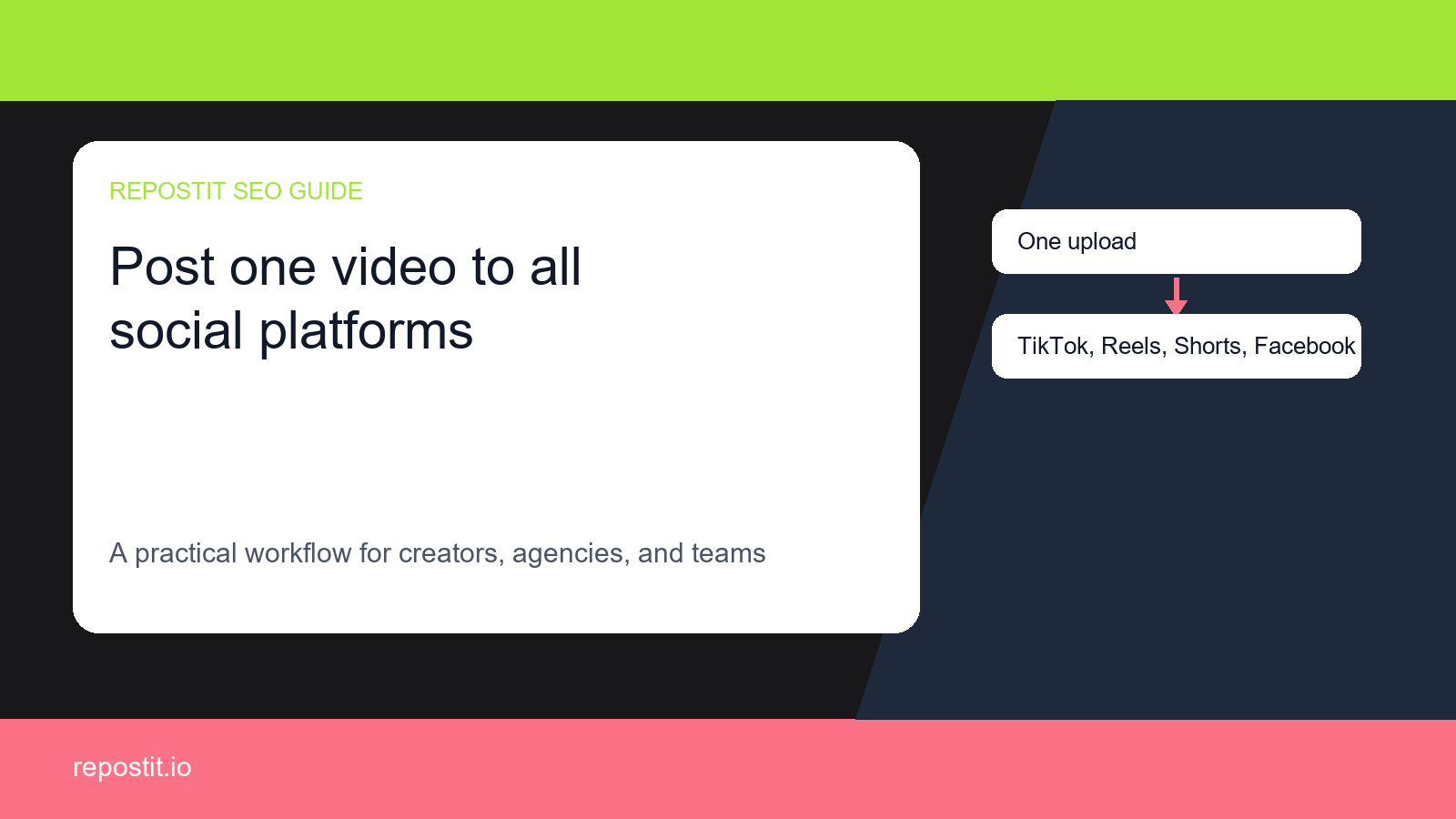
Why this workflow matters
If you already publish short-form video on Facebook Reels, every extra manual upload creates friction. You have to download the video, check formatting, rewrite captions, remember the right account, and repeat the process again for TikTok, Instagram Reels. That work is easy to delay, which means your best videos never reach every audience they could have reached.
Repostit is designed for the repetitive part of the workflow: detect the source video, apply your rules, and repost it to the destinations you choose. The goal is simple: keep creating in the place you already like, then let automation handle distribution.
The manual way vs the automated way
Manual reposting
Download, upload, resize, re-caption, check watermarks, and repeat the same work for every destination.
Basic scheduling
Helpful for planned posts, but still often requires you to prepare each destination by hand.
Repostit workflow
Connect accounts once, choose rules, and let Repostit repost new videos automatically.
How to set it up
- Connect your Facebook Reels account inside Repostit.
- Connect the destination account or accounts for TikTok, Instagram Reels.
- Create a reposting rule that tells Repostit which source videos should move to which destinations.
- Review caption, quality, template, resize, and watermark settings before enabling automation.
- Publish normally on Facebook Reels; Repostit handles the repeated reposting step.
Account prerequisites before automation
Most failed reposting workflows are not caused by the idea of crossposting itself. They come from account permissions, wrong destination selection, missing ownership checks, or a caption that only makes sense on the source platform. Confirm these before relying on a rule.
Facebook Reels source
Confirm the Facebook Page is connected through the right Meta account, then test that the selected Page can receive Reels from the workflow owner.
TikTok destination
Use videos you own or have rights to reuse, keep the clean source file available, and avoid moving platform-only trend hooks without review.
Instagram Reels destination
Use a professional Instagram account, keep Facebook/Meta permissions current, and confirm the destination can publish Reels without an extra manual login step.
Suggested first automation rule
Start with a narrow rule that is easy to verify. Once the first posts look right, you can broaden the source filter, add another destination, or create a separate rule for older evergreen videos.
- Source: Facebook Reels.
- Destination: TikTok, Instagram Reels.
- Trigger: new videos that are safe to reuse outside the source platform.
- Review mode: keep the first five reposts under manual review before fully automating.
- Success metric: extra views, follows, clicks, or saved production time from the same video.
Destination settings to review
TikTok
Confirm the video is your own reusable source, trim platform-specific calls to action, and test the first repost before expanding the rule.
Instagram Reels
Check the first frame, caption tone, and account eligibility before the rule posts to Reels without a manual review step.
Watermark and rights checks
For TikTok-led workflows, use your own original video file or a clean export when possible. Do not use automation to copy third-party videos, hide ownership, or repost content you do not have rights to use. If a watermark appears because the only available file is a downloaded copy, review the destination platform rules and replace it with the clean source before scaling the workflow.
The safest workflow is to automate content you own, keep the cleanest source asset available, and pause any repost where the hook, caption, sound, or visual cue only works on the original platform.
Quality checklist before you turn it on
- Use the highest-quality source video available.
- Check whether the destination needs a different caption or call to action.
- Keep platform-specific hashtags useful instead of copying a noisy block everywhere.
- Review videos that mention platform-specific features before sending them somewhere else.
- Watch the first few reposts to confirm the workflow behaves the way you expect.
Platform-specific notes
Facebook Reels is the source of truth in this workflow, so treat it as the place where the original video, caption, and publishing habit begin. The destination platforms are where the same idea gets more distribution, but each destination can have a slightly different audience expectation. A caption that works on TikTok may need a more direct hook on YouTube Shorts, and a product-focused description may need a softer community angle on Instagram Reels.
The safest way to start is to automate the repetitive upload first, then review the first few reposts manually. Once the format looks right, keep the rule running for normal videos and pause it for anything that is too platform-specific, such as a video that says “follow me on TikTok” or references a TikTok-only sound, stitch, duet, comment, or trend.
Common mistakes to avoid
- Reposting every video without checking whether the hook makes sense on the destination platform.
- Using the same caption everywhere when the destination audience needs more context.
- Forgetting to check the first automated reposts before trusting the workflow at scale.
- Optimizing only for speed instead of also preserving video quality and native platform feel.
- Letting a good workflow become invisible by failing to measure which destination creates new followers, clicks, or sales.
Workflow variants
For a solo creator, the best setup is usually one source account and two destination accounts. That keeps the workflow simple enough to trust while still multiplying reach. For a small business, the better setup is often a product-video workflow and an educational-video workflow, because sales content and helpful content may need different captions. For an agency, the workflow should be split by client account so each brand keeps its own source, destination, and review rules.
If you are unsure where to start, choose the platform where you already publish most consistently as the source. Automation works best when it strengthens an existing habit instead of forcing a new one. After the first source-to-destination workflow is reliable, add the next destination or build a second workflow for older videos that deserve another round of distribution.
How to measure whether it is working
Do not judge the workflow only by whether the repost happened. The useful business question is whether the repost created extra reach without extra labor. Track how many videos were reposted, how many minutes were saved, which destination platforms produced new views, and whether any reposts created profile visits, followers, leads, or sales. For agencies, also track how much client delivery time the workflow removes each month.
A good first benchmark is simple: if the workflow saves at least one hour per week and creates additional views on a second or third platform, it is already doing its job. From there, improve captions, posting windows, and destination choices based on the results you see.
First-week measurement plan
Use the first week as a controlled test instead of turning on every possible rule at once. Keep the workflow narrow, review each repost, and only expand after the operational checks and audience signals are clear.
Repost reliability
For the first week, check every Facebook Reels video that should trigger the rule. Log whether it reposted, which destination received it, and whether any account or permission issue blocked it.
Destination lift
Compare the reposted videos on TikTok, Instagram Reels against the source post. Look for extra views, profile visits, follows, clicks, saves, or replies that came from the same video asset.
Manual time saved
Estimate the upload, resizing, caption rewrite, and account-switching time you avoided. A small workflow is worth keeping when it saves weekly time and adds measurable reach.
What to do when a repost fails
A failed repost should not send the team back to manual uploading. Treat it as an operations signal: identify whether the source rule, destination permission, or asset quality caused the problem, fix that layer, then test with the smallest useful rule.
If the source video is skipped
Check whether the latest Facebook Reels video matches the rule, uses a reusable asset, and is visible to the connected account. Start with one recent post before widening the trigger.
If a destination fails
Review the connected TikTok, Instagram Reels account permissions, page/channel selection, caption length, aspect ratio, and whether the destination needs a fresh authorization.
If quality looks off
Pause the rule, compare the clean source file with the repost, then adjust caption, crop, template, watermark handling, or review mode before turning automation back on.
Who should use this
This workflow is especially useful for a small business publishing at least a few short-form videos per week. The more often you publish, the more expensive manual reposting becomes. At that point the problem is not just time; it is consistency. Automation keeps the distribution habit alive even when the week gets busy.
Related workflows
- Auto Crosspost Reels and Shorts Across Every Platform
- Automatic Video Reposting Tool for TikTok Reels and Shorts
- Best Buffer Alternative for Automatic Short-Form Crossposting
- Best ContentStudio Alternative for Short-Form Video Crossposting
- Best Hootsuite Alternative for Short-Form Video Crossposting
FAQ
Can I repost Facebook Reels to TikTok automatically?
Yes. Repostit is built to detect new short-form videos on Facebook Reels and repost them to TikTok, Instagram Reels based on the workflow rules you choose.
Do I still need to upload the same video manually on every platform?
No. The point of the workflow is to publish once, then let Repostit handle the repeated distribution step so your time goes into making better videos.
Who is this workflow best for?
It is best for a small business publishing short-form videos every week and trying to stay active on more than one platform without adding another manual checklist.
What should I check before turning on automation?
Check the source account, destination account, caption rules, video quality, and whether each platform needs a slightly different posting style or description.
Start with one workflow
Connect one source account, one destination account, and let Repostit prove the time savings on your next few videos.