Repostit Team
TikTok to Instagram Reels Scheduler: The Practical 2026 Guide
If you are searching for TikTok to Instagram Reels scheduler, you probably do not need another generic social media tip list. You need a publishing system that takes one strong vertical video and turns it into reliable distribution across the platforms where your audience already spends time.
A scheduler is valuable only when it protects quality. The goal is not to blast every TikTok into Reels; it is to queue the right videos with the right caption and a reliable approval step. That is why the right process combines creative judgment with automation: you keep control over hooks, captions, rights, and timing while removing the repetitive upload work.
This guide breaks down scheduler features, safe automation rules, metadata checks, and the difference between a simple reminder tool and a true repurposing workflow. Updated for June 2026, this guide is written for creators, founders, and agencies that want scheduling discipline without manually moving every TikTok into Instagram. It also links to the official platform documentation where technical publishing rules matter, including TikTok’s Content Posting API, Meta’s Instagram content publishing docs, and Google’s YouTube Data API quota guidance.
Repostit helps creators and teams turn one video into platform-ready posts for TikTok, Instagram, YouTube Shorts, and more. Start from the workflow, then automate the repetitive parts.
Quick Answer
The best way to TikTok to Instagram Reels scheduler is to start from a clean master video, adapt the caption and call to action for the destination platform, schedule through a controlled queue, and measure the result by retention, saves, follows, profile visits, and conversions rather than views alone.
Recommended Workflow
Use this workflow as your standard operating procedure. It is intentionally simple enough for a solo creator, but structured enough for an agency team managing multiple accounts.
- Define which TikToks qualify for Reels
- Connect the right Instagram account and permissions
- Prepare clean files and Instagram-specific captions
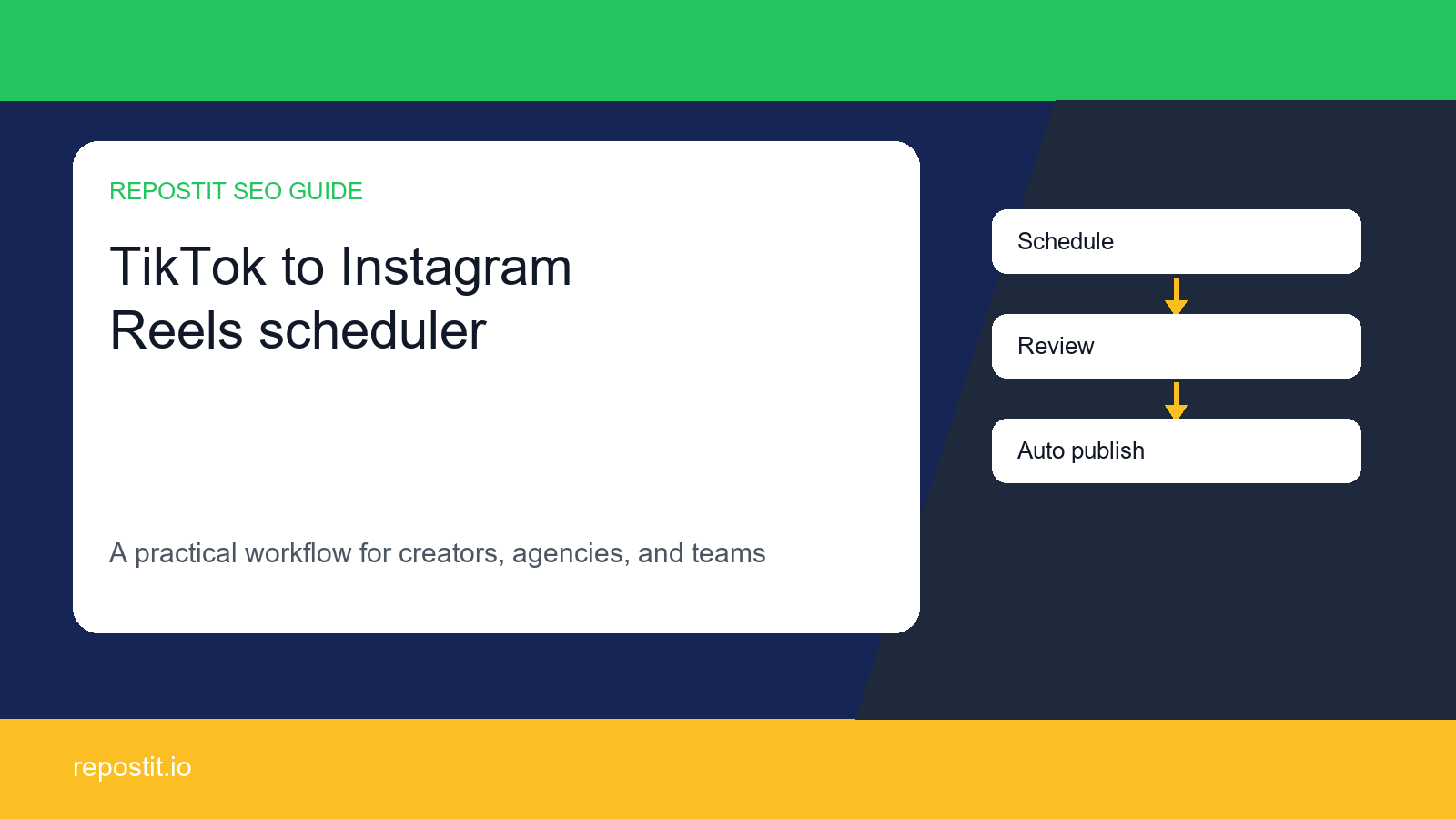
- Build a review queue before auto-publishing
- Schedule in batches by content pillar
- Measure saves, follows, and profile visits after publishing
Workflow Table
| Feature | Basic scheduler | Repurposing scheduler |
|---|---|---|
| Upload queue | Stores posts by date | Stores variants by platform |
| Caption support | One caption field | Platform-specific caption drafts |
| Approval | Often manual outside the tool | Built into the workflow |
| Analytics | Post-level metrics | Topic and platform comparison |
| Best fit | Simple calendars | Creators and agencies scaling short-form distribution |
What Most Competitor Guides Miss
Most pages competing for this topic explain the upload button, then stop. That is not enough. The hard part is choosing which videos deserve repurposing, changing the metadata for each platform, and protecting quality as the same idea moves through multiple feeds.
A strong repurposing system should answer five questions before anything goes live: Who owns the asset? What platform is this version for? What is the first-second hook? What is the next action? What metric decides whether the idea deserves another variation?
Platform Notes and Official Rules
For API or automated workflows, always verify the current platform rules. TikTok documents direct posting requirements in its Content Posting API guide. Instagram publishing requirements are covered in Meta’s Instagram content publishing documentation. YouTube upload behavior and quota concerns are documented in Google’s videos.insert reference and quota guidance.
If you are not building custom API infrastructure, this still matters: platform limits explain why a manual workflow can work for a few posts but fail when a creator, agency, or brand starts batching daily content.
Common Mistakes to Avoid
- Choosing a scheduler before defining the repurposing rules
- Letting auto-publishing bypass human review for important brand accounts
- Ignoring account permissions and API limitations
- Not keeping a backup calendar when a platform rejects a post
Quality Checklist Before Publishing
- The video is a clean 9:16 master file, not a degraded re-download
- On-screen text is readable and not hidden by platform interface elements
- The caption is written for the destination platform, not copied blindly
- The CTA matches the viewer journey on that platform
- The post is assigned to a content pillar so results can be compared later
- The team has rights to reuse the video, audio, and visual assets
Internal Linking Plan
To build topical authority, connect this article with how to auto post TikTok to Instagram, how to link social media accounts together, daily video upload limits, API posting limits across major platforms. These internal links help readers move from a single workflow to the broader Repostit system instead of treating each article as an isolated answer.
Measurement Plan
| Metric | Why it matters | What to do next |
|---|---|---|
| Retention | Shows whether the hook and pacing work | Create more variations of high-retention ideas |
| Saves | Signals practical value, especially on Instagram | Turn saved posts into series and templates |
| Shares | Shows broad resonance | Republish the concept with a new first line |
| Follows or subscribers | Shows audience growth, not just reach | Build a follow-up sequence |
| Profile visits or clicks | Shows commercial intent | Strengthen CTA and landing page fit |
Decision Framework: Repurpose, Recut, or Skip
Not every video deserves the same treatment. A repeatable scoring model keeps the workflow honest and prevents automation from amplifying weak content. Before a clip enters the publishing queue, score it across three signals: proven demand, portability, and business relevance. A video with strong demand but weak portability may need a new opening or a fresh caption. A video with good portability but no commercial relevance may still be useful for audience growth, but it should not dominate the calendar.
| Score | Meaning | Publishing decision |
|---|---|---|
| 8-10 | Strong hook, clear topic, reusable across feeds | Repurpose with platform-specific captions |
| 5-7 | Good idea, but needs a new opening, title, or CTA | Recut before scheduling |
| 3-4 | Narrow context or weak retention signal | Use only as a test or comment reply |
| 0-2 | Unclear rights, bad quality, or no audience signal | Skip and protect the brand account |
Caption and CTA Templates
The fastest way to make repurposed content feel native is to rewrite the first line. The video may be the same, but the promise should match the platform. Use these templates as a starting point, then make them specific to the actual clip.
- Problem-first: “If you are trying to TikTok to Instagram Reels scheduler, this is the workflow I would use.”
- Creator lesson: “I used to post this manually. The repeatable version is much cleaner.”
- Agency angle: “Here is the approval checklist we use before a client post goes live.”
- YouTube Shorts angle: “The searchable version of this idea is simple: one topic, one promise, one next step.”
- Instagram Reels angle: “Save this before you batch your next week of short-form posts.”
- TikTok angle: “Most people skip the boring part, but this is what keeps the workflow from breaking.”
90-Day Rollout Plan
SEO and social repurposing both reward compounding. A single post can work, but a system of related posts teaches the audience and search engines what the site is about. Use this 90-day rollout to turn one article into a full content cluster.
| Phase | What to publish | Goal |
|---|---|---|
| Days 1-30 | Foundational how-to guides and workflow pages | Capture long-tail searches and clarify product use cases |
| Days 31-60 | Comparison pages, scheduler pages, and platform-specific troubleshooting | Move from informational intent to buying intent |
| Days 61-90 | Case studies, templates, calculators, and agency SOPs | Build authority and support conversion pages |
Automation Rules That Protect Quality
The safest automation system is not the one with the fewest clicks. It is the one that makes the right mistakes difficult. If a video has no owner, no clean export, no platform-specific caption, or no clear CTA, it should not enter the queue. That rule matters more as volume increases.
- Require a clean source file before scheduling
- Require platform-specific caption fields instead of one universal caption
- Require a final preview for client or founder accounts
- Keep a manual override when a platform rejects a post
- Tag every post by content pillar so analytics can be compared later
- Review results weekly before increasing publishing volume
How Repostit Fits Into the Stack
Repostit should sit after creative judgment and before repetitive distribution. The creator or team still decides the idea, the hook, and the audience promise. Repostit is strongest when it removes the mechanical work: moving content between platforms, keeping a queue organized, and making repurposing feel like a repeatable publishing system instead of a daily manual chore.
For a small creator, that can mean turning three weekly TikToks into Reels and Shorts without losing a full afternoon. For an agency, it can mean giving every client a consistent workflow: intake, clean export, caption variation, approval, scheduling, and reporting. In both cases, the goal is not “more posts” by itself. The goal is more platform-native chances for the same strong idea to find the right audience.
FAQ
What is a TikTok to Instagram Reels scheduler?
It is a workflow or tool that queues TikTok-style vertical videos for Instagram Reels with adapted captions, timing, and approval controls.
Can a scheduler publish Reels automatically?
Some tools can, depending on account type, platform permissions, and available API access. Always verify current requirements before relying on automation.
What should I check before scheduling Reels?
Check the video file, safe-zone text, caption, hashtags, thumbnail, CTA, and rights to the content.
Final Recommendation
Do not treat repurposing as a shortcut for low-effort posting. Treat it as distribution design. The creator or team still chooses the idea, the hook, and the promise; automation simply removes the repeatable work between platforms.
If you already publish short-form video every week, the highest-leverage next step is to create a small repurposing queue: five proven videos, platform-specific captions, scheduled publishing, and a weekly review. Once that loop works, scale the volume.