 sara bellin
Many Repostit users believe they are connecting a Facebook Business Page, but in reality they’re using a personal Facebook profile. This is one of the most common reasons reposting, scheduling, or analytics features don’t work as expected.
This guide will help you quickly identify whether your Facebook account is a personal profile or a business page even if you’re not tech-savvy.
Why This Matters (Especially for Repostit Users)
Repostit (and most social media tools) can only connect to Facebook Business Pages, not personal profiles. This is because meta allows API connection on apps just To Business Pages controlled by your Personal account:
If you try to connect a personal account:
- ❌ Posts may fail
- ❌ You wont be able to create workflows
- ❌ Scheduling won’t work
- ❌ Insights and analytics won’t appear
Before troubleshooting anything else, you must confirm what type of Facebook account you have.
The Two Types of Facebook Accounts Explained
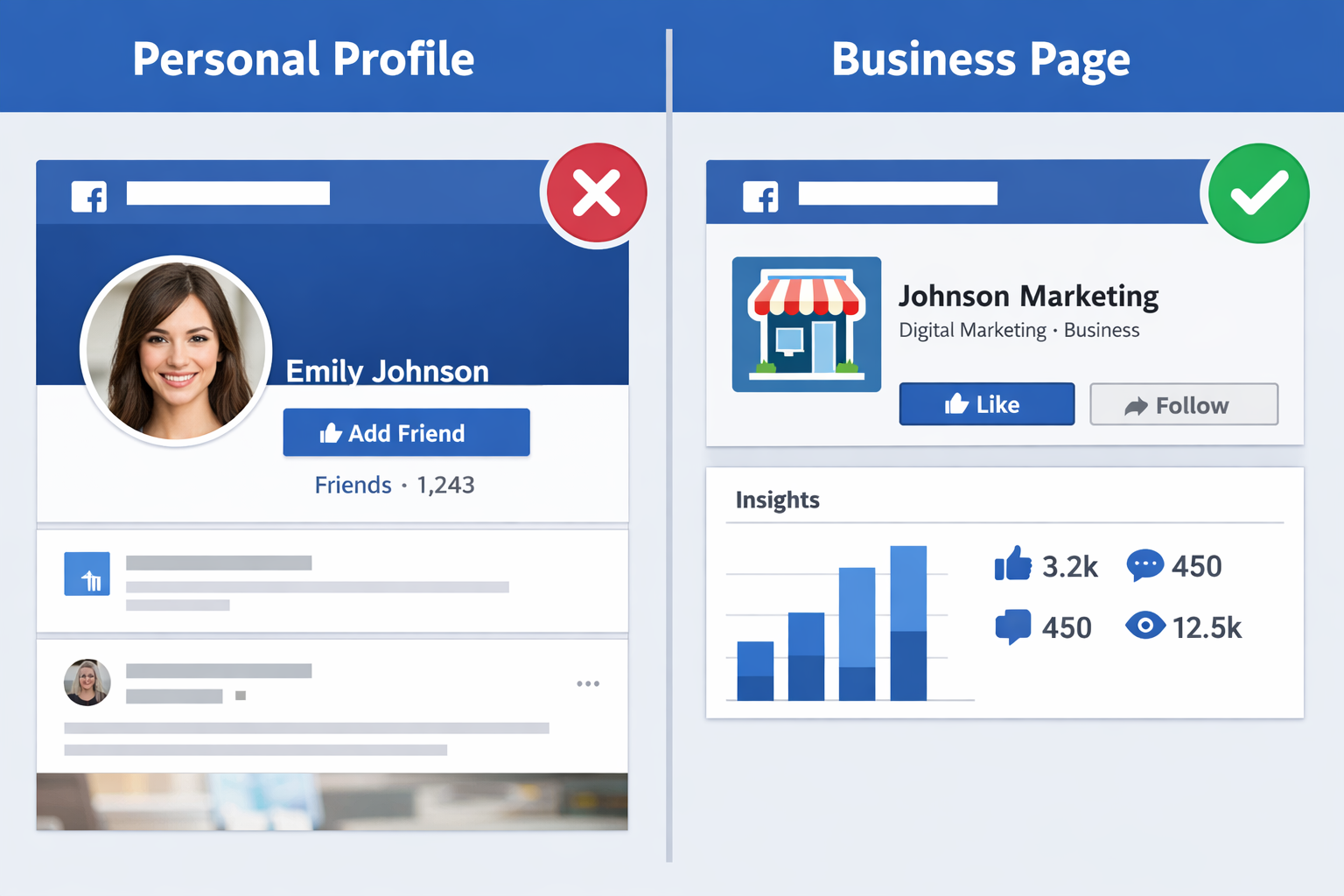
1️⃣ Facebook Personal Profile
This is your individual account meant for personal use.
Used for:
- Friends and family
- Personal posts
- Messaging people you know
Key features:
- Friends (not followers by default)
- No “Like” button
- No professional analytics
- Cannot be managed by tools like Repostit

2️⃣ Facebook Business Page
This is a public page designed for businesses, brands, and creators.
Used for:
- Businesses
- Content creators
- Brands and organizations
Key features:
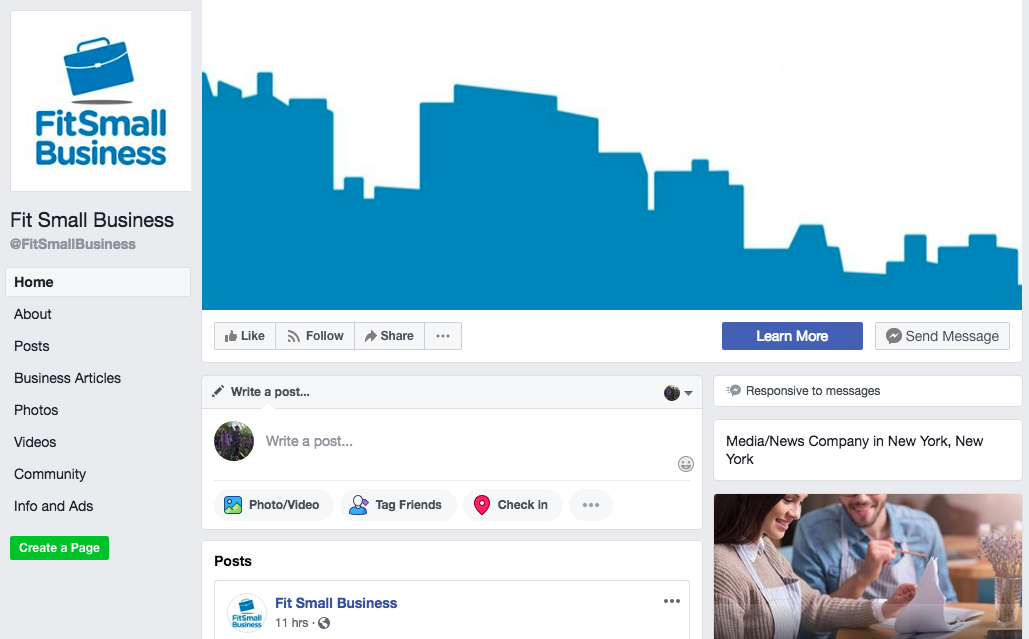
- “Like” or “Follow” button
- Page insights (analytics)
- Can be connected to third-party tools
- Managed separately from your personal profile
The Fastest Way to Check What You’re Using
Method 1: Check the Button on Your Profile/Page
Go to your Facebook profile or page and look under the name.
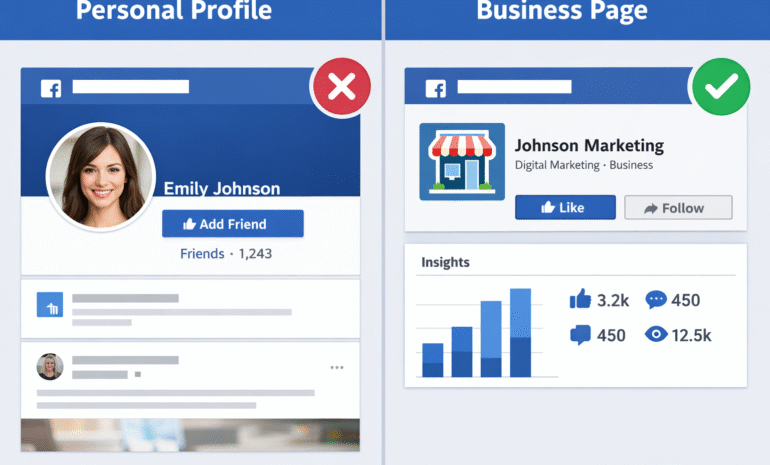
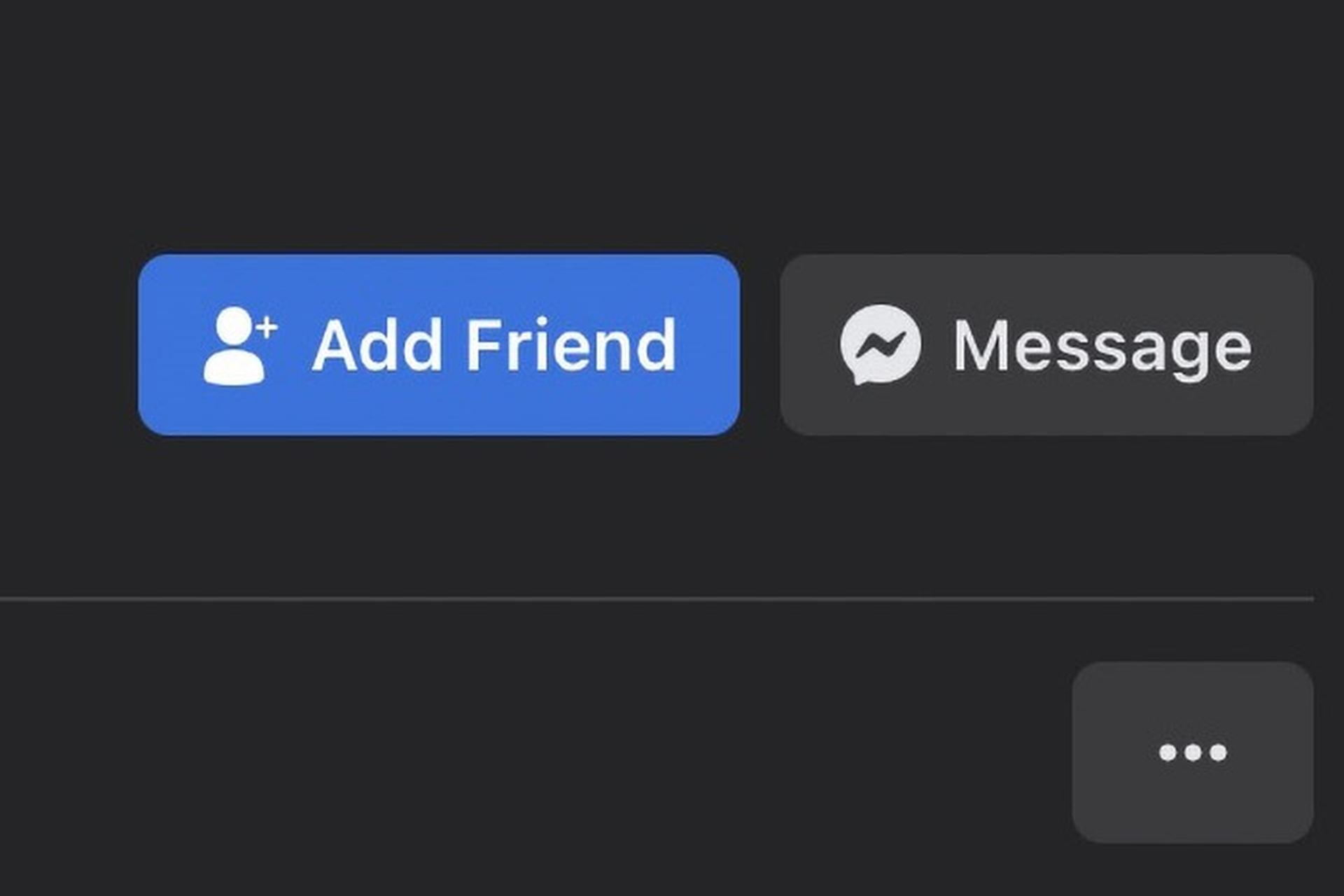
- If you see “Add Friend” → ❌ This is a personal profile
- If you see “Like” or “Follow” → ✅ This is a business page
This one check solves the confusion for most users.
Method 2: Look at the Left-Side Menu (Desktop)
On desktop Facebook:
- Personal profiles show:
- Friends
- Photos
- Life Events
- Business pages show:
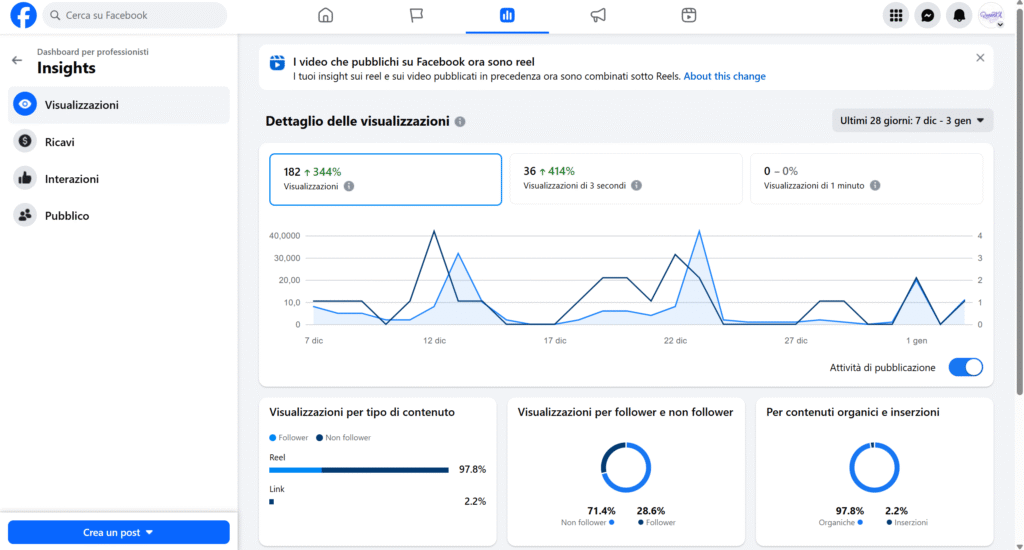
- Professional Dashboard
- Insights
- Page Settings
If you see Insights or Professional Dashboard, you’re on a business page.
Method 3: Check Your Facebook Settings
- Click your profile picture (top right)
- Go to Settings & Privacy
- Look for:
- “Page Settings” → Business Page
- Only personal settings → Personal Profile
Common Misunderstanding (Very Important)
“I post about my business on my personal Facebook, so it must be a business page.”
❌ Not true.
Posting business content does not turn a personal profile into a business page. Facebook treats them as completely different account types.
Why Repostit Requires a Facebook Business Page
Repostit integrates with Facebook’s official API, which:
- ❌ Does NOT allow automation for personal profiles
- ✅ ONLY supports business pages
This is a Facebook rule, not a Repostit limitation.
What to Do If You Only Have a Personal Profile
If you discover you’re using a personal account, here’s your next move:
✔️ Option 1: Create a Facebook Business Page (Recommended)
- Takes 5–10 minutes
- Free
- Can be linked to your existing personal profile
- Fully compatible with Repostit
✔️ Option 2: Convert Your Profile (Advanced)
- Facebook allows profile-to-page migration
- Not recommended for beginners
- Can cause data loss if done incorrectly
Quick Summary Checklist
✔ “Add Friend” = Personal Profile
✔ “Like / Follow” = Business Page
✔ No insights = Personal Profile
✔ Professional dashboard = Business Page
If Repostit isn’t connecting properly, 90% of the time this is the reason.
Final Advice for Repostit Users
If you want smooth scheduling, reposting, and analytics:
- Always use a Facebook Business Page
- Double-check before connecting
- When in doubt, create a new page
It’s the cleanest and safest path forward.